
Introducing portfolios
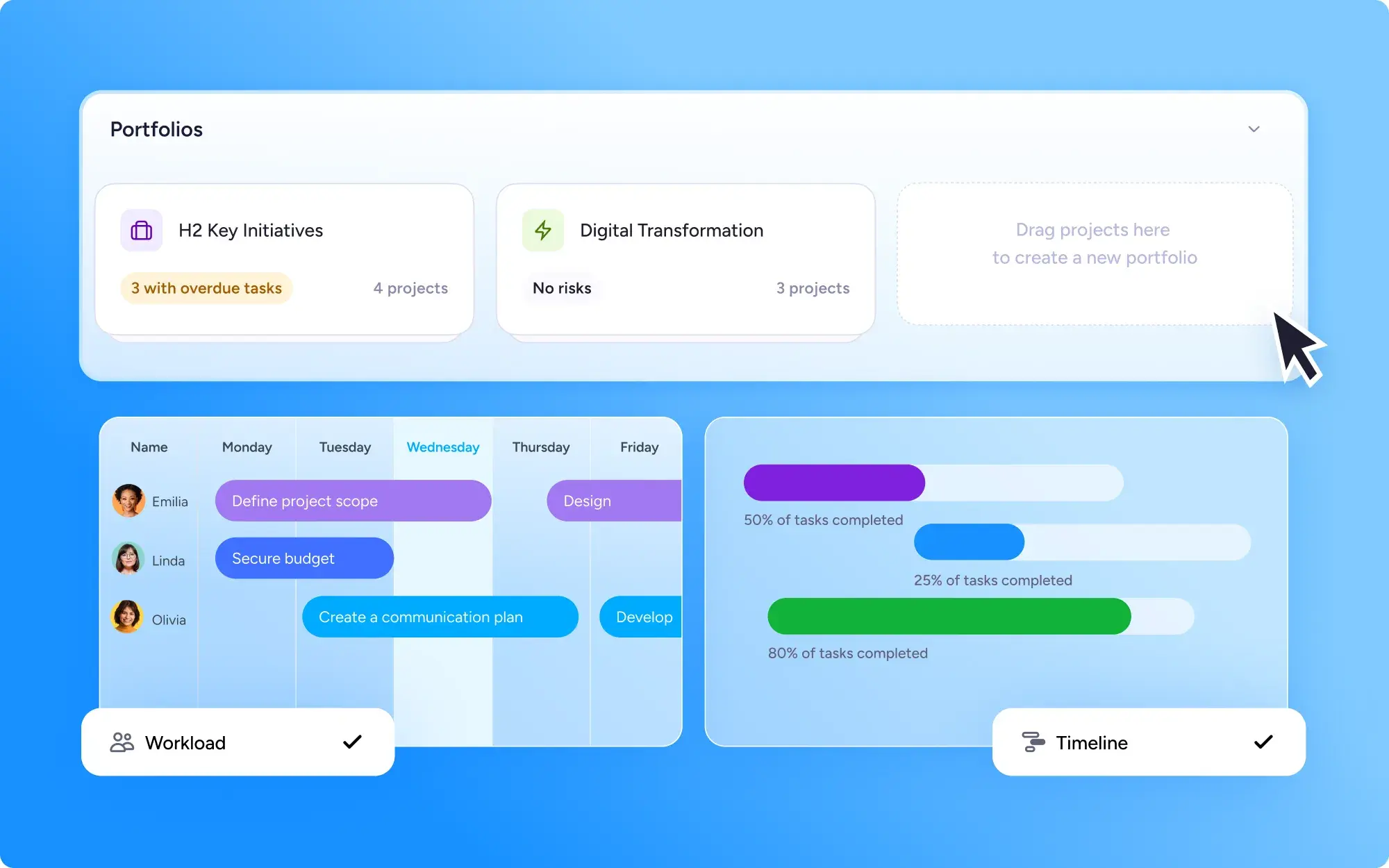
Portfolios bring related projects together into one view, so you can monitor progress, timelines, and team workload across everything at once. Create portfolios to report on different teams, workstreams, clients or departments.
See your projects from every angle
Every portfolio comes with more than one way to look at your work:
List view — a clear, sortable overview of every project and its progress
Timeline view — see how projects overlap and spot scheduling clashes early
Workload view — check how work is spread across your team and rebalance before anyone's overloaded
Spot problems before they slow you down
Because everything sits in one place, bottlenecks and at-risk projects are easy to catch early — while there's still time to act.
Say the workload view shows one designer assigned to three overlapping projects at once. You can reassign a task to a teammate to make sure everything keeps moving. Or the timeline view reveals multiple deadlines landing in the same day or week. You can adjust the schedule or get support early, instead of getting caught up in a last-minute panic.
Who can use Portfolios
Portfolios are available on the Enterprise plan — built for teams managing several initiatives at once. Business plan users are limited to one portfolio per user.