Your ultimate project documentation software

Effortlessly manage your project documentation, tasks, and workflows with powerful AI features.

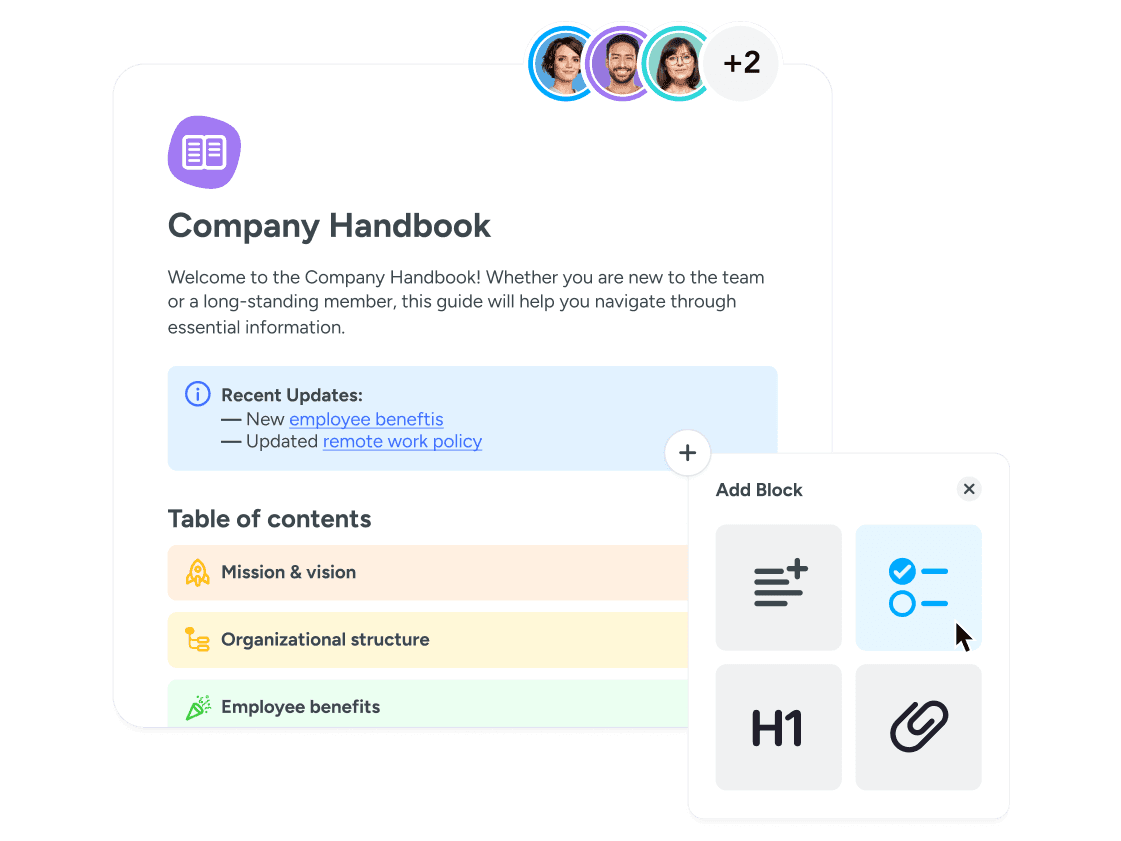
  • Notify team members of changes and track every detail of every project in real time.

  • Use a project documentation tool that makes teamwork easier, faster, and better.

  • Unleash the power of both with extra AI search and writing features for the price of one!
image
vector image
image
vector image
image
image

Trusted by 10,000+ companies worldwide.

vector image
vector image
vector image
vector image
vector image
vector image
vector image
vector image
vector image
vector image
vector image
vector image
vector image
vector image
vector image
vector image
vector image
vector image
vector image
vector image
vector image
vector image
vector image
vector image
vector image
vector image
vector image
vector image

What makes a good project documentation tool?

Project documentation is the written material in your projects. It provides information and context that stakeholders in your project need to work effectively. A good project documentation software can:

vector image

Keep everyone on your project well-informed and aligned.

vector image

Improve team communication and boost productivity.

vector image

Reduce project risks and ensure secure operations.

image

Streamlined project documentation

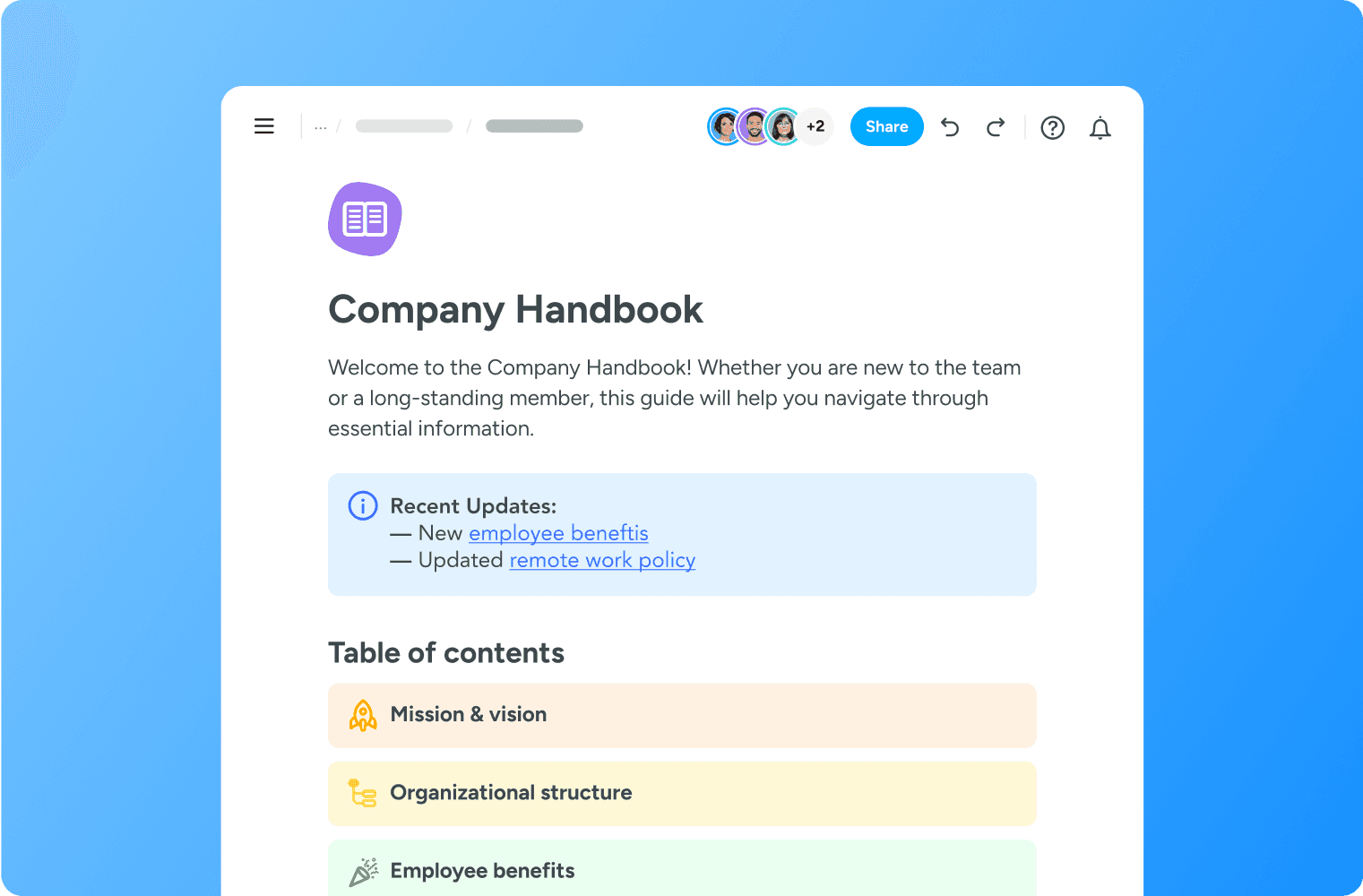
Our intuitive interface allows you to edit, organize, and share all your Notes in one place. Keep your team aligned and informed at every stage of your project effortlessly.

  • Centralized documentation: Keep all your project-related information in one place for easy access and management.

  • Customizable templates: Utilize our pre-built templates to kickstart your project documentation, ensuring consistency and professionalism.

  • Collaborative editing: Work together with your team in real-time, making updates and sharing insights seamlessly.

Powerful task management

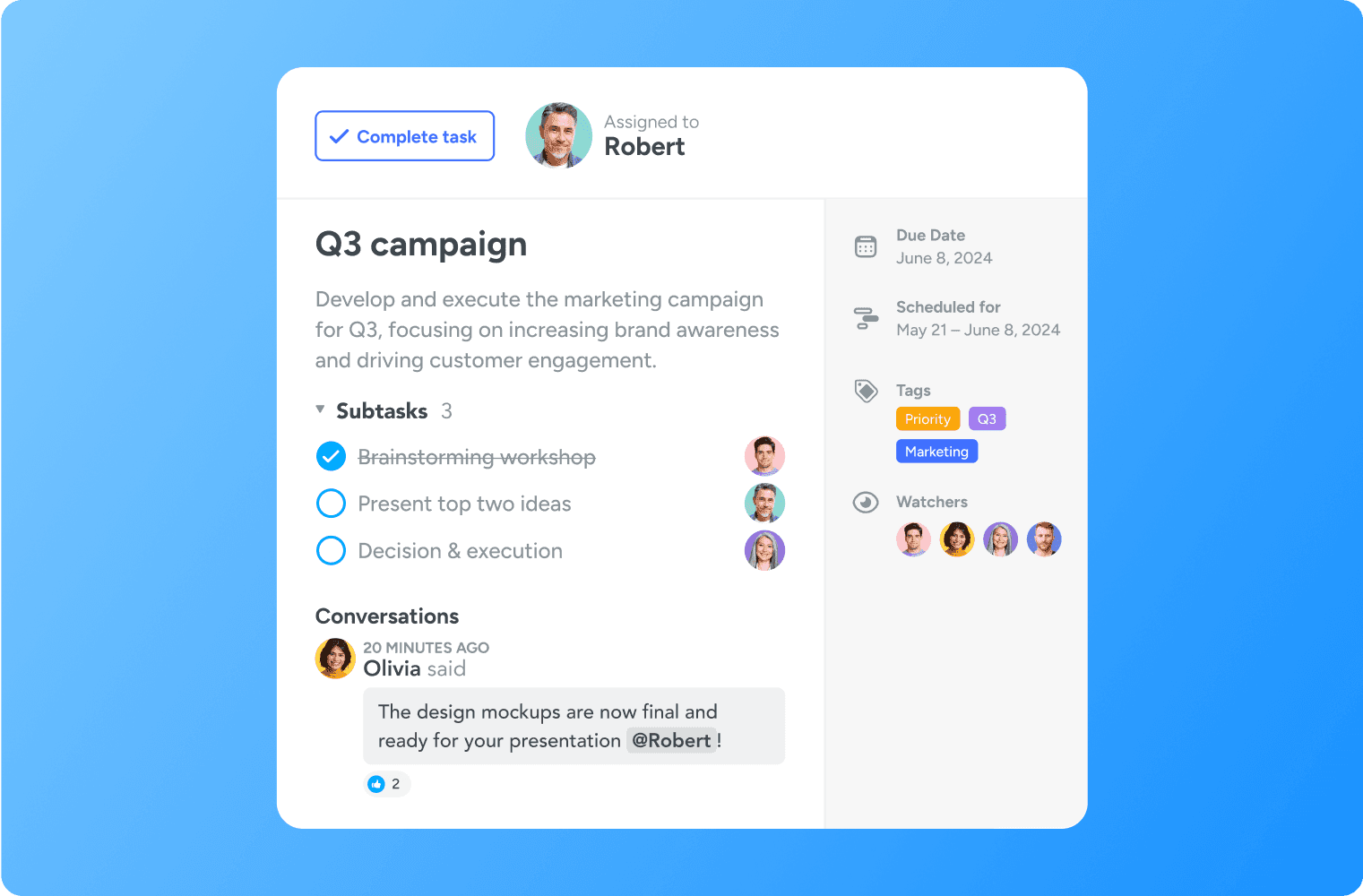
MeisterTask goes beyond documentation, offering robust task management features to help you keep track of all your project activities.

  • Kanban boards: Visualize your workflow with our dynamic kanban boards, enabling you to monitor progress and identify bottlenecks quickly.

  • Task automation: Automate repetitive tasks and streamline your workflow with customizable automation features.

  • Time-tracking: Monitor the time spent on tasks to ensure efficient project management and accurate reporting.

image
vector image

AI for enhanced productivity

Enhance your project documentation with the Meister AI search & writing assistant. This feature helps you find answers and create well-structured documents quickly.

  • Enhanced search: Quickly locate documents, tasks, and information with advanced search capabilities.

  • Smart suggestions: Receive intelligent suggestions for improving your content’s clarity and coherence.

  • Grammar & style checks: Ensure your notes and documents are error-free and professionally written.

security icon

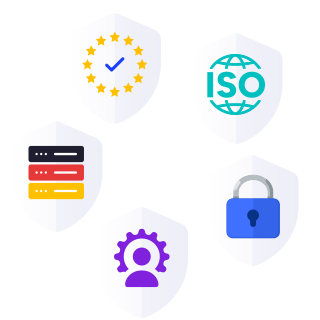
Une sécurité digne des entreprises

En tant que partenaire de confiance pour votre transition digitale, nous nous engageons à vous fournir une plateforme sécurisée et fiable afin que vous puissiez gérer votre travail quotidien en toute confiance.

  • Certification ISO 27001

  • Conformité totale au RGPD

  • Hébergement en Allemagne

  • Contrôles administratifs

  • Les meilleures pratiques en matière de sécurité

Learn more
vector image

"Au-delà de son interface utilisateur intuitive, l'emplacement des serveurs de MeisterTask a été un facteur décisif pour nous. La sécurité de nos données est une priorité absolue. Avec MeisterTask, nous savons que nos données sont stockées en Allemagne et protégées par des mesures de sécurité et de confidentialité rigoureuses."

imageKE
Katja EschResponsable de projet informatique, LBBW
Lire le témoignage complet du client
vector image

"Les résultats parlent d'eux-mêmes. Passer à MeisterTask nous a permis de gagner jusqu'à 4 heures par semaine et d'augmenter la rétention des connaissances de 40 %."

imageCM
Christian MüllerFondateur
vector image

"MeisterTask est la solution idéale pour organiser notre équipe dispersée. Nos collègues qui travaillent à 100 % à distance peuvent facilement suivre les progrès grâce au cloud computing de MeisterTask, à ses tableaux Kanban faciles à utiliser et à son application mobile pratique."

imageJI
Jana IngendahlPDG, Ingdiligenz
Lire le témoignage complet du client

How Notes in MeisterTask work

vector image

Build content

Quickly add preformatted content blocks to your page, like headings, bullet lists and info boxes. With the styling covered, you can focus on refining your message.

vector image

Write with AI

Need to move quickly or looking for inspiration? Ask MeisterAI to write copy from scratch, from blog posts and emails to internal guides.

vector image

Add Tasks

Link your document to an existing or new Task in a project. This builds context for your key stakeholders and helps them stay up to date on project progress.

vector image

Embed media

Create engaging documents for your team by adding in mixed media, including Google Sheets, Looms and YouTube videos.

vector image

Ask MeisterAI

Quickly navigate your entire knowledge base by asking MeisterAI questions about specific topics, team documents and more.

vector image

Invite guests

Beyond inviting your team to your workspace, you can invite external collaborators as guests. They’ll only have access to what you decide.

Bring teamwork online for good with MeisterTask – your new project documentation software.