Trusted by 10,000+ companies worldwide:


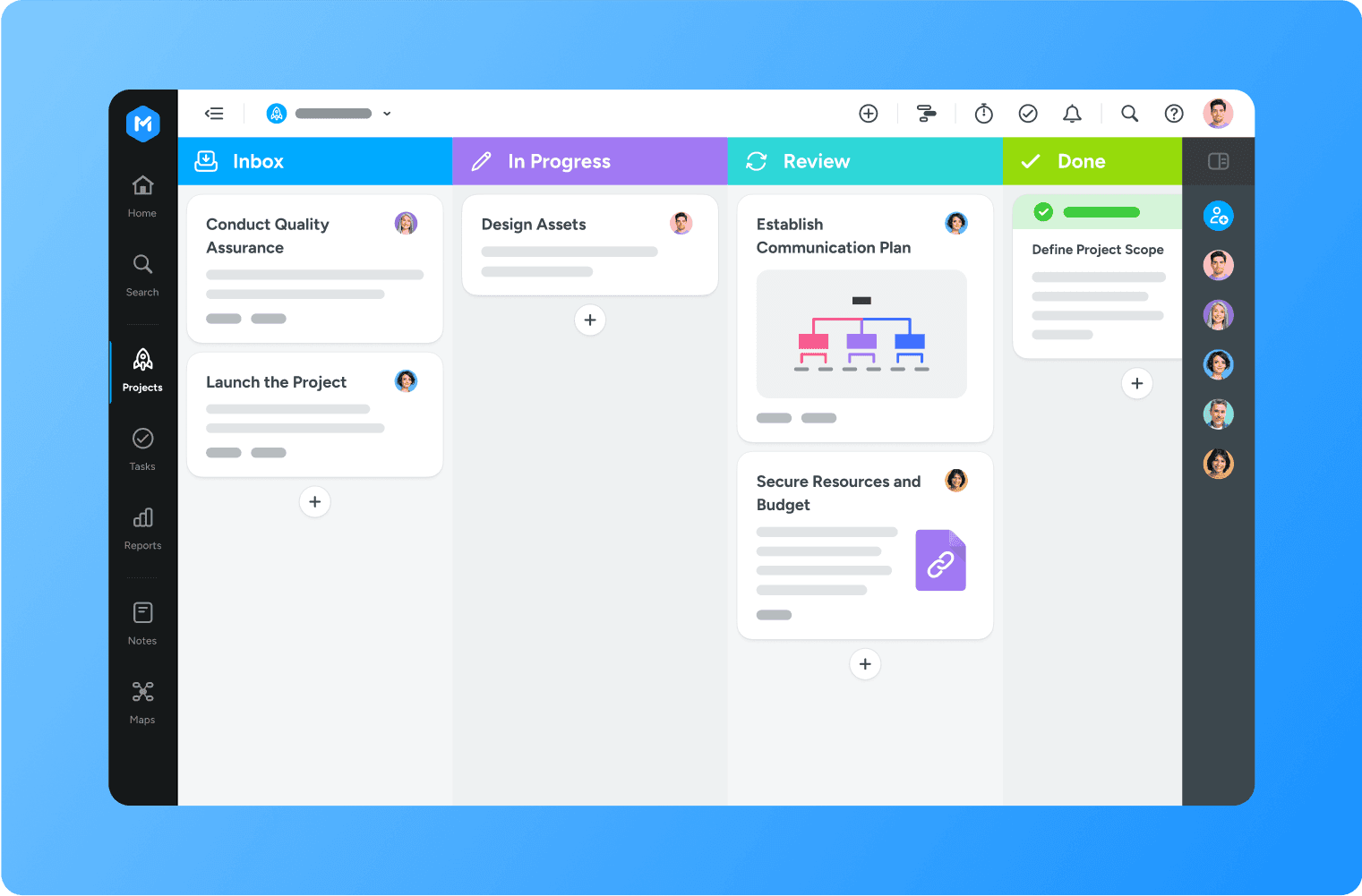
Improve transparency
Get a clear overview of all your team’s work, from to do to done. See task owners, due dates and statuses at a glance.
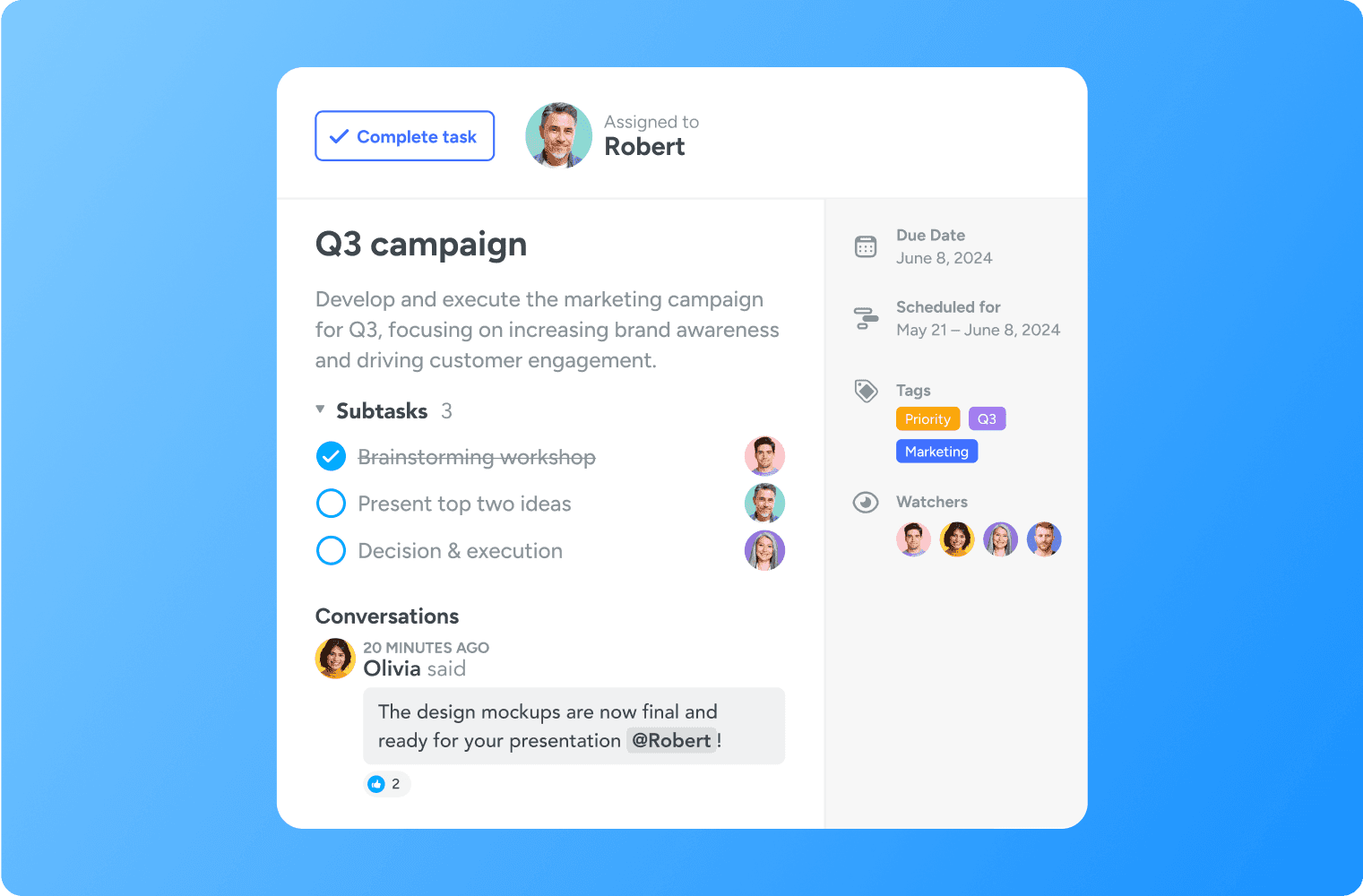
Stay aligned
Leave feedback or comments directly on tasks. Tag team members to keep them updated.
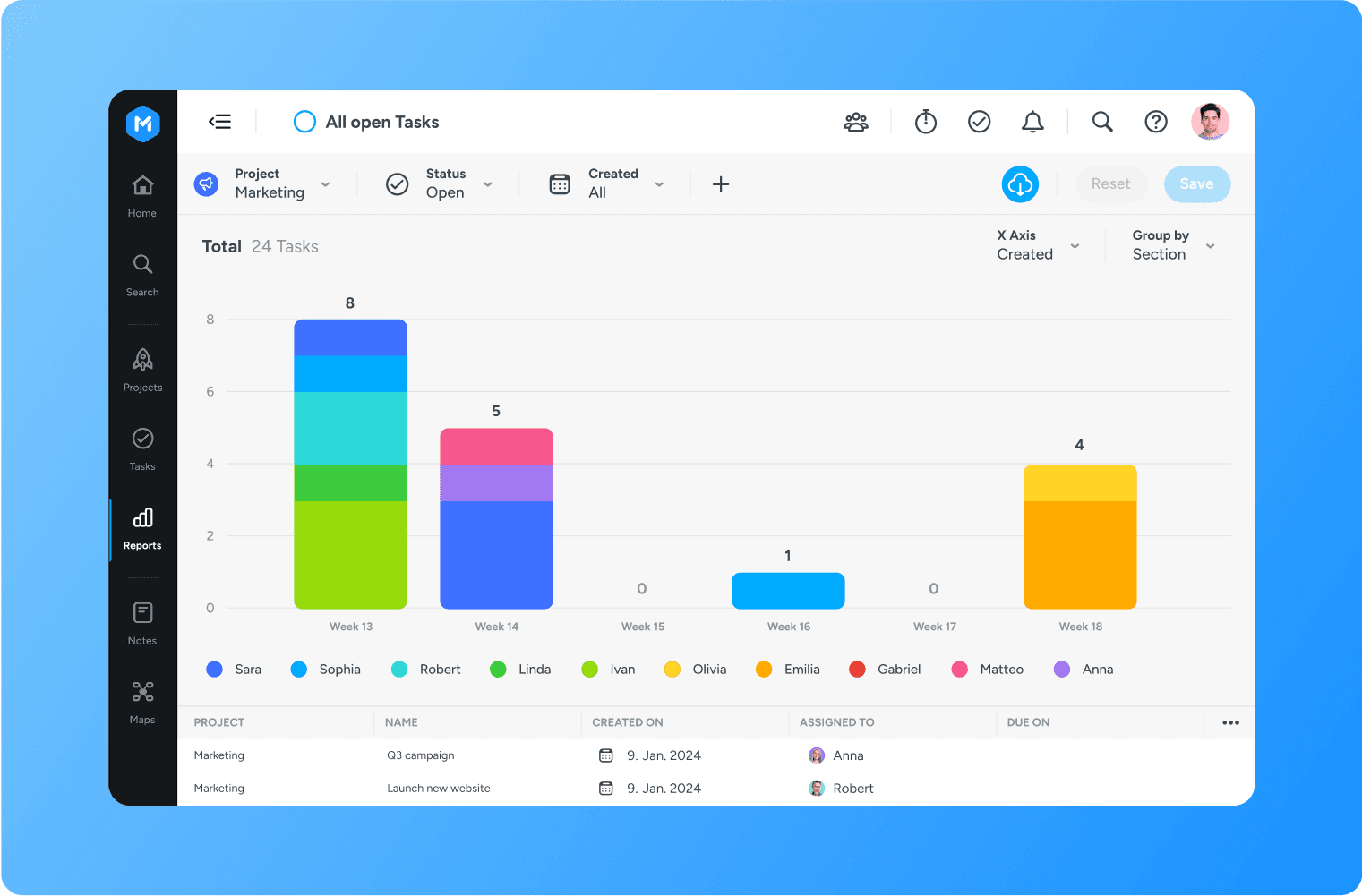
Identify bottlenecks
If tasks start piling up in one column, you can spot it easily and take action fast.
Why a digital kanban board beats spreadsheets
Spreadsheets get out of date the moment you stop updating them. A kanban tool stays current automatically as tasks move, comments get added, and team members tag each other for feedback.

Custom sections
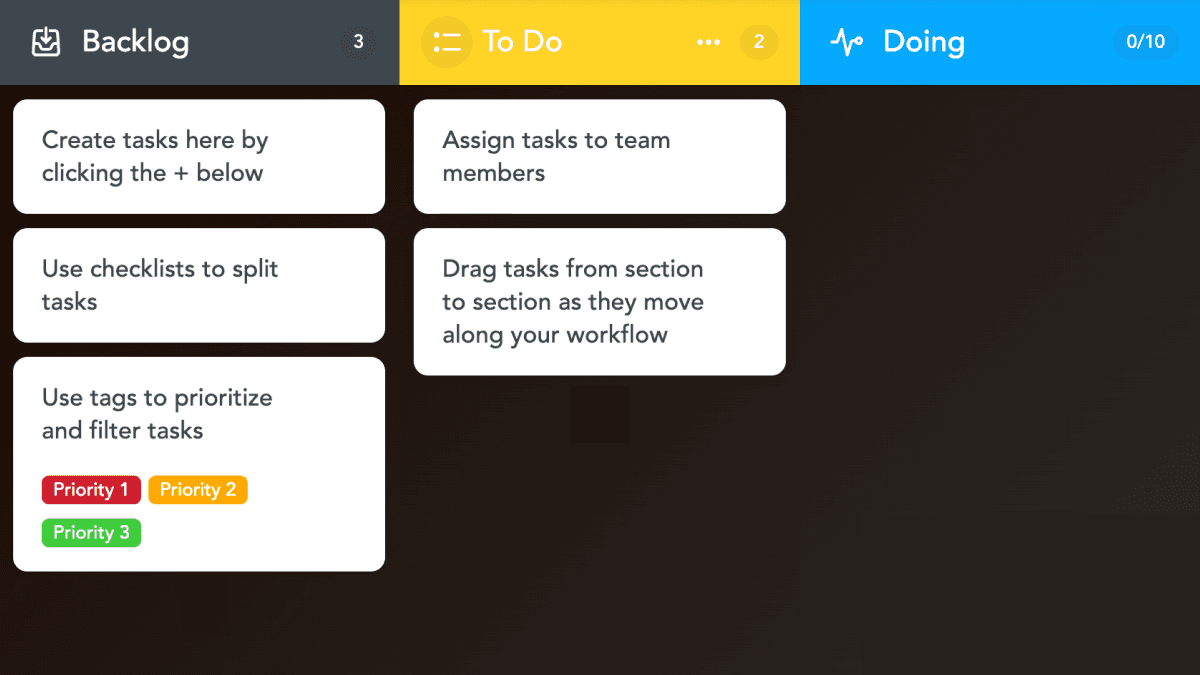
Drag and drop tasks through columns that match your team's workflow, from a simple To do, Doing, Done to multi-step approval flows.

Task checklists
Create checklists so nothing slips through the cracks during a handoff. Save and reuse as needed.

Color-coded tags
Sort and filter tasks by priority, project, or anything else that matters to your team.

WIP limits
Cap the number of tasks in any column so your team finishes what's started before taking on more.

Automations
Set rules once and let the board run itself, like reassigning tasks when they move into review.

Discussions
Keep feedback, files and decisions on the task instead of buried in email threads.
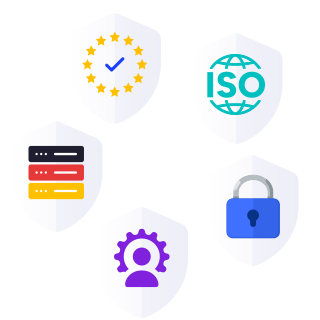
Segurança em nível corporativo
Como seu parceiro de confiança na digitalização, temos o compromisso de oferecer uma plataforma segura e confiável para que você possa gerenciar seu trabalho diário com tranquilidade.
Certificação ISO 27001
Em total conformidade com o GDPR
Hospedagem na Alemanha
Controles administrativos
Melhores práticas de segurança
Set up your team’s online kanban board in 3 steps
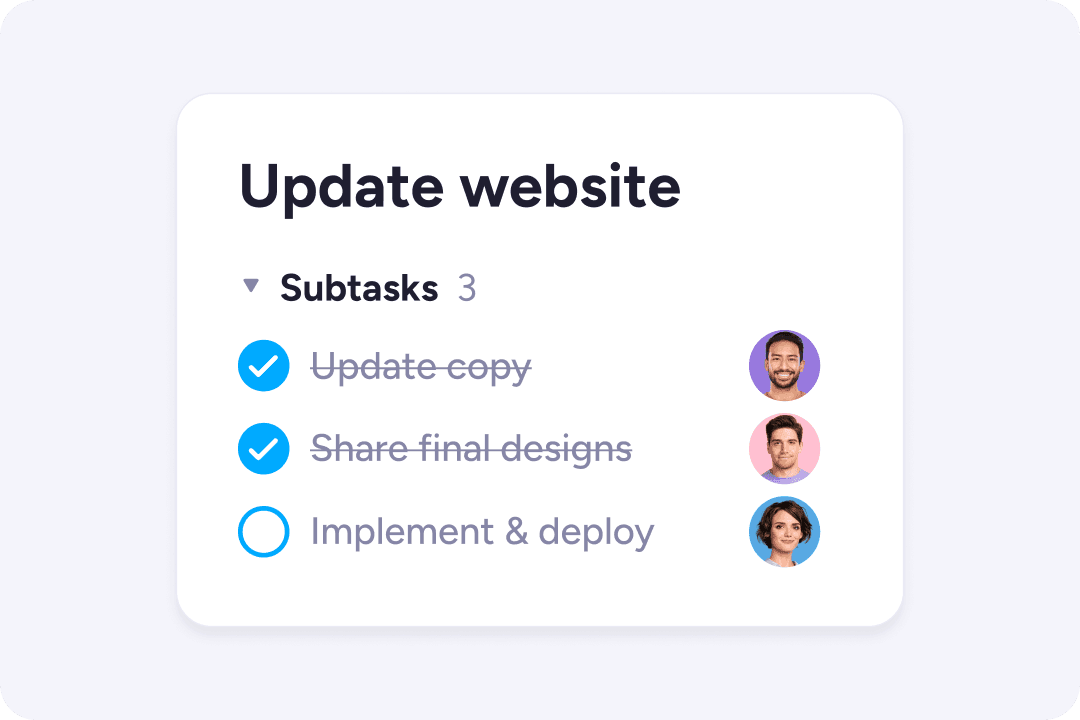
1. Create tasks
Split your project up into individual tasks. Add task details and due dates.
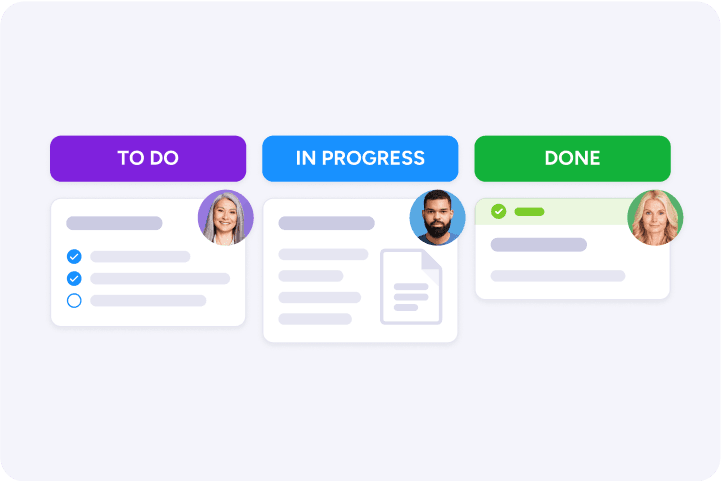
2. Customize sections
Each section represents a step in your workflow, such as To Do, Doing, Done.
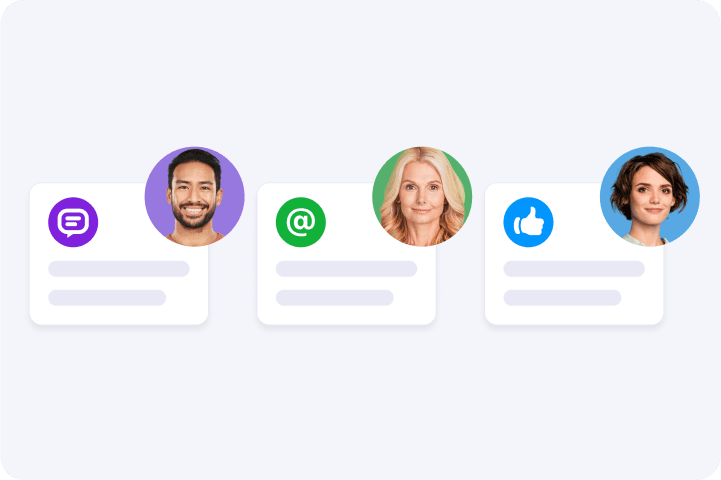
3. Invite your team
Share your Kanban board with team members and assign them to tasks.
Kanban board templates for every team
Pick a kanban board template that matches how your team works, then customize as you go. There's a kanban template for almost any workflow.
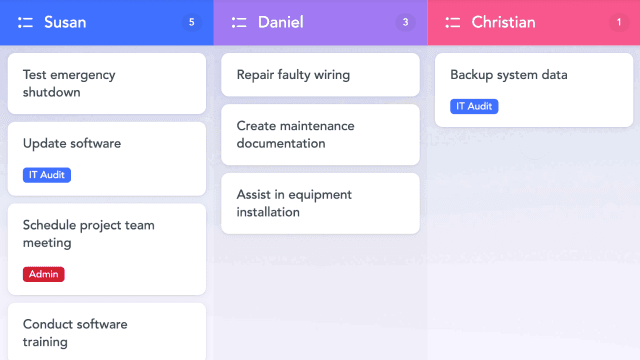
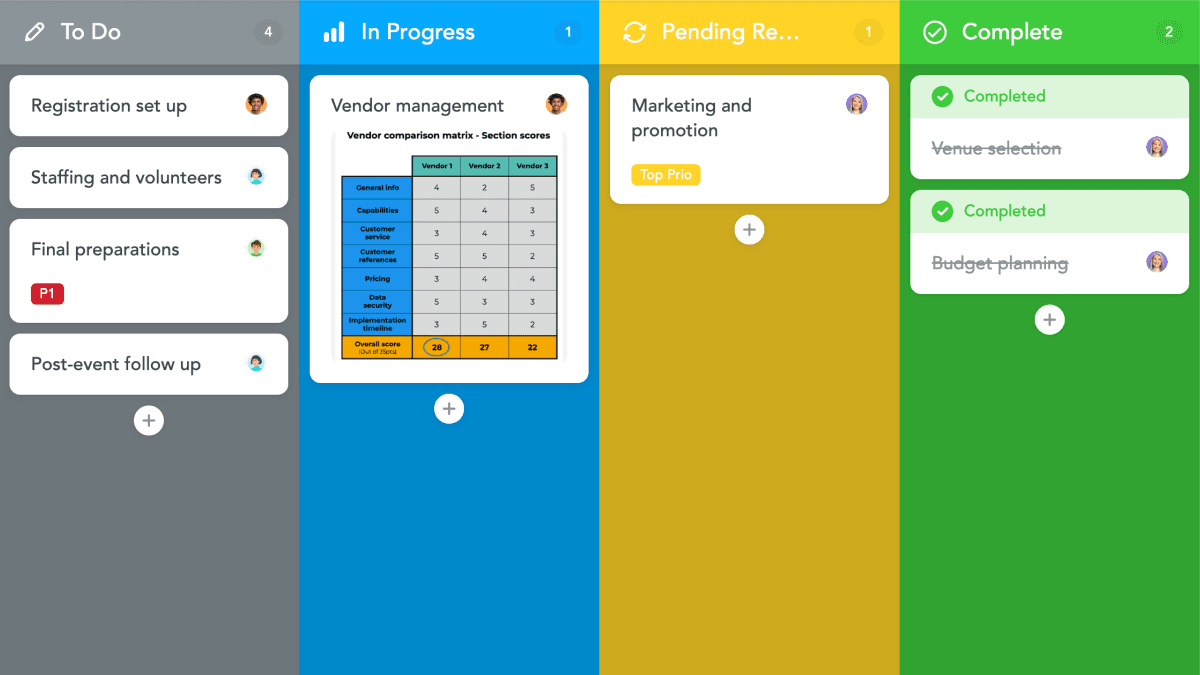
Event planning template
Organize all the tasks involved in coordinating an event without losing track of anything.
Connect to the tools that help you get work done


From Calendars and Google Sheets, to a Zapier integration that syncs with favorites like Salesforce, JIRA, Hubspot and more.
Explore integrationsKanban board FAQ
A kanban board is a visual way to manage work. Tasks appear as cards in columns, and each column represents a step in your workflow. As tasks move from left to right, the whole team can see what's coming, what's in progress, and what's done.
Yes. MeisterTask's Basic plan is free with no time limit, and lets you create up to 3 projects and unlimited tasks. Paid plans unlock unlimited projects, subtasks, automations, time tracking, reports, and admin controls. Compare plans
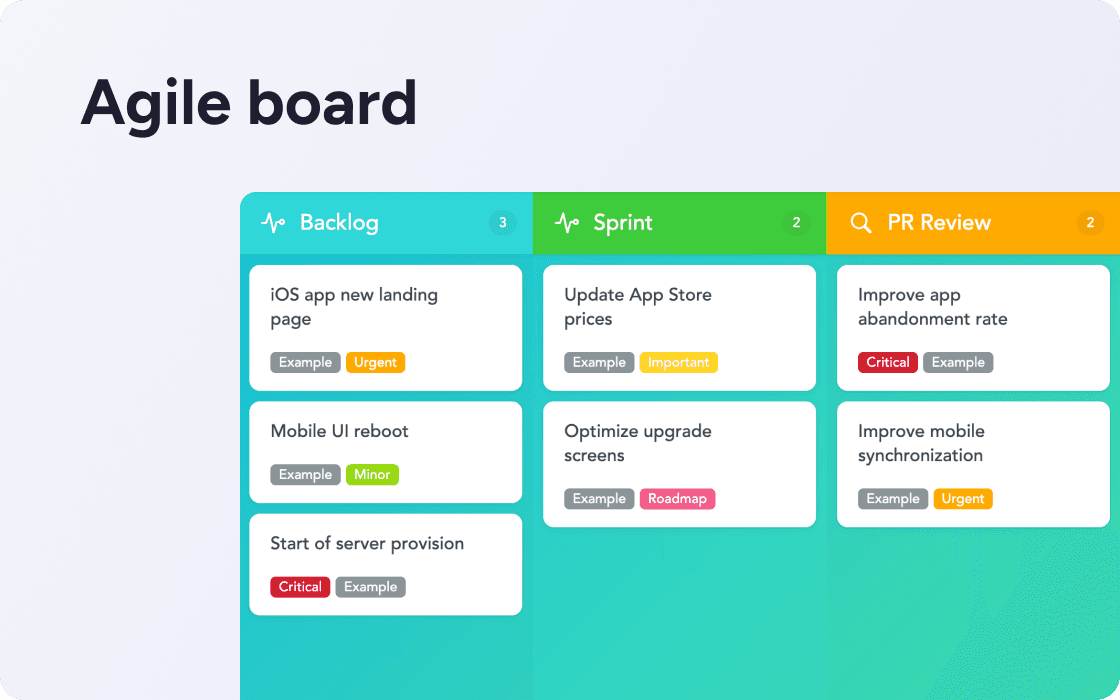
Yes. MeisterTask has a library of kanban board templates covering marketing, operations, software development, agile sprints, and more. Pick one, customize it for your team, and start in minutes. See all templates
A digital kanban board is a kanban board you use online instead of on a physical wall. The principle is the same: tasks move through columns. The advantage is that everyone can see and update the board from anywhere, automated reminders happen on schedule, and reports show how work is flowing.
Most kanban boards have five elements: workflow columns (the stages tasks move through), cards (the tasks themselves), WIP limits (a cap on how many tasks can be in any column at once), explicit policies (clear rules for when a task moves), and feedback loops (regular reviews to improve how the board works). MeisterTask covers all of these.
Kanban is a continuous flow of work. Tasks move through columns whenever they're ready, with no fixed time limits. Scrum runs in sprints: fixed time periods, usually one or two weeks, where the team commits to a defined set of work and reviews at the end. Many teams blend both. Read more about kanban vs. scrum
Yes. MeisterTask is available as a mobile app for iOS and Android, so your team can update boards, comment on tasks, and check progress from anywhere.
Yes. MeisterTask is fully GDPR-compliant, ISO 27001 certified, and hosted in Germany. It meets the data protection standards required by teams in the public sector, finance, manufacturing, and other regulated industries.