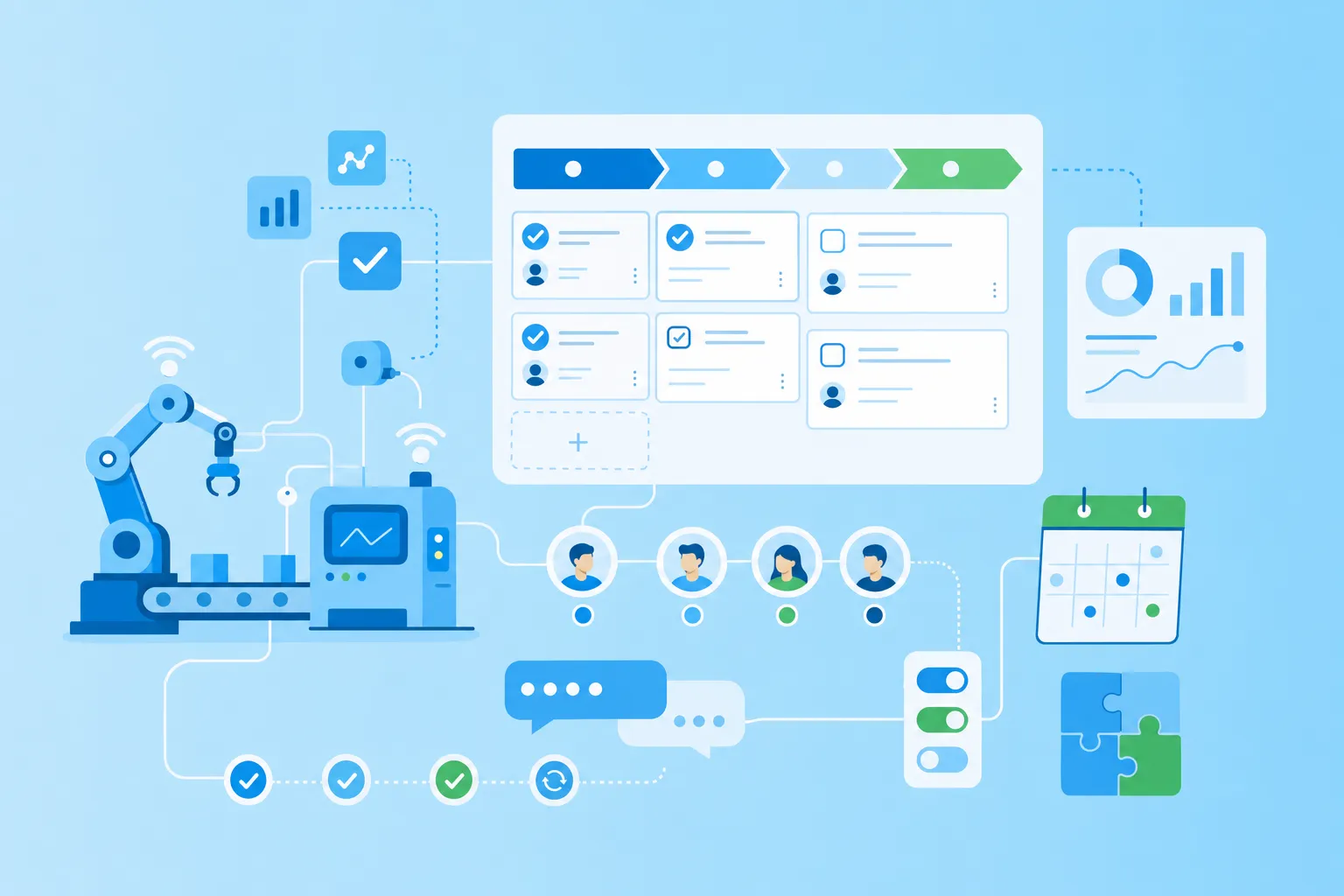

Qu'est-ce que la gestion des tâches ?
La gestion des tâches est la planification, la coordination et le suivi structuré des tâches au sein d'un processus ou d'un projet — le fondement du travail des équipes productives.
La gestion des tâches (aussi appelée organisation des tâches) désigne la planification, la coordination et le contrôle structuré des tâches au sein d'un flux de travail ou d'un projet. L'objectif : maintenir la visibilité, fixer les bonnes priorités et répartir efficacement les tâches entre les membres de l'équipe.
De quoi se compose une tâche ?
Une tâche doit inclure quelques éléments essentiels :
Titre — un nom clair et descriptif
Description — tout le contexte pertinent
Responsable — qui est en charge
Échéance — une date limite
Statut — ex. : à faire, en cours ou terminé
Sous-tâches ou listes de contrôle — pour décomposer le travail si nécessaire
Comment la gestion des tâches diffère-t-elle de la gestion de projet ?
La gestion des tâches et la gestion de projet sont liées, mais diffèrent en portée. Tandis que la gestion des tâches se concentre sur des tâches individuelles et des flux de travail, la gestion de projet couvre l'ensemble du cycle de vie d'un projet — de la planification à la livraison. La gestion des tâches est un composant de la gestion de projet ; les deux fonctionnent mieux ensemble.
Les défis courants de la gestion des tâches
Quand les tâches ne sont pas clairement structurées, même les routines les plus simples deviennent difficiles à gérer.
La surcharge causée par des priorités floues
Quand tout semble également urgent, l'auto-organisation s'effondre. Les tâches sont commencées mais pas finies. Les travaux critiques sont oubliés ou dupliqués. Résultat : stress croissant et productivité en baisse.
Des listes de tâches chaotiques sans système
Beaucoup de personnes utilisent des notes manuscrites, des tableurs ou des listes numériques disparates pour gérer leur travail — mais ces outils ne passent pas à l'échelle. Sans vue centrale, les sous-tâches, les échéances et les responsabilités passent à travers les mailles.
Trop d'outils déconnectés
Les équipes utilisent souvent plusieurs outils qui ne communiquent pas entre eux — e-mails, calendriers, tableurs, chats. Une solution numérique de gestion des tâches regroupe tout en un seul endroit.
Pourquoi une bonne gestion des tâches booste la productivité
Quand les tâches sont planifiées, priorisées et assignées de façon structurée, les équipes livrent dans les délais et avec moins d'erreurs.
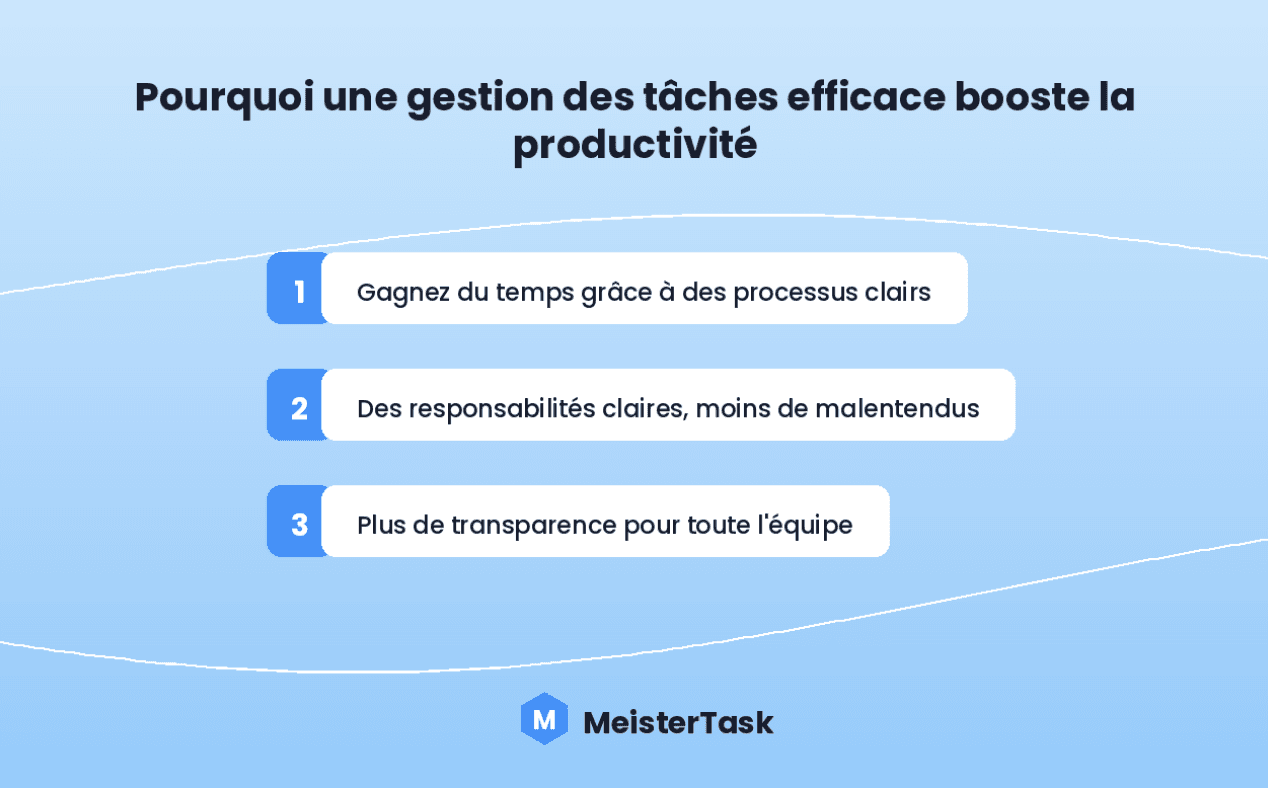
Gagner du temps grâce à des processus clairs. Sans gestion structurée, les équipes perdent du temps à chercher des informations, à clarifier les responsabilités ou à répéter des étapes.
Des responsabilités claires, moins de malentendus. Les bons outils de gestion des tâches permettent d'assigner le travail clairement — chacun sait de quoi il est responsable, sans chevauchements.
Plus de transparence dans l'équipe. Avec une bonne gestion des tâches, tout le monde peut voir ce qui se passe — qui travaille sur quoi, ce qui est terminé et ce qui vient ensuite.
Méthodes de gestion des tâches : laquelle vous convient ?
Six méthodes éprouvées — chacune avec ses forces et ses cas d'usage.
Kanban : visualisez le travail et restez flexible
La méthode Kanban est simple mais puissante. Les tâches sont réparties en colonnes comme « À faire », « En cours » et « Terminé ». Avec le tableau Kanban de MeisterTask, vous organisez les tâches visuellement, utilisez un code couleur et ajoutez des commentaires, des pièces jointes ou des listes de contrôle.
Scrum : planification itérative en sprints
Le Scrum est une méthode agile où le travail est divisé en blocs de temps focalisés appelés « sprints », chacun avec un objectif clairement défini. Des réunions quotidiennes de stand-up suivent l'avancement. Découvrez nos 5 modèles de gestion des tâches pour un sprint.
La matrice d'Eisenhower : urgent vs. important
 Le principe d'Eisenhower vous aide à prioriser en divisant les tâches en quatre catégories : urgent et important, important mais pas urgent, urgent mais pas important, et ni urgent ni important.
Le timeboxing : des créneaux fixes pour plus de concentration
Avec le timeboxing, vous définissez un créneau de temps spécifique pour chaque tâche — par exemple, 25 minutes suivies d'une courte pause. Cela évite que les tâches ne s'éternisent.
Les objectifs SMART : de la clarté dès le départ
La méthode SMART vous aide à définir des tâches Spécifiques, Mesurables, Atteignables, Réalistes et Temporellement définies. Des objectifs clairs signifient des attentes plus claires et un meilleur alignement de l'équipe.
Getting Things Done (GTD) : videz votre tête
Le GTD vous encourage à capturer toutes vos tâches, idées et engagements dans un système externe plutôt que de les gérer mentalement. En révisant, catégorisant et planifiant régulièrement, vous gardez un contrôle total sur votre charge de travail.
[IMAGE : Diagramme de la matrice d'Eisenhower avec les quatre quadrants]
Prioriser les tâches : comment décider ce qui vient en premier
Prioriser les tâches est l'une des compétences les plus impactantes en gestion des tâches — et l'une des plus négligées.
Quand tout semble urgent, la priorisation fournit le filtre nécessaire. Sans elle, les équipes ont tendance à traiter la demande la plus récente plutôt que la plus importante.
Trois approches pratiques de priorisation :
La matrice d'Eisenhower — sépare les tâches en quatre quadrants selon l'urgence et l'importance. Les tâches dans le quadrant « important mais pas urgent » sont les plus souvent négligées et les plus stratégiquement précieuses.
Les tags avec code couleur — dans MeisterTask, vous pouvez attribuer des tags colorés aux tâches selon leur niveau de priorité. Un système de couleurs cohérent (rouge = critique, jaune = moyen, vert = faible) donne à toute l'équipe des signaux visuels immédiats.
La règle 1-3-5 — planifiez de réaliser 1 grande tâche, 3 moyennes et 5 petites par jour. Cela évite la situation courante d'un agenda chargé avec un sentiment d'improductivité.
Les cinq principes d'une gestion des tâches réussie
Une gestion des tâches efficace repose sur quelques principes essentiels.
1. Priorisation : concentrez-vous sur ce qui compte vraiment
Des priorités claires vous aident à diriger votre temps et votre énergie là où ils sont le plus nécessaires.
2. Documentation : centralisez les informations
La gestion des tâches ne fonctionne que si les informations pertinentes sont toujours accessibles — y compris le contexte, les fichiers, les liens, les commentaires et les décisions.
3. Planification : structurez votre travail de façon réaliste
Une bonne gestion des tâches commence par une planification intelligente — définir clairement les tâches, fixer des délais réalistes et établir des objectifs atteignables.
4. Suivi : rendez les progrès visibles
Sans suivi, il est facile de perdre le fil. Un bon outil de gestion des tâches vous donne une vue claire : ce qui est terminé, ce qui est en cours, ce qui est en retard. Pour les équipes avec planification de sprint, le suivi est particulièrement important.
5. Visualisation : simplifiez le complexe
Visualiser vos tâches — qu'il s'agisse d'un tableau Kanban, d'un diagramme de Gantt ou d'une vue chronologique — vous aide à identifier rapidement les dépendances entre tâches et les goulots d'étranglement potentiels.
[IMAGE : Visualisation des cinq principes de gestion des tâches]
La gestion des tâches en pratique
Pour les individus et les équipes
Les individus bénéficient de structures et de routines claires. Dans un contexte d'équipe, des exigences supplémentaires s'ajoutent : des responsabilités transparentes, une vue partagée des progrès et une coordination fluide.
Travail à distance et équipes hybrides
Quand votre équipe est répartie géographiquement, un outil numérique de gestion des tâches garantit que tout le monde a accès aux dernières tâches, échéances et responsabilités — où qu'ils se trouvent.
MeisterTask : la gestion des tâches pour la planification visuelle et des flux de travail efficaces
Avec MeisterTask, vous gérez vos tâches de façon structurée, visuelle et efficace. La plateforme offre :
Des tableaux Kanban pour une vue visuelle claire
L'attribution des tâches avec rôles et permissions
Une vue chronologique pour une meilleure planification
Des listes de contrôle, échéances et tags pour rester organisé
Un hébergement cloud conforme au RGPD en Allemagne
FAQ | Questions fréquentes sur gestion des tâches
La gestion des tâches est le processus structuré de planification, d'attribution, de suivi et d'achèvement des tâches au sein d'un flux de travail ou d'un projet. Elle donne aux équipes de la clarté sur qui fait quoi, pour quand et dans quel ordre de priorité.
La gestion des tâches se concentre sur des tâches individuelles et les flux de travail quotidiens. La gestion de projet couvre l'ensemble du cycle de vie d'un projet — de la définition du périmètre à la livraison. La gestion des tâches est un composant de la gestion de projet.
Les méthodes les plus utilisées sont Kanban, Scrum, la matrice d'Eisenhower, le timeboxing, les objectifs SMART et le GTD. La meilleure méthode dépend du flux de travail de votre équipe — beaucoup combinent des éléments de plusieurs approches.
Commencez par séparer l'urgent de l'important avec la matrice d'Eisenhower. Utilisez des tags avec code couleur dans votre outil de gestion des tâches. Appliquez la règle 1-3-5. Révisez les priorités au moins une fois par semaine.
Recherchez : une interface visuelle claire (tableaux Kanban), une attribution facile des tâches avec rôles et échéances, une collaboration en temps réel, une intégration avec les outils existants de votre équipe et une sécurité des données robuste. MeisterTask est conforme au RGPD avec un hébergement en Allemagne.