
What is a workflow management app?
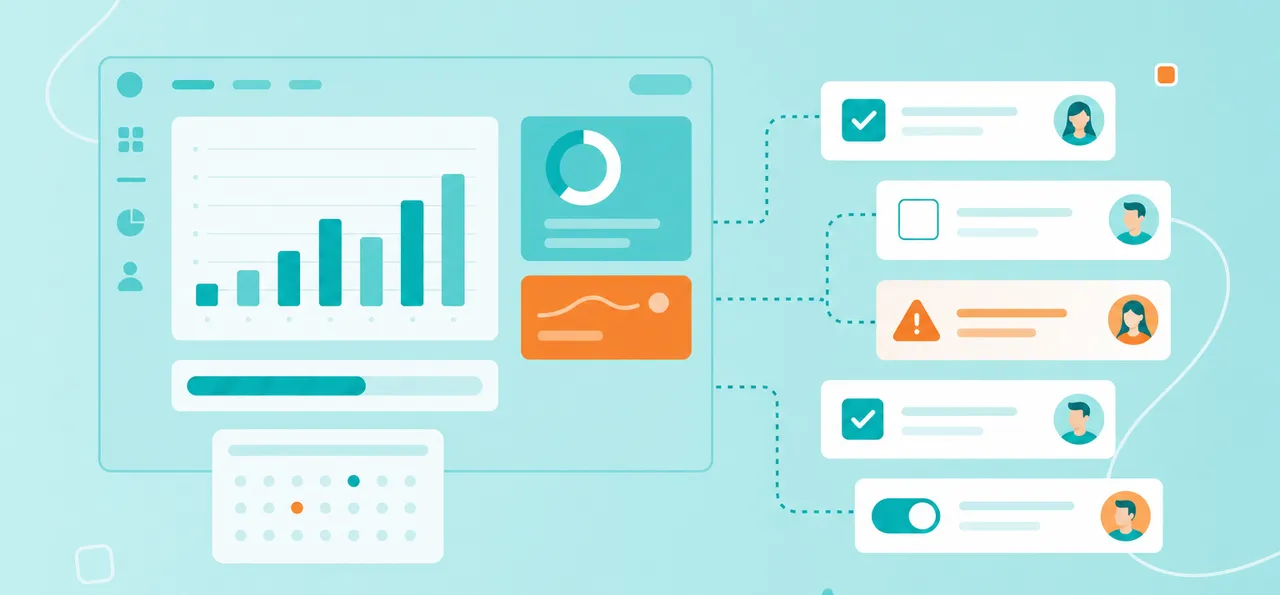
A workflow management app is a digital tool that helps teams organize, track and complete their work from start to finish. Think of a workflow as a recipe — it's a series of steps that happen in a specific order to get something done. Whether you're approving a budget, onboarding a new employee or publishing a blog post, workflow management software turns these processes into visual, trackable systems.
These apps act as a central hub where everyone on your team can see:
Visual organization: All work laid out in boards, lists or timelines
Task tracking: Who's doing what, when it's due and current status
Collaboration: Comments, files and updates in one place
Automation: Repetitive tasks that happen without manual effort
Unlike a personal to-do list app, workflow apps are built for teams working together. They replace the chaos of email threads, sticky notes and "who's doing what?" meetings with organized processes everyone can follow.
Essential Features to Look for in Workflow Management Software
Not all workflow apps work the same way. Knowing which features matter helps you pick the right tool for your team.
Core features that make a difference:
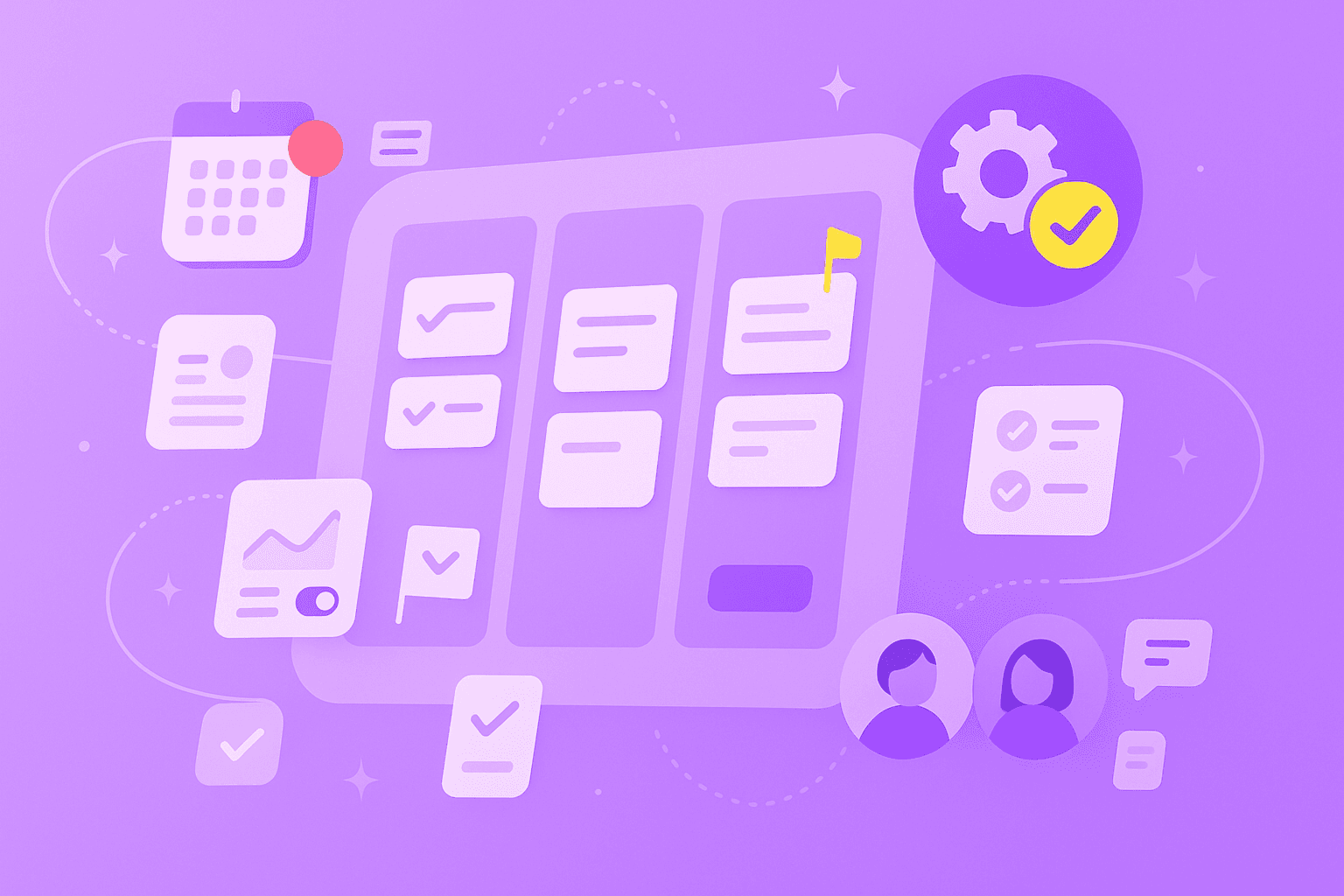
Kanban boards: Visual columns (like "To Do," "In Progress," "Done") that show work status at a glance
Automation: Rules that assign tasks, send reminders and update statuses automatically
Templates: Pre-built workflows for common processes like employee onboarding or content approval
Mobile access: Apps that work on phones and tablets for updates anywhere
Custom fields: Add priority levels, departments or budget codes specific to your work
Integrations: Connect to tools you already use like Slack, Google Drive or Microsoft Teams
Permissions: Control who sees and edits different projects
Beyond features, think about how the app workflow scales. Can it handle 50 team members as smoothly as five? Does the price jump dramatically when you add users? Are you limited to 10 projects when you really have 100?
For teams in regulated industries — public sector, finance and manufacturing — data privacy matters. Look for GDPR compliance, ISO 27001 certification and servers hosted in regions that match your requirements.
Why Teams Need a Workflow Management Application
Remote and hybrid work changed how teams collaborate. Without everyone in the same office, coordination gets messy fast.
Team members duplicate efforts because they can't see what others are doing. Managers discover problems only after deadlines pass.
A workflow management application fixes these coordination headaches:
Real-time updates: Changes appear instantly for everyone, regardless of time zone
Transparency: See exactly what's happening without scheduling another meeting
Async collaboration: Move work forward without everyone being online together
Centralized communication: Discussions, files and decisions stay with the relevant task
Security matters too, especially for teams handling sensitive data. ISO 27001 certification and GDPR compliance mean your information stays protected while your team collaborates from anywhere.
Eight Workflow Apps We Recommend for Teams
We've selected these eight apps based on what actually helps teams work better: ease of use, helpful features, strong security and fair pricing.
1. MeisterTask
MeisterTask combines powerful features with an interface people actually want to use. Built for teams who value both simplicity and security, it offers Kanban-style project boards, built-in automation, and collaborative notes to keep documentation right alongside your workflows.
Security-conscious teams appreciate that MeisterTask is ISO 27001 certified and GDPR compliant, with servers hosted in Germany. It integrates smoothly with everyday tools like Slack, Microsoft Teams and Google Drive. The platform works well whether one person starts using it and gradually brings in their team, or an entire department adopts it at once. Free plans support small teams, with paid plans starting at a reasonable monthly rate per user.
2. Airtable
Airtable feels like a spreadsheet but works like a database. Teams can view their work as grids, calendars, kanban boards or galleries. The platform excels at handling complex projects with lots of moving parts through powerful filtering and grouping options. Form builders collect information from external sources, while API access enables custom integrations. Free for up to five users, paid plans start at $20/user/month.
3. Notion
Notion serves as an all-in-one workspace where teams build custom workflows using blocks and templates. The flexible page structure supports nested content, while database views include table, board and timeline options. Real-time collaboration features comments and mentions, plus rich text editing with embedded media. Works especially well for startups and tech teams. Free for personal use, team plans from $8/user/month.
4. ClickUp
ClickUp offers extensive customization with 15+ view types including list, board, calendar and Gantt charts. Built-in time tracking and goal setting help teams measure progress. Each project can have custom statuses and workflows, while docs and whiteboards support planning. Best for teams wanting maximum features and customization. Free forever plan available, paid plans from $7/user/month.
5. Wrike
Wrike focuses on enterprise workflow management with robust reporting. Custom request forms create tasks automatically, while advanced analytics provide detailed insights. The platform includes proofing and approval workflows plus resource management views to balance workloads. Suited for larger teams with complex approval processes. Free for up to five users, paid plans from $9.80/user/month.
6. Smartsheet
Smartsheet brings spreadsheet familiarity to workflow management. The interface feels like Excel but adds automated workflows with conditional logic. Forms collect data while dashboards create executive reports. Popular with project managers who prefer spreadsheet formats. Plans start at $7/user/month with 30-day free trial.
7. Basecamp
Basecamp takes a simplified approach with six core tools per project: message boards, to-do lists, schedules, documents, group chat and check-in questions. The platform reduces feature overload while maintaining clarity. Great for teams prioritizing simplicity. Personal use free, business plans at $15/user/month.
8. Pipefy
Pipefy specializes in process standardization with no-code automation. Process templates cover HR, finance and IT workflows. Form builders use conditional logic while SLA tracking sends alerts. Integrates with 500+ apps via Zapier. Ideal for operations teams managing standardized processes. Free for up to 10 users, paid plans from $19/user/month.
Choosing the Right Workflow Apps for Your Team
With so many options, clear evaluation criteria help you make the right choice:
Consideration
What to Look For
Why It Matters
Usability
Intuitive interface, minimal learning curve
Team adoption fails if the tool feels complicated
Integration
Connects with existing email, calendar, storage tools
Avoids creating another information silo
Compliance
GDPR, ISO certifications, data residency options
Protects sensitive data in regulated industries
Pricing
Transparent costs, free trial, reasonable scaling
Prevents budget surprises as you grow
Customization
[Custom fields, workflows, templates](https://www.meistertask.com/blog/customizable-workflows-build-automate-and-scale)
Adapts to your processes instead of forcing change
Support
Documentation, tutorials, responsive help
Solves problems quickly when they arise
Start with a free trial or freemium plan to test with real workflows. Many successful implementations begin with one or two people testing the app, then expanding after proving it works.
Best Practices to Optimize Your Team Workflow
These practices help you build workflows that actually improve how your team works:
1. Identify Critical Processes
Map your most important workflows first — things like client onboarding, content approval or support tickets. List each step, who handles it and where handoffs happen. Start with two or three workflows instead of trying to digitize everything immediately.
2. Standardize Naming and Documentation
Consistent project and task names help everyone find what they're looking for. Create templates with pre-filled task names, descriptions and checklists for recurring workflows. Store documentation in the workflow app itself so new team members can get up to speed quickly.
3. Assign Roles and Permissions
Clear ownership prevents tasks from falling through cracks. Assign one person responsible for each task, even when multiple people contribute. Set permissions so team members access what they're working on without seeing confidential information.
4. Automate Repetitive Tasks
Automation eliminates busywork like sending reminder emails or moving tasks between stages. Automatically assign new requests to departments, send overdue notifications or create recurring weekly reports. Even simple automations save hours across your team.
5. Track and Review Progress Regularly
Schedule weekly or biweekly check-ins to spot bottlenecks. Use your app's reporting features to find patterns — maybe design reviews always take longer than planned. Adjust workflows based on what you learn instead of sticking with broken processes.
Common Workflows That Benefit From Automation
While every team has unique processes, certain workflows show immediate improvement when moved from email and spreadsheets to a dedicated platform:
1. Approval Cycles
Budget approvals, content sign-offs and purchase orders involve multiple reviewers. Workflow apps route requests to the right person, send reminders and track approvals. No more digging through email to find who approved what.
2. Content Creation and Publishing
Content moves through drafting, editing, design, approval and publishing stages. Templates define each stage with assigned roles and deadlines. Everyone sees content status without asking for updates.
3. Sales and Lead Management
Track leads from first contact through closing. See which deals are progressing and which are stalling. Automation handles follow-up reminders and handoffs between team members.
4. IT and Support Ticketing
Support requests get triaged, assigned, resolved and closed systematically. Automatic assignment based on ticket type, resolution time tracking and escalation for overdue issues help teams meet service agreements.
Take the Next Step Toward Better Team Workflows
Workflow management apps give teams transparency into who's doing what. They eliminate wasted time searching for information and let everyone focus on meaningful work instead of coordination overhead.
The right workflow app brings tasks, documentation and collaboration together in one place. This makes digital teamwork accessible for everyone, whether they're working from home, the office or anywhere in between.
get started with MeisterTask and bring clarity to your team's workflows today.