
What is task workflow automation
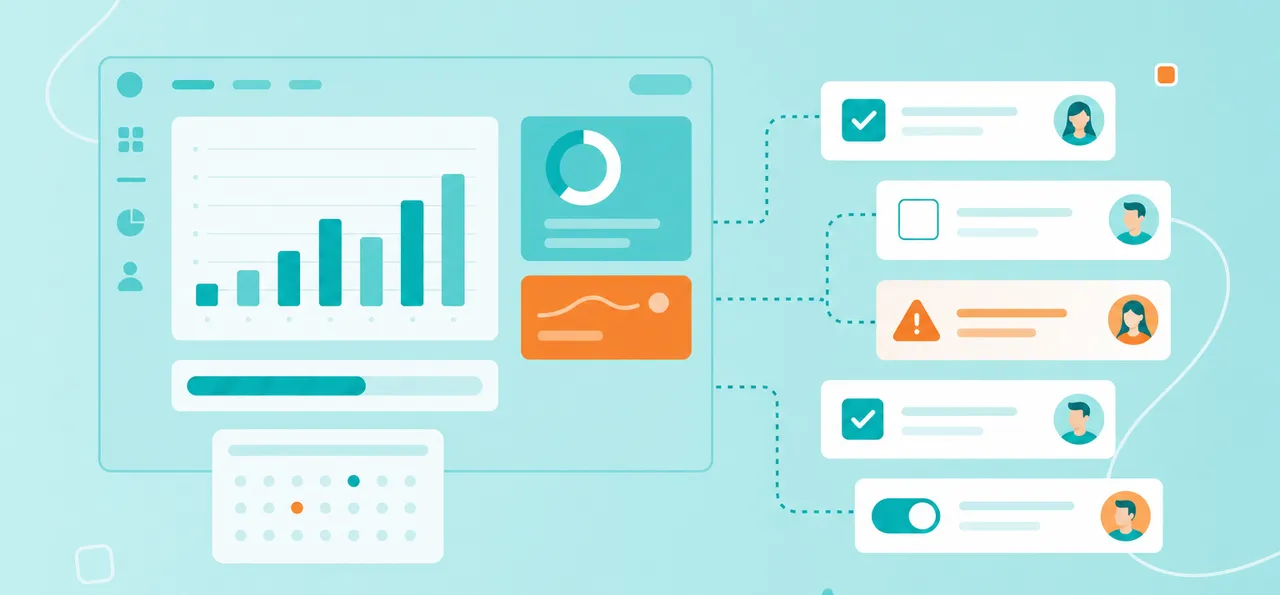
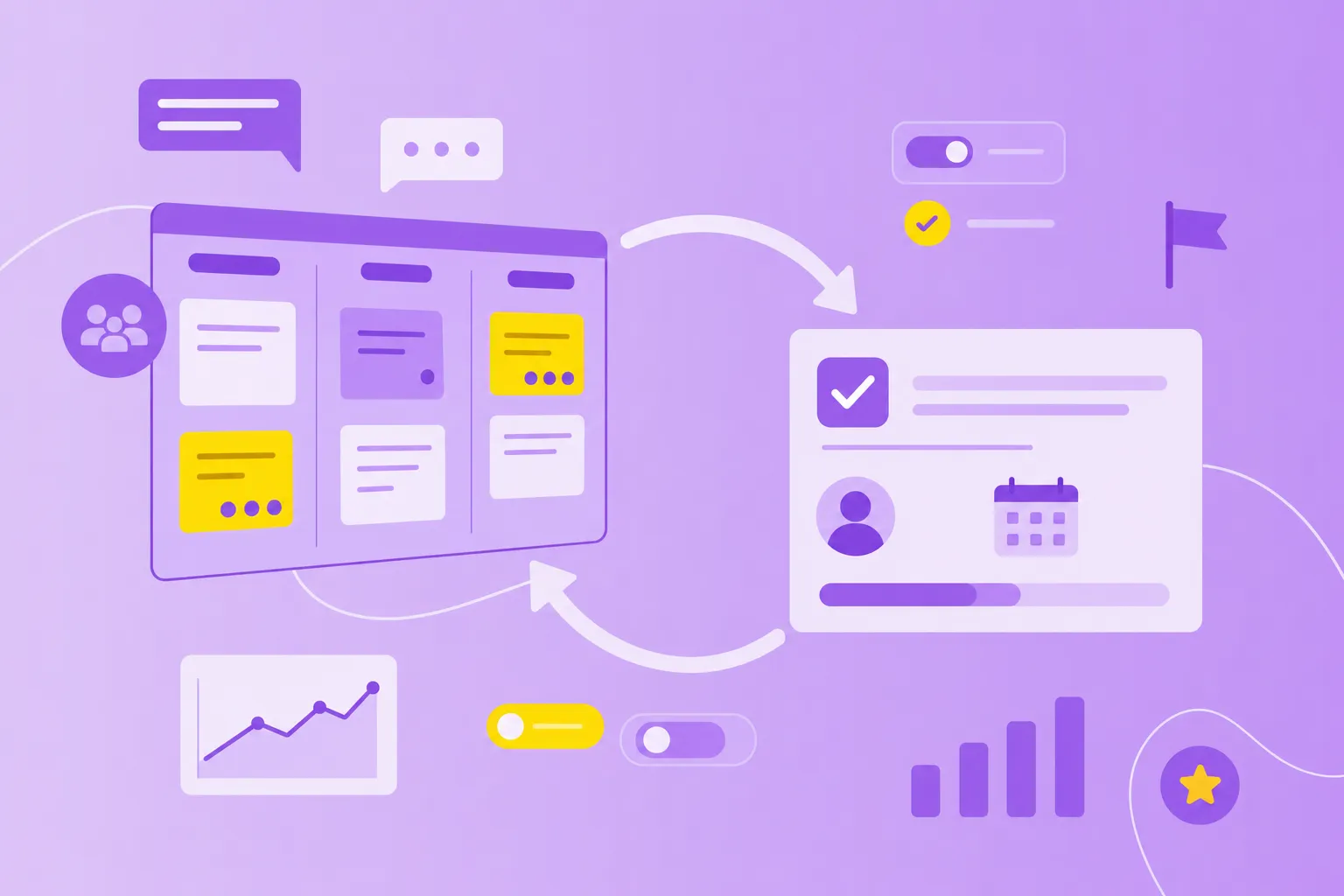
Task workflow automation uses software rules and triggers to complete repetitive task management steps without manual intervention. Think of it as setting up dominoes — once you push the first one, the rest fall automatically in the right order.
To understand what workflow automation is, you'll work with three building blocks:
Triggers: The events that start everything (like marking a task complete)
Rules: The logic that decides what happens next
Actions: The steps that execute automatically based on those rules
Here's how it works in practice. When you mark a task "complete," the next task automatically assigns to the right team member. When a deadline approaches, reminders send without anyone tracking dates manually. These automation workflows handle the administrative work that typically eats up hours of your day.
Why automate repetitive tasks
Manual task management creates real headaches. Tasks sit in limbo waiting for someone to reassign them. Important updates get forgotten. Your team spends hours on administrative work rather than on the projects that actually matter.
Workflow and automation fix these problems with clear benefits:
Faster task handoffs: Work moves instantly to the next person without manual assignment
Fewer mistakes: Rules apply the same way every time, eliminating forgotten steps
More time for meaningful work: Your team focuses on strategy instead of status updates
Better visibility: Stakeholders get automatic updates without asking
Picture a team that manually reassigns 20 tasks daily. With an task automation workflow, they reclaim five hours each week — time they can invest in creative problem-solving instead of clicking through task lists.
Popular automation triggers and rules
Automation triggers are the "if this happens" events that kick off your automated workflow. Understanding common triggers helps you spot which repetitive tasks you can automate first.
The most practical trigger types for automation workflows include:
Status changes: When a task moves from "in progress" to "review," the reviewer gets notified
Due dates: Three days before a deadline, assignees receive automatic reminders
Task dependencies: When one task completes, the next task unlocks and assigns automatically
Role assignments: Tasks assigned to "approver" route to the right person based on team structure
Time-based schedules: Tasks create themselves on set dates (daily, weekly, monthly)
Form submissions: New information triggers task creation for processing
You can also combine triggers for smarter automation. Set up a rule that activates when status changes AND the due date is within two days. Learning how to automate workflow starts with matching triggers to your team's repetitive patterns.
12 time-saving techniques for task workflow automation
These work flow automation techniques address the most common time-wasters teams face. Start with one or two that solve your biggest pain points, then expand as your team gets comfortable.
1. Auto-assigning tasks
Auto-assignment distributes tasks based on workload, expertise or rotation schedules. No more checking who's available or manually selecting assignees. When a support ticket arrives, it goes straight to the agent with the lightest workload, balancing the team automatically.
2. Recurring task creation
Monthly reports, weekly check-ins, daily standups — these tasks appear automatically on schedule. A financial report task creates itself on the first business day of each month, complete with the standard checklist and assignee. Perfect for compliance checks and routine maintenance.
3. Automated approvals
Approval workflows route tasks to approvers and track responses without manual follow-up. The system notifies the creative director when a design needs approval. Once approved, the task moves to production automatically, creating an audit trail along the way.
4. Dependency notifications
Your content writer gets notified the moment research completes, without checking task statuses constantly. Dependency automation keeps projects flowing by alerting team members when their prerequisites finish. No more bottlenecks from missed handoffs.
5. Shift-based or role-based routing
Tasks find the right person based on shifts, departments or specialties. Customer inquiries during business hours go to day shift, while evening requests route to night shift automatically. Manufacturing teams with multiple shifts find this particularly valuable.
6. Due date reminders
The system sends notifications at smart intervals — three days before, one day before, on the due date.

A compliance audit reminder arrives two days early, giving teams time to prepare without last-minute panic.
7. Status-change prompts
When tasks move between stages, specific actions trigger automatically. A task marked "complete" archives its documents, logs completion time and notifies stakeholders. Everyone stays informed without manual status updates.
8. Auto-archive completed tasks
Finished tasks disappear from active views after 30 days but stay searchable in archives. Your workspace stays focused on current work while maintaining complete records for compliance. Clean desk, clear mind.
9. Automated attachment collection
The system prompts for required files at the right workflow stages. When a task hits "ready for review," assignees get prompted to attach deliverables before proceeding. No more incomplete handoffs or missing documents.
10. Calendar sync for time-sensitive tasks
High-priority tasks automatically block calendar time three hours before deadlines. Due dates sync to personal calendars without manual entry. Your team balances meetings with focused work time naturally.
11. Real-time project updates
Stakeholders receive progress notifications at key milestones without asking. When a project hits 50% completion, sponsors get a summary of completed tasks and upcoming milestones. Leadership stays informed without adding reporting burden.
12. AI-driven suggestions
AI analyzes past projects to suggest optimal task assignments based on expertise and workload. The system learns from your team's patterns to recommend workflow improvements over time. MeisterTask includes built-in AI assistance for smarter task management decisions.
How to automate workflows without coding
You don't need programming skills to implement automation. Modern automated workflow software provides visual tools anyone can use:
Drag-and-drop builders: Select triggers and actions from menus
Pre-built templates: Start with common workflows and customize
Visual editors: See your automation logic as you build
Start small with one frustrating repetitive task. Once your team sees the time saved, expand to more complex workflows. A task workflow automation system like MeisterTask makes setup intuitive for any team member, regardless of technical background.
Must-have features in an automated workflow system
Not all task workflow automation services offer equal capabilities. Look for these features when evaluating automated workflow systems:
Feature
Why it matters
Customizable triggers and rules
Adapt automation to your specific workflows
Integration capabilities
Connect with email, calendar and file storage
User-friendly interface
Any team member can create automation
Mobile accessibility
Receive notifications and respond anywhere
Security and compliance
Meet data privacy requirements (especially for EU teams)
Audit trails
Track who did what and when
Scalability
Support growing teams and complex workflows
The right task workflow automation system grows with your team. Simple task assignments today can evolve into sophisticated multi-department workflows tomorrow.
When human oversight matters in task automation workflows
Automation handles repetitive, rule-based work brilliantly. But certain tasks still require human judgment:
Strategic decisions: Automation gathers data, but humans set priorities
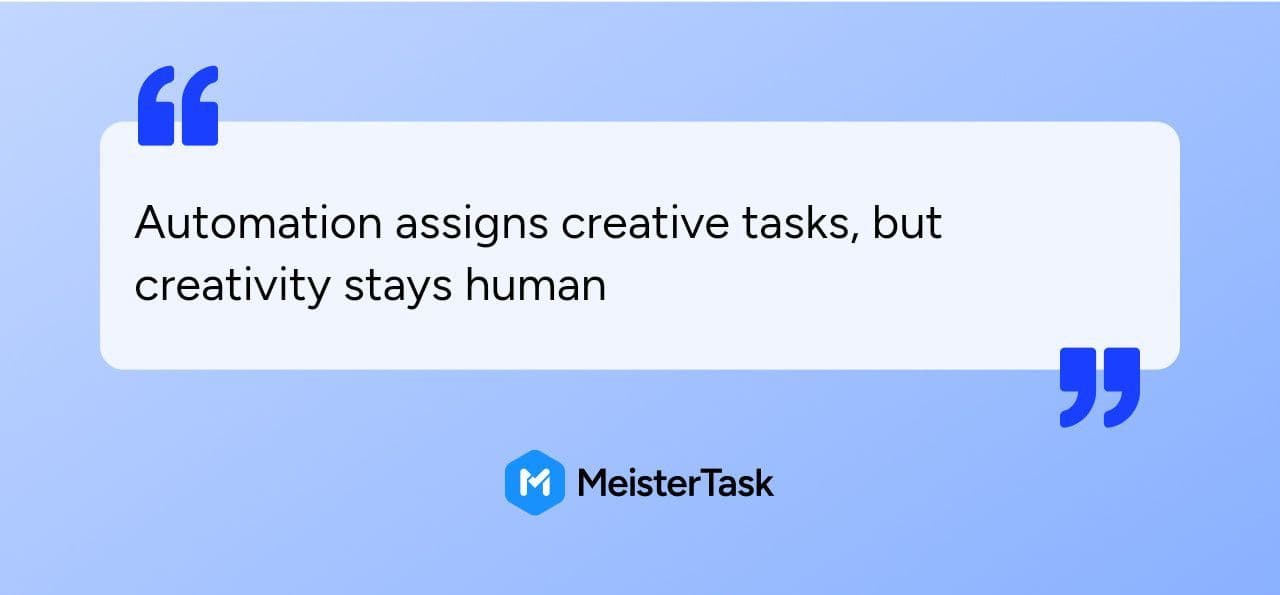
Creative work:
Sensitive communications: Automation sends notifications, but personal touch matters
Exception handling: When something unusual happens, humans adapt
Quality review: Automation prompts reviews, but humans assess quality
Find the sweet spot between automated efficiency and human expertise. Automate administrative tasks so your team focuses on work requiring insight, creativity and relationship-building.
Selecting the right task workflow automation services
Choosing automated workflow software requires matching your team's needs with the right features:
Start with pain points: Which manual tasks waste the most time?
Consider technical comfort: Pick a platform matching your team's skills
Check integrations: The system connects with your existing tools
Verify compliance: EU teams need GDPR compliance and security certifications
Test small first: Pilot with one team before organization-wide rollout
Plan for growth: Your system handles simple automation now and complex workflows later
Success comes from starting small. Quick wins demonstrate value and build momentum as your team experiences what is automated workflow in action.
Automate busywork and streamline your workflows
Task workflow automation eliminates the repetitive steps that drain time from meaningful work. The right system frees your team to focus on creative problem-solving while keeping everything on track.
MeisterTask combines intuitive Kanban-based task management with built-in automation, AI assistance and enterprise-grade security. Teams in manufacturing, finance and public sector appreciate the balance of simplicity and compliance.