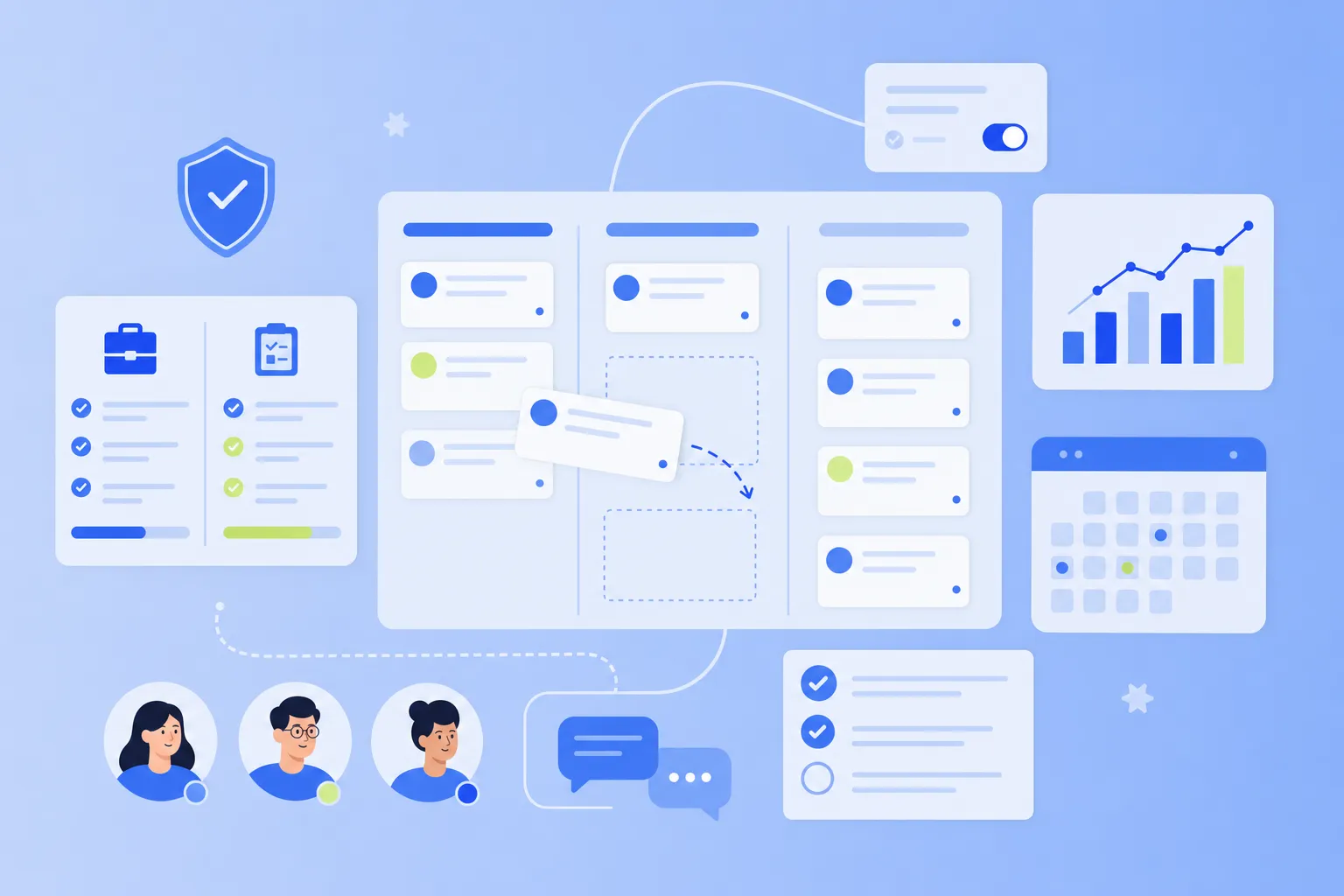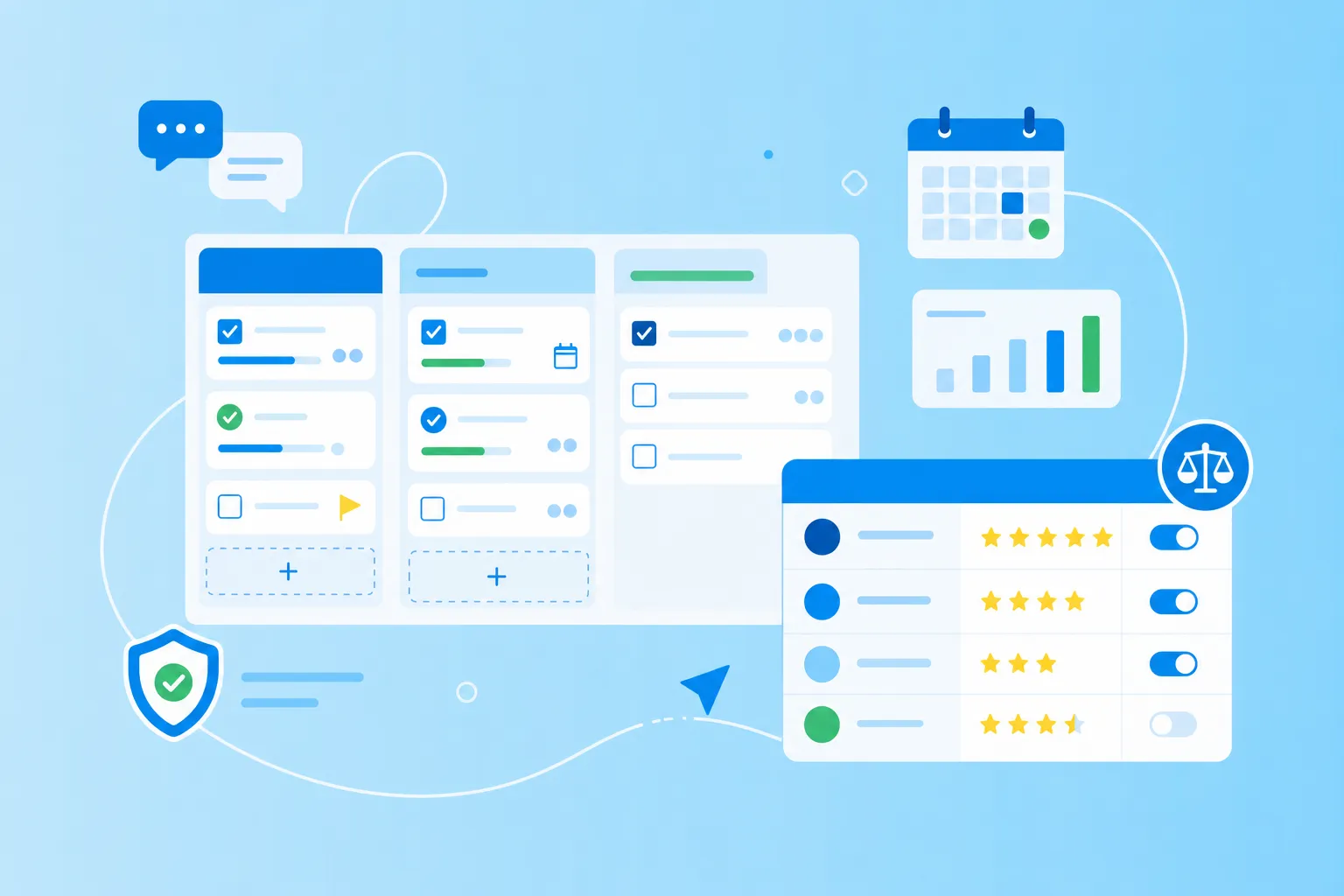

What is a task management template for sprint planning?
A task management template is a ready-made framework that helps your team organize, assign and track work items across a project or sprint cycle. Think of it as a starter pack for your work: instead of building a system from scratch every time, you open the template and get straight to planning.
Sprint planning is the meeting where your team decides which tasks to tackle in a fixed period of time, usually two to four weeks. A sprint-focused template comes with the pieces you actually use in that meeting – a backlog to pull from, sprint goals to aim for and review stages to check work before it ships.
Why use task management templates for agile teams?
Agile teams move fast, and rebuilding the same task board every sprint slows everyone down. Templates take the repetitive setup off your plate so the team can focus on the conversation that matters: what to build next, and who will own it.
Without a shared template, sprint planning often runs into the same headaches – task details scattered across docs, unclear owners and no easy way to compare one sprint to the next. A consistent template keeps team management predictable, so people spend less time searching and more time working.
Here's what a good template gives you:
Faster sprint setup: no more rebuilding columns, fields and labels from scratch each cycle
Consistent team management: everyone knows where to find tasks, owners and updates – every time
Less planning overhead: a pre-built structure lets your team focus on prioritization, not formatting
Of course, no single template fits every team. A two-person design squad and a 20-person engineering group plan very differently, which is why the format you choose matters.
Key elements in a project task template for sprints
Before you pick a template, it helps to know what makes any project task template work well. Whether you choose a board, a list or a calendar, the strongest sprint templates share four building blocks. Once you spot these elements, customizing or comparing templates gets a lot easier.
Task prioritization
Task prioritization is the practice of ordering work items by importance, urgency or business value. A useful template includes priority labels or a ranking system, so the most critical work always sits at the top of the list and nothing important gets buried.
Sprint goals
Sprint goals are the specific outcomes your team commits to delivering by the end of a sprint – for example, "ship the new login page" or "fix the top five reported bugs." Templates need a visible spot for these goals to keep everyone aligned on what success looks like.
Clear ownership
Every task needs a name attached to it, otherwise work falls through the cracks. Strong templates include an assignee field or a visual marker on each card, so a quick glance tells you exactly who is responsible for moving the task forward.
Review column
A review column is a stage where finished work waits for a quality check or stakeholder approval before you mark it as done. It's a small addition with a big payoff – review columns surface bottlenecks early and stop half-finished work from sneaking into "Done."
5 task management templates for sprint planning
No single format fits every team, and that's actually good news – you get to pick the structure that matches how your team works. The five free task management templates below cover the most common and effective formats for sprint planning, from visual boards to simple lists.
As you read through, think about your team size, your sprint length and how much your work changes from week to week.
1. Kanban board template
A Kanban board is a visual board with columns that represent workflow stages – usually To Do, In Progress and Done – where tasks move from left to right as work progresses. Each task lives on a card with details like description, assignee and due date.
A standout feature is the work-in-progress (WIP) limit, which caps how many tasks can sit in a column at once. WIP limits prevent multitasking and expose bottlenecks the moment they appear.
This template fits teams with continuous work streams or support duties running alongside sprints. One thing to watch: without WIP limits, a Kanban board can quickly turn into a wall of sticky notes no one reads.
2. Backlog and sprint board
The backlog and sprint board uses two boards side by side: one holds every potential task (the backlog), and the other shows only what your team committed to this sprint. The split keeps the current sprint focused while future work stays visible.
It works best for teams that follow strict sprint boundaries and want a clear line between "planned for now" and "maybe later." The catch? It takes discipline. Without it, backlog items have a habit of creeping into the active sprint and breaking your scope.
3. Time-blocking schedule
A time-blocking schedule combines a task list with a calendar, showing not just what needs doing but exactly when it will happen. Time blocking is the practice of assigning specific calendar slots to specific tasks, so each hour of your day has a clear purpose.
The template pairs nicely with the Pomodoro method – 25 minutes of focused work followed by a five-minute break. Block out time in your calendar daily or weekly, then apply Pomodoro intervals inside each block to power through.
This format works well for individual contributors or small teams who control their own schedules. The trade-off: it's less useful for unpredictable work that shifts hour by hour.
4. Staff task list format
A staff task list template is a simple list-based format organized by team member, showing each person's assigned tasks for the sprint. It's the digital equivalent of a clipboard with everyone's name and what's on their plate.
The format gives you immediate workload visibility and clear individual accountability – two things smaller teams often need most. It's most effective for teams under 10 people or departments where individual capacity planning matters more than workflow stages.
One consideration: a staff task list doesn't show task dependencies or the flow of work as clearly as a board, so it's not ideal if tasks frequently hand off between people.
5. Employee task assignment board
An employee task assignment board is a matrix where tasks appear on one axis and team members on the other. At a glance, you see who's doing what – and who might be drowning in work.
The format helps managers balance workloads and spot overallocation before it becomes a problem, which is why it works well for cross-functional teams or sprints with heavy resource planning. It's also a useful tool for one-on-ones or capacity reviews.
Just keep in mind: with large teams or a long task list, the grid can get crowded fast and lose the at-a-glance clarity that makes it useful.
How to customize free task management templates
Free task management templates rarely fit your team perfectly out of the box – and that's expected. The best templates are starting points you shape to match your reality, not rigid systems you bend your team to fit.
A few small adjustments usually make the biggest difference:
Add custom fields: track story points, priority levels, sprint numbers or anything your team measures
Adjust workflow stages: rename and reorder columns to match how work actually moves through your team
Integrate tools: connect templates to your calendar, chat tool or documentation so updates flow automatically
Set automation rules: automate recurring tasks, status updates and assignments to cut down on manual upkeep
If you want a head start, platforms like MeisterTask offer customizable templates you can adapt without starting from a blank page. Add fields, tweak stages and connect the tools you already use, all in the same place.
Tips to manage a team with consistent sprint cycles
Templates give your team structure, but the practices around them decide whether sprints actually succeed. Knowing how to manage a team across multiple cycles turns each management task into a chance to learn and improve – not just check boxes.
1. Align roles early
Start sprint planning with role clarity. Who owns each task? Who reviews completed work? Who makes the call when priorities clash? Settling these questions in the first 10 minutes of planning prevents a lot of mid-sprint confusion later on.
2. Track velocity qualitatively
Velocity is the amount of work your team typically completes in one sprint. Instead of obsessing over an exact number, watch the patterns – are you consistently finishing what you committed to? Where does work tend to stall? Qualitative awareness leads to far more realistic sprint planning over time.
3. Debrief after each sprint
A short retrospective – a team discussion of what went well and what to improve – is one of the simplest ways to refine your template and process. The continuous improvement mindset turns a static template into a system that fits your team better with every sprint.
Boost time blocking and Pomodoro in sprints
Task management templates work even better when paired with focus techniques. Time blocking and the Pomodoro method help your team execute sprint commitments without getting pulled in 10 directions, so the work on the board actually gets done by Friday.
1. Choose time blocks first
Identify your team's strongest focus windows – maybe deep work in the morning, collaboration in the afternoon – before assigning tasks to specific slots. Working with natural energy patterns and existing meetings, rather than against them, is what makes time blocking actually stick.
2. Set Pomodoro intervals
Pick a sprint task, work for 25 minutes without interruption, take a five-minute break, then repeat. The rhythm creates sustainable focus and prevents burnout during intense sprint stretches – especially in the final days before a deadline.
3. Reflect on interruptions
Track what tends to break your time blocks or pomodoro sessions: unplanned meetings, urgent Slack messages, tool issues. Once you see the pattern, you can protect future sprint time and plan more accurately for the chaos that inevitably comes up.
Where to go next for better task templates
Task management templates bring real structure to sprint planning, and the right one for you depends on your team size, workflow and how mature your sprint process is. Templates are starting points, not rules carved in stone – the best teams adapt and evolve them as they learn what works.
If you want a place to put these ideas into practice, MeisterTask offers customizable task management templates built for team collaboration, with Kanban boards, sprint planning features and integrations that keep work in one secure platform. It's hosted in Germany and ISO 27001 certified, so your sprint data stays protected as your team grows.