Las grandes iniciativas rara vez se limitan a un solo proyecto. Pero cuando el trabajo se reparte entre equipos y departamentos, ¿cómo mantienes el control de todo?
Presentamos las carteras de proyectos
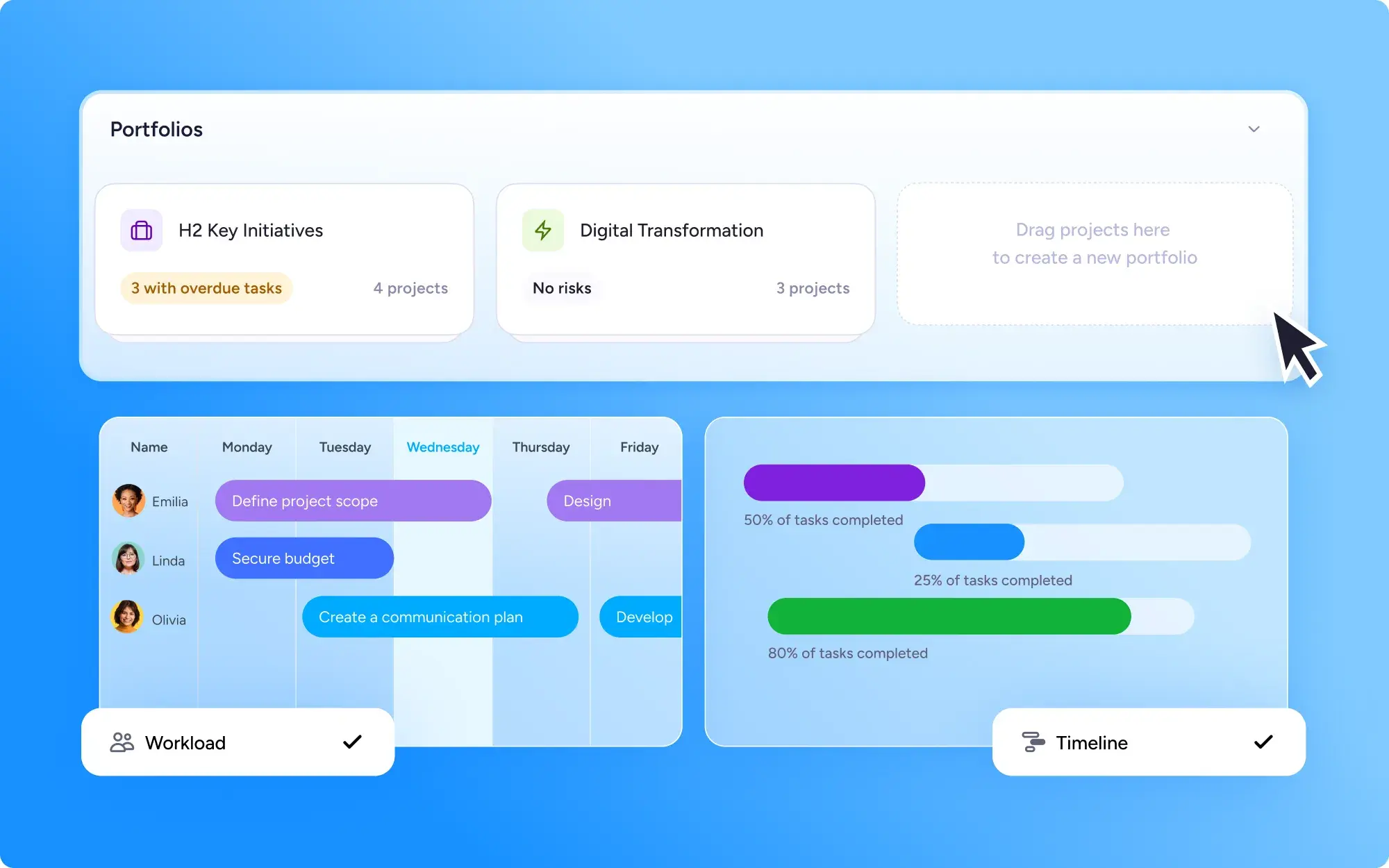
Las carteras agrupan proyectos relacionados en una sola vista, para que puedas supervisar el progreso, los cronogramas y la carga de trabajo del equipo de todos a la vez. Crea carteras para informar sobre distintos equipos, flujos de trabajo, clientes o departamentos.
Mira tus proyectos desde todos los ángulos
Cada cartera incluye más de una forma de ver tu trabajo:
Vista de lista: una vista general clara y ordenable de cada proyecto y su progreso
Vista de cronograma: consulta cómo se solapan los proyectos y detecta pronto los choques de programación
Vista de carga de trabajo: comprueba cómo se reparte el trabajo en tu equipo y reequilibra antes de que alguien se sobrecargue
Detecta los problemas antes de que te frenen
Como todo está en un solo lugar, es fácil detectar a tiempo los cuellos de botella y los proyectos en riesgo, mientras todavía hay tiempo de actuar.
Imagina que la vista de carga de trabajo muestra a un diseñador asignado a tres proyectos que se solapan a la vez. Puedes reasignar una tarea a un compañero para asegurarte de que todo siga avanzando. O la vista de cronograma revela varias fechas límite que caen el mismo día o la misma semana. Puedes ajustar el calendario o pedir apoyo con antelación, en lugar de verte envuelto en un apuro de última hora.
Quién puede usar las carteras
Las carteras están disponibles en el plan Enterprise, pensado para equipos que gestionan varias iniciativas a la vez. Los usuarios del plan Business están limitados a una cartera por usuario.