
Structured documentation improves workflows
Project documentation creates the foundation for successful teamwork. When done right, it transforms confusion into clarity and helps teams deliver better results faster. Yet many organizations struggle with scattered files, outdated information, and documentation that nobody can find when they need it.
The good news is that effective documentation doesn't require complex systems or endless paperwork. By following proven strategies and using the right tools, you can create documentation that actually helps your team succeed. Let's explore how to build a documentation system that works for everyone.
What is project documentation?
Project documentation is simply all the records you create while working on a project — from the first planning meeting to the final wrap-up report. Think of it as your project's memory bank, storing everything from decisions and requirements to progress updates and lessons learned.
Unlike regular business documents (like company policies or marketing materials), project documentation focuses on one specific project and its unique goals. It captures the "what," "why," "when," and "how" of your work, creating a clear trail that anyone can follow.
The main purposes of project documentation include:
Knowledge preservation: capturing information before it gets lost in someone's head
Clear communication: making sure everyone understands what's happening
Decision tracking: recording why you made certain choices
Risk management: documenting potential problems and how to handle them
Common project documents you'll likely create include project charters (your project's mission statement), requirements documents (what you're building), status reports (how things are going), risk registers (what could go wrong), and meeting minutes (what was decided).
Why documentation matters for project success
When you document your work properly, new team members can start contributing right away, mistakes happen less often, and passing audits becomes straightforward rather than stressful.
Here's what happens when you get documentation right — versus when you don't:
What you're tracking
With good documentation
With poor documentation
Team understanding
Everyone's on the same page
Constant confusion and questions
Getting new people started
Quick and painless
Slow and frustrating
Keeping knowledge
Information stays even when people leave
Everything walks out the door
Meeting requirements
Easy to prove compliance
Risk failing audits
Project handoffs
Smooth transitions
Major disruptions
Documentation affects every part of your project. It keeps teams working together smoothly, helps new members understand their role quickly, preserves knowledge when people move on, meets compliance requirements, and maintains momentum during transitions.
Key documentation throughout your project lifecycle
Your documentation needs change as your project moves through different stages. During the start-up phase, you'll create project charters and business cases to set direction. When the project planning process kicks in, you'll develop project plans, work breakdown structures, and risk registers to map out the work ahead.
As you execute the project, status reports and meeting minutes become your go-to documents for tracking progress. Finally, when wrapping up, you'll capture lessons learned and create closure reports that help future projects succeed.
For each phase, focus on:
Recording who's involved and what they're responsible for
Documenting major decisions and the reasoning behind them
Tracking risks, changes, and progress
Capturing what worked well and what didn't
Using templates keeps everything consistent. Updating documents as things change keeps them useful. And storing everything in one central location means people can actually find what they need.
Building consistency with documentation standards
1. Create your single source of truth
A single source of truth means having one place — and only one place — where all your project documentation lives. No more hunting through email attachments, shared drives, and personal folders to find the latest version of something.
When choosing a documentation platform, look for:
Easy access: everyone who needs documents can get to them
Version tracking: you can see what changed and when
Search capabilities: finding information takes seconds, not hours
Permission controls: this protects sensitive information
Tools like MeisterTask's Notes feature provide this kind of centralized documentation hub, keeping everything organized and accessible in one place.
2. Set up clear naming conventions
Ever spent 20 minutes looking for a file because it was named "final_v2_updated_REAL-FINAL"? Clear naming conventions solve this problem before it starts.
A good naming structure might look like: ProjectName_DocumentType_Version_Date. For example: Apollo_RequirementsDoc_v1.2_2025-03-15.
Keep your naming simple by:
Using the same format for every document
Including the project name, document type, and date
Adding version numbers to track changes
Avoiding special characters that might cause technical issues
3. Write only what matters
The best documentation is like a good recipe — it includes everything you need and nothing you don't. Before adding information, ask yourself: Does this help someone do their job? Is it required for compliance? Will someone need this later?
Focus on capturing:
Major decisions and why you made them
Requirements and specifications
Identified risks and how to handle them
Project outcomes and results
Skip the fluff like redundant meeting notes, outdated drafts, and details nobody will ever use. Too much documentation creates "documentation debt" – piles of outdated information that slow everyone down.
4. Schedule regular documentation reviews
Set up regular review cycles based on how often things change. Fast-moving documents like status reports might need weekly reviews, while stable documents like project charters can wait for monthly or quarterly check-ins.
During each review, verify that information is still accurate, content relates to the current project state, you've included all critical details, and different documents tell the same story.
Connecting tasks and documentation
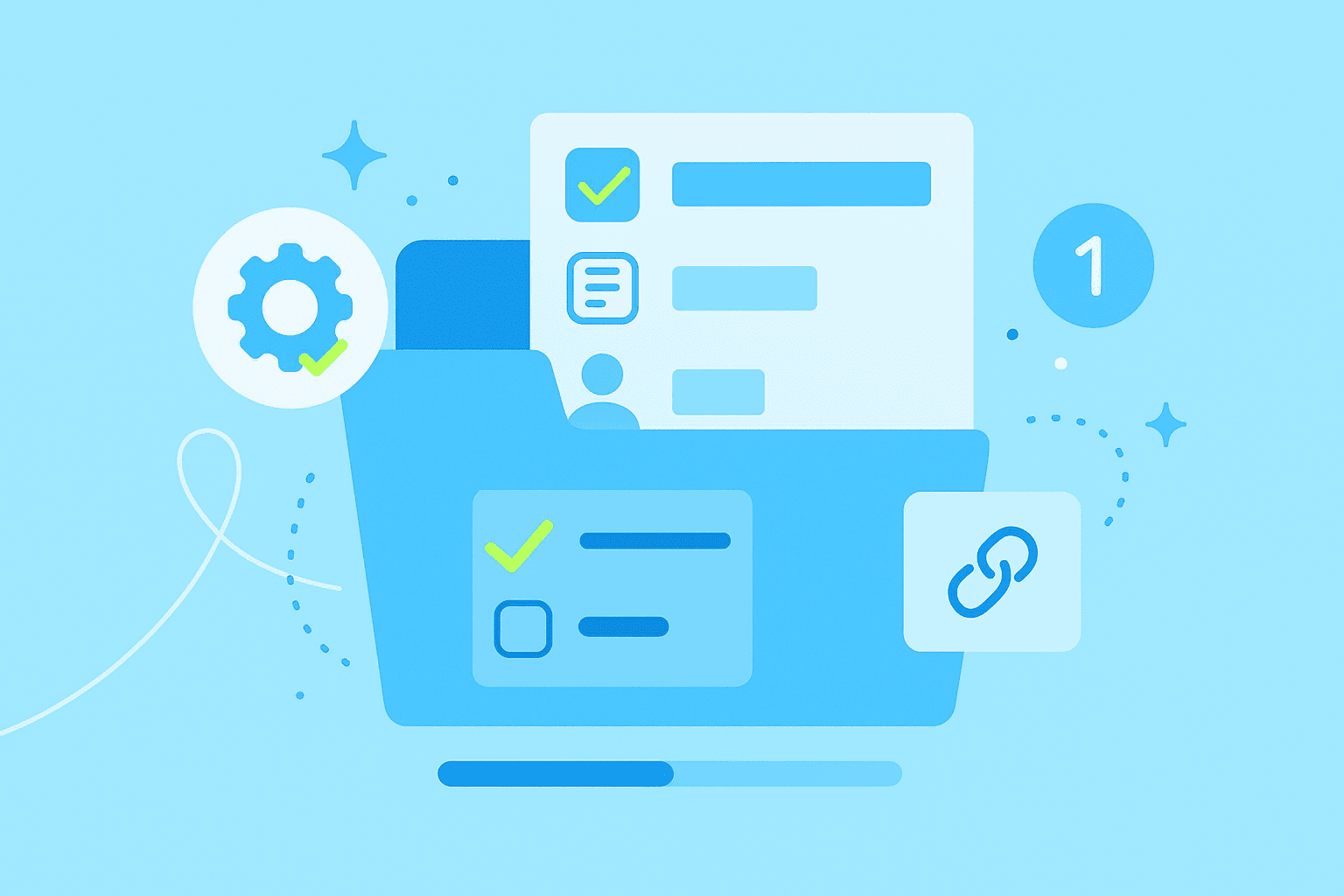
5. Link documentation to your task management
When documentation lives separately from your actual work, it quickly becomes outdated and ignored. Instead, connect your documents directly to related tasks. This creates context and accountability for every piece of work.
You can integrate documentation by:
Embedding task links in your documents
Creating specific documentation tasks in your project management tool
Using tags to connect related items
This integration means team members always have the information they need right where they're working. MeisterTask makes this connection seamless between tasks and Notes.
6. Attach documents to specific action items
Every task tells a story, and documentation provides the details. When you attach requirements documents to development tasks or link meeting notes to follow-up actions, you give team members the full picture they need to succeed.
Best practices for linking include:
Be selective: only attach truly relevant documents
Add context: explain why this document matters for this task
Keep links current: update when documents change or new versions appear
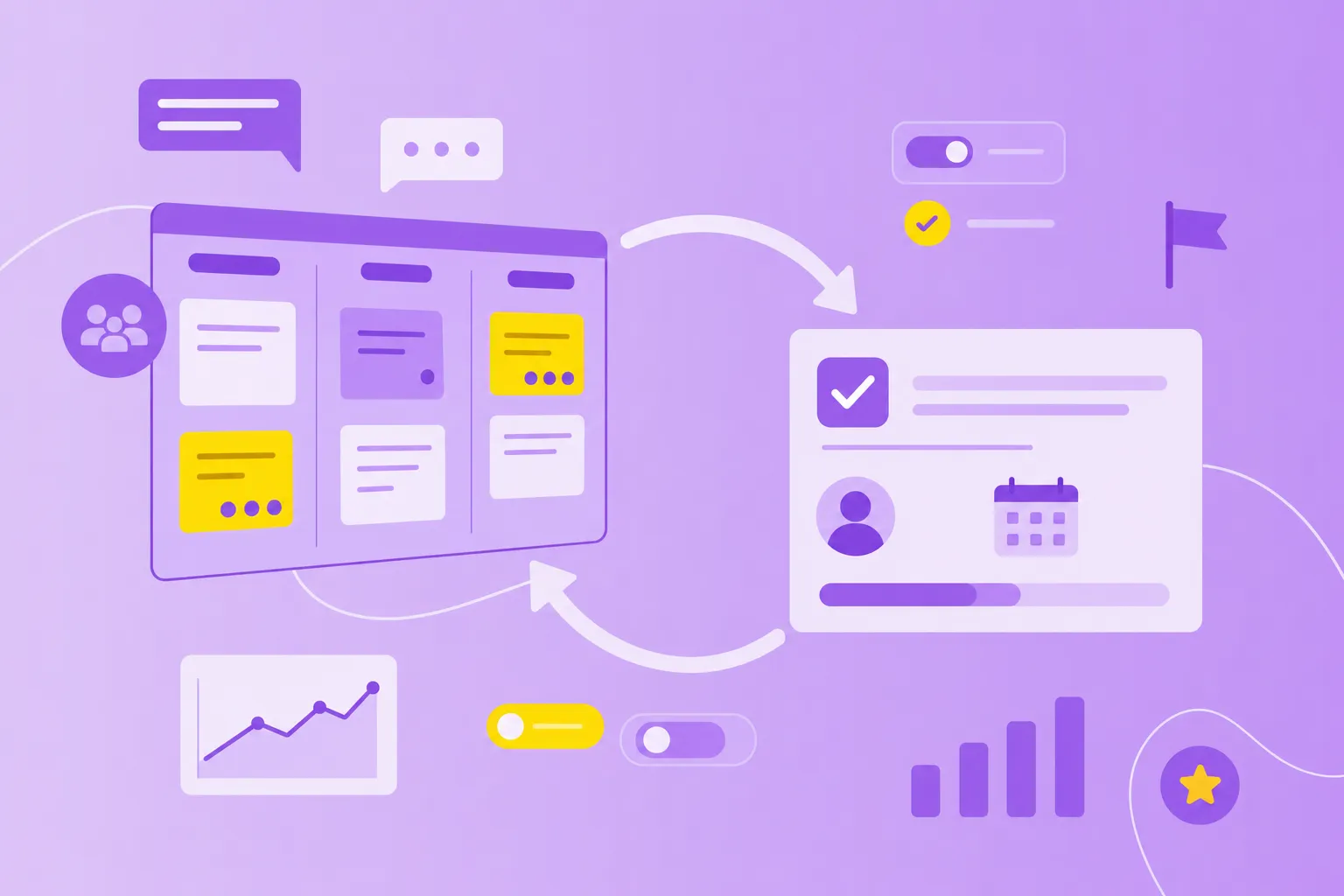
7. Visualize documentation workflows with kanban boards
Kanban boards aren't just for tasks — they're perfect for managing documentation too. Create columns for different documentation stages (Draft, Under Review, Approved, Archived) and move documents through the workflow just like any other task.
This visual approach shows documentation status at a glance, clarifies who's responsible for each document, and prevents bottlenecks where documentation holds up other work. MeisterTask's kanban boards naturally support these documentation workflows.
Making collaboration work
8. Use real-time editing tools
Remember the bad old days of emailing documents back and forth, trying to merge everyone's changes? Real-time collaborative editing eliminates that confusion. Multiple people can work on the same document simultaneously, leave comments and suggestions, see who's working on what, and track all changes automatically.
MeisterTask's Notes supports this kind of real-time collaboration, keeping everyone literally on the same page.
9. Set appropriate access permissions
Not everyone needs to edit every document. Setting proper permissions protects sensitive information while still enabling collaboration. Common permission levels include view-only for stakeholders who just need information, comment rights for reviewers, full editing for active contributors, and admin access for document owners.
Match permissions to people's roles and the sensitivity of each document. This balance keeps information secure while letting work flow smoothly.
10. Track changes with version control
Version control is your documentation time machine. It shows what changed, when it changed, and who changed it. Use clear version numbering (v1.0 for major updates, v1.1 for minor changes) and always include a brief note about what's different in each version.
Instead of deleting old versions, archive them. You never know when you'll need to reference how something used to work. Establish clear rules about when to create a new version versus just updating the current one.
Keeping documentation secure and compliant
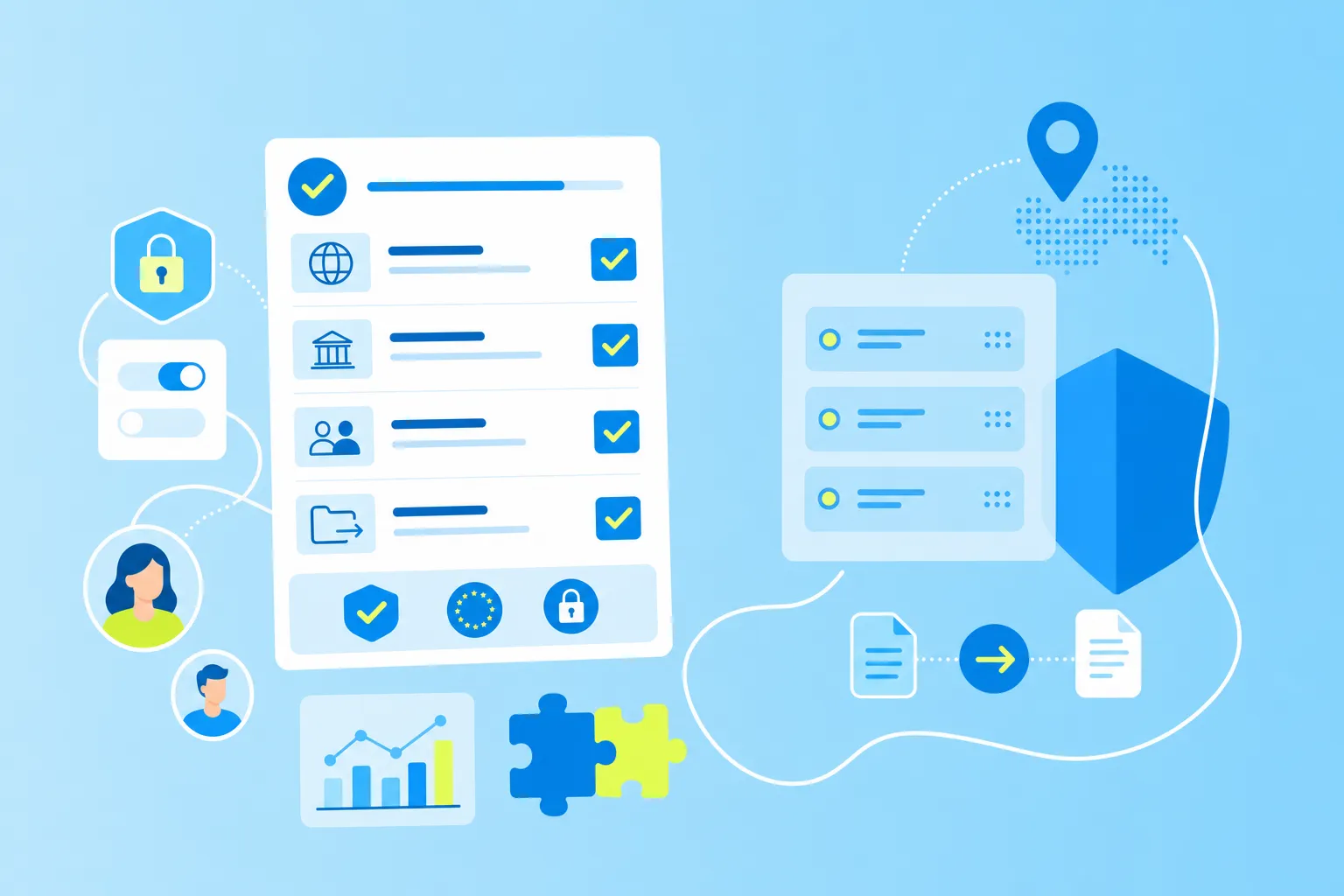
11. Verify security certifications
In today's world, security isn't optional — it's table stakes. Look for documentation platforms with proper certifications like ISO 27001 and GDPR compliance. These standards mean your platform has proper data protection, user authentication, audit trails, and appropriate data storage locations.
MeisterTask holds both ISO 27001 certification and maintains full GDPR compliance, providing the security foundation teams need for their project documentation.
12. Audit and clean up regularly
Documentation systems are like closets — they accumulate clutter over time. Schedule quarterly audits to review user access rights, remove unused accounts, verify security settings, and confirm compliance with policies.
During these audits, also archive documents you no longer need actively but might reference later. Delete anything that's truly obsolete. Use links instead of creating duplicate copies. This keeps your documentation system clean, fast, and useful.
Your next steps for better documentation
Ready to improve your project documentation? Start by auditing what you have now. Look for gaps where documentation is missing and spots where you have five versions of the same thing.
Then work through this checklist:
Choose one central location for all documentation.
Create naming conventions everyone will follow.
Set up review schedules for different document types.
Establish who owns each type of document.
Archive or delete outdated materials.
For quick wins, start using templates for common documents today. Connect your tasks to relevant documentation. And take 30 minutes to train your team on these documentation best practices.