Your guide to project documentation

Project documentation is an important part of any project. Improve team collaboration and help stakeholders understand your work with our brief guide to project documentation, including:

  • What is project documentation?

  • How does project documentation work?

  • Which project documentation tool is right for me?

vector image

What is project documentation?

Project documentation is the written material in your projects. It provides information and context that stakeholders in your project need to work effectively. Good project documentation can:

vector image

Keep everyone in your project on the same page.

vector image

Improve communication between stakeholders.

vector image

Reduce project risks and ensure better results.

security icon

Enterprise-grade security

As your trusted digitalization partner, we're committed to providing a secure and reliable platform so you can manage your daily work with confidence.

  • ISO 27001 certified

  • Fully GDPR compliant

  • Hosted in Germany

  • Admin controls

  • Security best practices

Read more
vector image

Who writes project documentation?

Project documentation is often owned by the project manager. It’s their job to make sure key information is documented, accurate and easy for the team to access.

But not every team has a dedicated project manager. In those cases, project documentation is usually written by the project driver — the person responsible for keeping the work moving and making sure decisions, timelines and responsibilities are clearly recorded.

Project documentation in MeisterTask

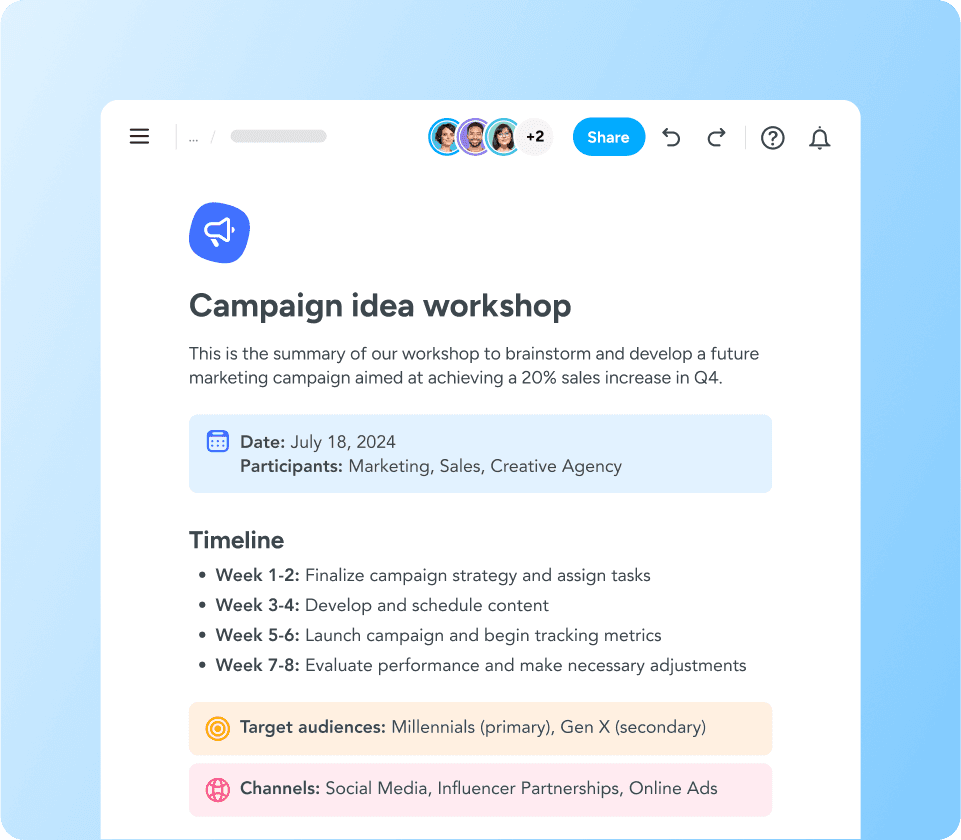
MeisterTask includes Notes, a centralized space for project documentation. It helps teams collaborate on projects, plans and processes without having to share files by email.

Notes lets you add simple content blocks, like headings, quotes and info boxes, so you can create well-formatted project documentation that's easy to read.

image
image

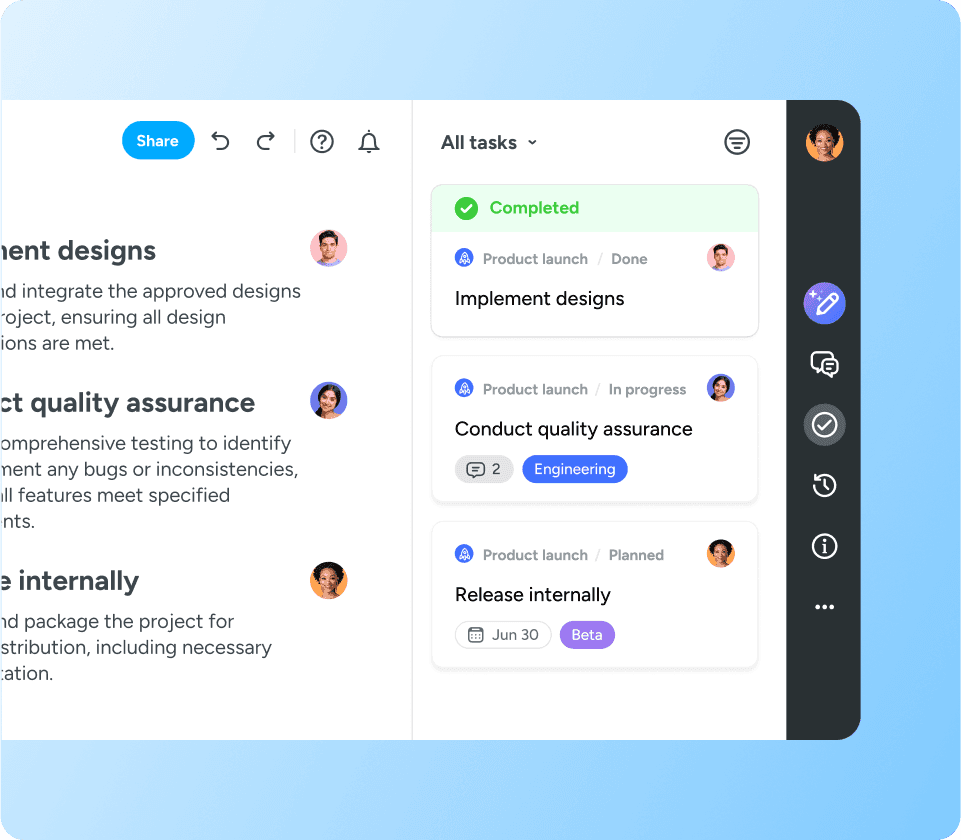
Create tasks from project documentation

Project documentation should facilitate project success, not become a job in itself. Use the Notes feature in MeisterTask to document your project goals, then create tasks directly from there to track in your project board.

Take the frustration out of work with MeisterTask, your dedicated digitalization partner.