
O que é Kanban para gestão de projetos
Kanban é um método visual de gestão de fluxo de trabalho que ajuda as equipes a otimizar a forma como o trabalho percorre um processo. Em vez de esconder tarefas em planilhas ou em longas trocas de e-mail, o Kanban coloca cada parte do trabalho em um quadro onde você pode visualizá-la.
O quadro é dividido em colunas que representam as etapas do trabalho, e cada tarefa fica em um cartão que se move pelas colunas conforme avança. A palavra "Kanban" vem do japonês e significa "sinal visual" ou "cartão". A Toyota foi a primeira a usá-lo na década de 1940 para manter as linhas de produção em movimento sem sobrecarregar os trabalhadores.
Hoje, a mesma ideia move uma ampla variedade de estilos de gestão de projetos, de equipes de software a departamentos de marketing. Então, o que é Kanban em termos modernos? É uma parte adaptável da metodologia ágil Kanban que ajuda sua equipe a entregar valor tornando o trabalho visível e limitando o quanto você assume de cada vez.
Veja o que o método Kanban oferece à sua equipe em um relance:
Clareza visual: veja todo o trabalho em um só lugar, em tempo real
Otimização de fluxo: mova as tarefas suavemente por etapas bem definidas
Melhoria contínua: ajuste seu processo com base no que você aprende
Por que a visualização é importante no seu fluxo de trabalho
Imagine tentar gerenciar um projeto complexo usando apenas uma parede de post-its. Você teria dificuldade para acompanhar o progresso, identificar problemas ou repassar o trabalho para a pessoa certa. Os post-its caem, se perdem ou só fazem sentido para quem os escreveu.
Um quadro Kanban resolve isso oferecendo a todos a mesma visão ao vivo do que está acontecendo. Os benefícios aparecem em três áreas em particular.
Maior visibilidade das tarefas
Um quadro Kanban mostra todas as tarefas e todas as etapas do trabalho em um só lugar. Qualquer pessoa da equipe pode abrir o quadro e ver instantaneamente o que está em andamento, o que vem a seguir e o que já foi concluído.
Esse tipo de transparência na gestão de tarefas reduz mensagens do tipo "Ei, qual é o status disso?". Sua equipe gasta menos tempo em reuniões de status e mais tempo realmente fazendo o trabalho.
Identificação mais rápida de gargalos
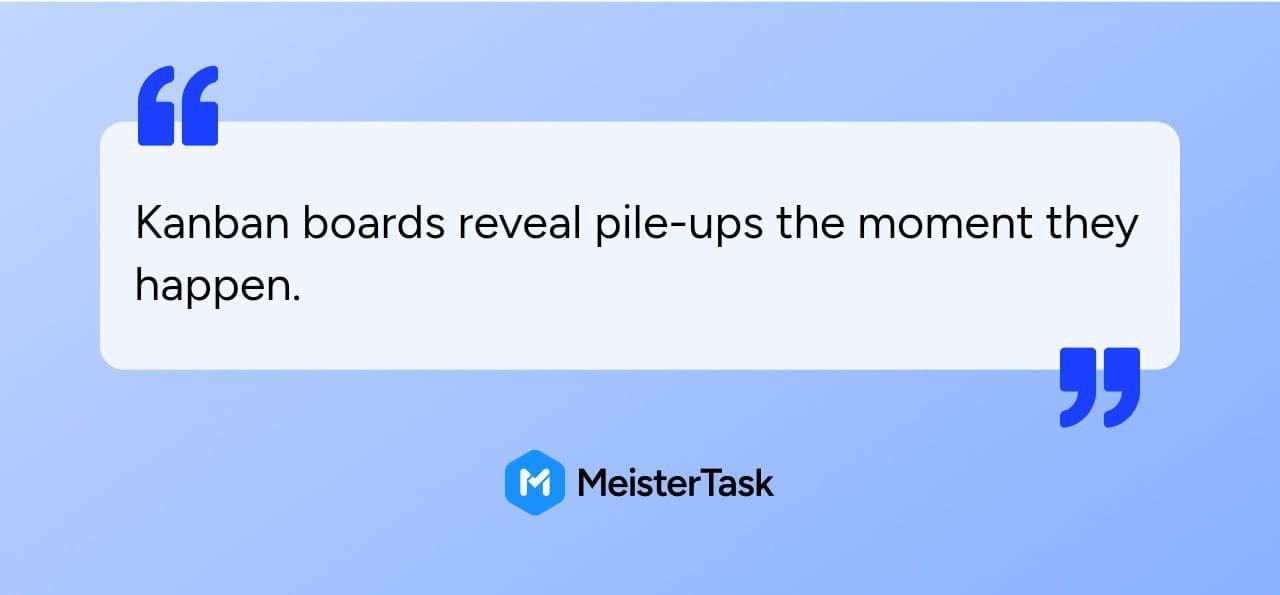
Quando cinco cartões estão parados em "Em Revisão" e apenas um está "Em Andamento", é um sinal claro de que algo está bloqueado.
Sem essa pista visual, os gargalos tendem a crescer silenciosamente até que um prazo seja perdido. Com o Kanban, você identifica o problema cedo e decide se vai adicionar ajuda, ajustar prioridades ou repensar a etapa por completo.
Colaboração aprimorada da equipe
A visibilidade compartilhada facilita o trabalho em equipe. Quando todos podem ver o fluxo de trabalho completo, fica mais simples oferecer ajuda, coordenar repasses e alinhar prioridades.
Isso também torna a delegação de tarefas mais direta, pois a pessoa certa pode pegar o trabalho certo no momento certo. Quadros digitais como o do MeisterTask permitem que equipes remotas e híbridas colaborem como se estivessem na mesma sala.
Como usar um quadro Kanban na metodologia ágil Kanban
Você não precisa de certificação, semanas de treinamento ou consultor para começar a usar o Kanban. A maioria das equipes monta um quadro e começa a trabalhar com ele no mesmo dia.
Dito isso, três práticas centrais liberam os reais benefícios da metodologia ágil Kanban. Elas transformam o Kanban de "uma lista digital de tarefas legal" em uma forma estável e previsível de trabalhar.
Crie colunas para cada etapa
As colunas do seu quadro representam as etapas pelas quais uma tarefa passa. Um ponto de partida simples é assim:
A Fazer: trabalho planejado, mas ainda não iniciado
Em Andamento: tarefas ativas em que a equipe está trabalhando agora
Em Revisão: trabalho concluído aguardando aprovação ou feedback
Concluído: tarefas finalizadas
Personalize as colunas para combinar com a forma como sua equipe realmente trabalha, em vez de forçar o processo em um modelo genérico. Uma equipe de marketing pode adicionar uma coluna "Em Elaboração", enquanto uma equipe de manufatura pode acompanhar "Controle de Qualidade" como uma etapa própria.
Mova os cartões por etapas definidas
Cada tarefa fica em um cartão, e esse cartão se move da esquerda para a direita conforme o trabalho avança. Quando um designer termina um rascunho, o cartão vai de "Em Andamento" para "Em Revisão" para que a próxima pessoa possa assumi-lo.
Os membros da equipe puxam o trabalho da coluna anterior quando têm capacidade, em vez de receber tarefas empurradas para eles. Esse sistema puxado é uma das principais ideias por trás do Kanban e impede que as pessoas fiquem soterradas por trabalho que não conseguem realizar. Quadros Kanban digitais facilitam a movimentação dos cartões com um simples arrastar e soltar.
Limite o trabalho em andamento
Os limites de trabalho em andamento, ou limites WIP, definem um teto para quantas tarefas podem ficar em uma única coluna ao mesmo tempo. Por exemplo, você pode decidir que nunca mais de três cartões podem estar "Em Andamento" por pessoa em determinado momento.
O benefício parece contraintuitivo no início: limitar o trabalho em andamento, na verdade, ajuda sua equipe a concluir mais trabalho em menos tempo. Quando as pessoas focam em finalizar tarefas em vez de iniciar novas, o trabalho flui de forma mais suave pelo quadro. Ferramentas digitais podem aplicar limites WIP automaticamente, de modo que o próprio sistema ajuda sua equipe a evitar assumir trabalho demais.
Elementos essenciais do método Kanban
Além do quadro, algumas práticas centrais tornam o Kanban genuinamente eficaz. Elas transformam o quadro de uma imagem estática em um sistema que melhora ao longo do tempo.
As práticas abaixo vêm dos guias oficiais do Kanban e representam formas comprovadas de otimizar o fluxo.
Monitoramento do fluxo
As equipes Kanban acompanham como o trabalho se movimenta usando algumas medições simples. O tempo de ciclo mostra quanto tempo uma tarefa leva do início ao fim, enquanto a vazão conta quantas tarefas a equipe conclui em um determinado período.
Acompanhar esses números ajuda sua equipe a prever prazos de entrega com mais precisão e a identificar onde melhorar. Um software de gestão de projetos Kanban pode calculá-los automaticamente, de modo que o monitoramento do fluxo se torna parte do seu fluxo de trabalho diário, em vez de uma planilha manual.
Melhoria contínua
As equipes Kanban analisam regularmente seu processo e perguntam: "Qual pequena mudança podemos tentar?". Diferente de métodos que exigem grandes reformas, o Kanban favorece ajustes pequenos e constantes com base no que seus dados de fluxo mostram.
Você testa uma mudança, observa o impacto por algumas semanas e mantém o que funciona. Com o tempo, isso se transforma em um processo que se encaixa na sua equipe, em vez de um copiado de um livro didático.
Políticas explícitas
Regras claras tornam um quadro Kanban muito mais útil. Sua equipe escreve as políticas para coisas como quando um cartão avança para a próxima coluna, quem pode puxar novo trabalho ou o que "Concluído" significa em cada etapa.
Políticas explícitas reduzem a confusão e ajudam novos membros da equipe a se familiarizarem rapidamente. Quadros digitais podem exibir essas políticas direto no quadro, de modo que as regras estão sempre a um clique de distância.
Principais benefícios do Kanban para equipes
Assim que sua equipe adota o Kanban para a gestão de projetos, os benefícios aparecem rapidamente no dia a dia. Eles não são abstratos — são coisas que as pessoas realmente sentem à medida que a semana fica mais calma e mais focada.
Veja o que as equipes que usam a metodologia de gestão de projetos Kanban costumam vivenciar:
Faça mais com menos estresse: Limitar o trabalho em andamento ajuda sua equipe a concluir tarefas mais rápido sem se sentir sobrecarregada.
Adapte-se a prioridades em mudança: A estrutura flexível do Kanban permite repriorizar o trabalho sem interromper todo o fluxo.
Ganhe transparência e controle: Todos enxergam o que está acontecendo, o que facilita a coordenação e o alinhamento.
Reduza o tempo em reuniões de status: Quando o trabalho está visível no quadro, sua equipe gasta menos tempo reportando e mais tempo executando.
Suporte a diversos tipos de trabalho: O Kanban funciona para desenvolvimento de software, campanhas de marketing, projetos de manufatura e muito mais.
Um quadro Kanban digital leva esses benefícios ainda mais longe com automação, integrações e relatórios integrados que uma parede de post-its não consegue oferecer.
Mitos e armadilhas comuns na gestão de projetos com Kanban
Quando as equipes experimentam o Kanban pela primeira vez, alguns mal-entendidos podem atrasá-las. Nenhum deles é uma falha real — são apenas obstáculos no caminho que ficam fáceis de evitar quando você os conhece.
Um pouco de consciência logo de início poupa sua equipe de frustrações depois. Estes são os mitos e armadilhas que surgem com mais frequência ao usar o Kanban para gestão de projetos:
Mito: Kanban significa não planejar. O Kanban envolve, sim, planejamento — só que não todo de uma vez no início. As equipes planejam e repriorizam continuamente com base na capacidade e nas necessidades em mudança.
Mito: Kanban serve apenas para equipes de software. Embora seja popular no desenvolvimento de software, o Kanban funciona para qualquer tipo de trabalho de conhecimento ou gestão de projetos.
Armadilha: Criar colunas demais. Quadros excessivamente complexos ficam confusos. Comece simples e adicione colunas apenas quando for claramente necessário.
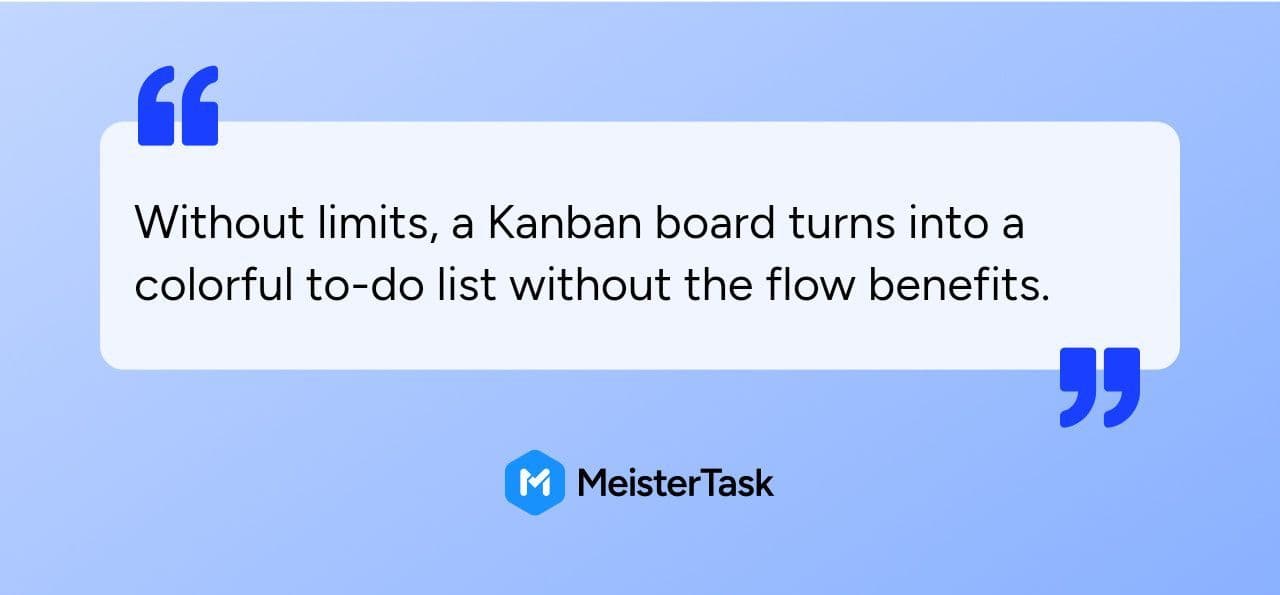
Armadilha: Ignorar os limites WIP.
Kanban vs outras abordagens ágeis
O Kanban costuma aparecer ao lado de outros métodos ágeis, e entender as diferenças ajuda sua equipe a escolher a ferramenta certa. A boa notícia é que eles não são realmente concorrentes — atendem a situações diferentes.
A tabela abaixo compara o Kanban com o Scrum, o método ágil sobre o qual a maioria das equipes pergunta primeiro.
Aspect
Kanban
Scrum
Work structure
Continuous flow
Fixed sprints
Roles
No prescribed roles
Defined roles (Scrum Master, Product Owner)
Changes
Anytime
Between sprints
Best for
Ongoing operations, support work
Project-based work with clear increments
Muitas equipes usam Kanban dentro do Scrum — uma abordagem às vezes chamada de "Scrumban" — ou ao lado de outras formas de trabalhar. O Kanban em ambientes ágeis tende a complementar outros métodos em vez de substituí-los.
Essa flexibilidade é parte do porquê a metodologia ágil Kanban é tão acessível. Se sua equipe é nova no ágil ou quer melhorar sem uma grande mudança de processo, o Kanban costuma ser o lugar mais fácil para começar.
Gerenciando o trabalho com segurança usando um quadro Kanban digital
Para equipes em setores regulamentados, como manufatura, finanças e setor público, a segurança não é uma reflexão tardia. Ferramentas de gestão de projetos lidam com informações sensíveis todos os dias, e a escolha errada pode gerar riscos reais.
Sair dos post-its e migrar para um quadro Kanban digital levanta perguntas legítimas sobre proteção de dados e conformidade. Com o software certo, sua equipe pode obter todos os benefícios do fluxo de trabalho enquanto ainda atende a padrões rigorosos.
Protegendo dados sensíveis
Cartões Kanban frequentemente contêm informações confidenciais — nomes de clientes, números financeiros, roadmaps de produto e dados de pessoal acabam todos no quadro. Esses dados merecem a mesma proteção que qualquer outra informação que sua organização armazena.
Um software robusto de gestão de projetos Kanban criptografa os dados, controla o acesso com permissões detalhadas e fornece trilhas de auditoria. Ferramentas baseadas em nuvem hospedadas em ambientes seguros, como a hospedagem do MeisterTask na Alemanha, ajudam sua equipe a atender aos requisitos de proteção de dados sem precisar gerenciar a infraestrutura por conta própria.
Garantindo conformidade
Organizações da administração pública, manufatura e finanças costumam operar sob o GDPR, certificações ISO reconhecidas ou regras específicas de residência de dados. Esses não são itens opcionais — são as condições para sequer poder usar uma ferramenta.
Escolher um software Kanban com recursos de conformidade integrados torna o cumprimento desses requisitos muito mais simples. O MeisterTask é certificado ISO 27001, totalmente compatível com o GDPR e hospedado na UE, o que importa especialmente para organizações europeias e para aquelas que atendem clientes europeus.
Dando o próximo passo com o Kanban
Então, o que o Kanban significa para sua gestão de projetos? É uma forma visual e flexível de trabalhar que ajuda sua equipe a otimizar o fluxo de trabalho, melhorar a transparência e entregar valor com menos atrito.
Começar é simples:
Mapeie seu fluxo de trabalho atual em colunas.
Crie cartões para suas tarefas.
Comece a mover o trabalho pelo quadro.
Observe, aprenda e ajuste.
Um quadro Kanban digital acelera essa jornada com colaboração em tempo real, acompanhamento automatizado, integrações com as ferramentas que você já usa e relatórios integrados que apoiam a gestão de tarefas e a delegação de tarefas em toda a sua equipe.