
What is Kanban workflow management
Kanban workflow management is a visual method for organizing and tracking work as it moves from start to finish. The word "kanban" means "sign" or "signboard" in Japanese — a perfect description for a system that makes all work visible on a board.
Born in Toyota's manufacturing plants in the 1940s, kanban has evolved far beyond factory floors. Today, software teams, marketing departments and project managers use kanban to manage everything from bug fixes to content calendars. At its core, kanban transforms invisible work into visual cards that flow through columns representing different stages of your process.
The definition of kanban centers on three key principles:
Visualization: All work becomes visible on a board so everyone knows what's happening
Flow optimization: Work moves smoothly through stages without getting stuck
Continuous improvement: Teams regularly refine their process based on what they observe
How the Kanban system visualizes and moves work
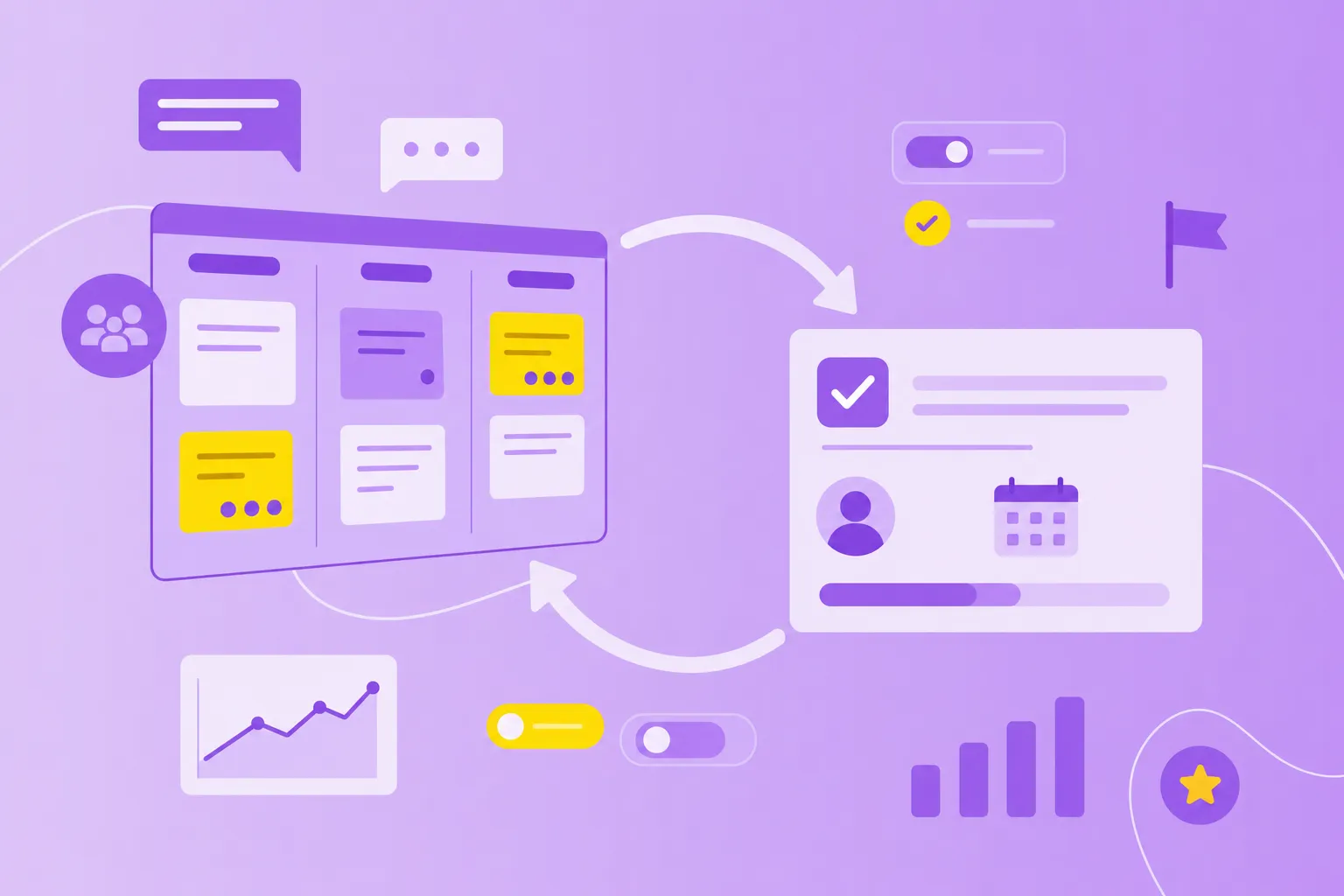
Picture a whiteboard divided into columns. Each column represents a stage in your workflow — maybe "to do," "in progress" and "done." Now imagine sticky notes moving from left to right across these columns. That's the heart of the kanban process.
In a kanban workflow, every task, request, or project becomes a card. These cards travel through your workflow stages, showing exactly where work stands at any moment. Unlike traditional to-do lists where tasks hide in notebooks or spreadsheets, kanban makes everything transparent.
Traditional task lists
Kanban workflow
Work is hidden until someone asks
All work is visible on one board
No clear handoffs between stages
Explicit stages show exactly where work is
Hard to spot bottlenecks
Bottlenecks become obvious immediately
The real power comes from customizing these stages to match how your team actually works. A software team might use "backlog," "development," "code review," "testing" and "deployed." A content team could have "ideas," "writing," "editing," "design" and "published."
Digital kanban systems like MeisterTask take this visualization online, letting distributed teams see the same board in real-time. When someone moves a card, everyone sees it instantly — no status meetings required.
Steps to build your Kanban workflow
Creating your first kanban board doesn't require special training or expensive consultants. You can start with a whiteboard and sticky notes or a workflow management template, then refine your approach as you learn what works for your team.
1. Identify your workflow stages
Start by mapping how work actually flows through your team. What's the first thing that happens when new work arrives? What's the last step before you call something "done"?
Ask your team to walk through a typical task together. Write down each handoff or status change. Most teams discover they have three to five main stages, though some complex processes have more.
Common starting and ending points:
First step examples: New request submitted, idea approved, task created
Last step examples: Delivered to customer, deployed to production, project archived
2. Set WIP limits for each stage
Work in progress (WIP) limits are the secret sauce of kanban project management. These limits cap how many items can sit in each column at once. Why limit work? Because juggling too many tasks slows everything down.
Start with your team's current reality. If you typically have five items in progress, set your limit at five. Then watch what happens. When a column fills up, you'll see exactly where work gets stuck.
Reduces context switching: Team members focus on fewer tasks at once
Surfaces bottlenecks: When a stage fills up, the team immediately knows where flow is stuck
Encourages collaboration: Team members help clear blocked stages instead of starting new work
3. Choose your Kanban board format
You have two main options: physical boards or digital systems. Physical boards work great for teams that sit together. There's something satisfying about moving a real card across a board.
Digital boards shine for distributed teams or anyone who wants automatic tracking and reporting. Tools like MeisterTask's kanban board tool offer drag-and-drop simplicity with powerful features underneath.
Physical boards
Digital kanban systems
Great for co-located teams
Accessible from anywhere
Tactile and visible in the workspace
Real-time updates for distributed teams
No cost beyond supplies
Built-in automation and reporting
Manual updates only
Integrates with other tools
4. Visualize tasks with Kanban cards
Each piece of work becomes a card containing just enough information to understand the task. Think of cards as mini work packages that carry everything needed to complete the job.
Basic card information includes:
Task title and description
Assigned team member
Due date or deadline
Priority or urgency tags
Attachments and links
Digital cards can hold much more — comments, checklists, time tracking, and file attachments. As work progresses, cards accumulate a history that helps teams learn and improve.
5. Review and improve your workflow regularly
Kanban isn't a "set it and forget it" system. The best teams review their board weekly, looking for patterns and problems. Where do cards get stuck? Which stages always overflow? What takes longer than expected?
These observations lead to small adjustments — maybe you add a new stage, adjust a WIP limit, or clarify what "done" means for each column. Over time, these tweaks add up to continuous improvement in how work flows.
Key benefits of Kanban project management
Teams that switch to kanban often report the same set of improvements. Work becomes more predictable, collaboration gets easier, and everyone stays aligned without endless meetings.
Faster task completion: By limiting work in progress and focusing on flow, teams finish tasks more quickly instead of juggling many incomplete items
Real-time collaboration: Everyone sees the same board, so team members stay aligned without constant status meetings
Reduced bottlenecks: Visual boards make it obvious when work piles up in one stage, so teams can address problems immediately
Enhanced transparency: Stakeholders and team members always know what's in progress, what's blocked, and what's coming next
Adapt to changing priorities: Unlike fixed sprints, kanban allows teams to reprioritize and pull in new work as priorities shift
Strategies to identify and fix workflow inefficiencies
When work piles up in one column or cards sit unmoved for days, you know exactly where to focus your attention.
Common warning signs include cards that haven't moved in days, stages that constantly hit their WIP limits, and team members with too many assigned tasks. Digital systems often add visual indicators — like turning a column red when it exceeds its limit.
Here's how to spot and fix the most common flow problems:
Look for tasks stuck in one stage too long: If a card hasn't moved in days, investigate what's blocking it
Monitor stages that consistently hit WIP limits: This signals a bottleneck — consider adding capacity, simplifying the work or adjusting the limit
Track which team members are overloaded: If one person owns too many cards, redistribute work or pair team members
Identify stages with unclear handoff criteria: If work bounces back and forth between stages, clarify the "definition of done" for each stage
Review cycle time trends: If tasks are taking longer to complete over time, dig into what's changed in the process
How workflow metrics support continuous improvement
Numbers tell stories. In kanban, a few key metrics reveal how work flows through your system and where to focus improvement efforts.
Cycle time measures how long tasks take from start to finish once work begins. If your average cycle time is three days, you can reasonably promise delivery in that timeframe. Lead time captures the full journey from request to delivery — including any waiting time before work starts.
Throughput counts how many items you complete per week or month, showing your team's real capacity. The cumulative flow diagram (CFD) visualizes all these metrics together, displaying how many items sit in each stage over time.
Digital systems calculate these metrics automatically, turning raw data into actionable insights. When cycle times increase or throughput drops, you know something needs attention.
Effective Kanban workflows across industries
Different industries adapt kanban to their unique needs while keeping the core principles intact. The beauty of the system lies in its flexibility — you define the stages that match your work.
Manufacturing and lean processes
Manufacturing teams use kanban to coordinate production from order to shipment, and a manufacturing workflow management template can streamline this process further. A typical flow might include: order received → materials sourced → production scheduled → manufactured → quality checked → shipped.
WIP limits prevent overproduction and excess inventory. When the shipping area fills up, production slows down. When materials run low, purchasing gets the signal to reorder. The entire system self-regulates based on actual demand.
Public sector and compliance-driven workflows
Government agencies and public sector teams face unique challenges: strict approval processes, audit requirements, and public accountability. Their kanban boards often include stages like: request submitted → approval required → assigned → in progress → review and audit → documented.
The visual nature of kanban creates natural audit trails. Anyone can see how long requests take, where they get stuck, and who handled each step. For teams managing GDPR compliance or other regulations, this transparency proves invaluable.
Finance and regulated project management
Financial services teams balance urgent client requests with planned work like reports and audits. A typical workflow: client request → risk assessment → assigned to analyst → analysis in progress → management review → delivered.
Security matters in regulated industries. Teams look for kanban systems with ISO 27001 certification, GDPR compliance and secure hosting. MeisterTask, for example, hosts data in Germany and maintains enterprise-grade security standards — critical for teams handling sensitive financial data.
How digital Kanban systems streamline end-to-end work management
While physical boards work well for simple workflows, digital systems add capabilities that transform how teams collaborate. Automation moves cards based on triggers you define. Integrations connect your kanban board to email, chat, and other tools. Mobile apps let you update cards from anywhere.
Key advantages of going digital:
Automation triggers: Automatically move cards, assign tasks or send reminders based on rules you set
Integrations: Connect with tools like Slack, Microsoft Teams and calendar apps to keep workflows seamless
Real-time updates: Everyone sees changes instantly, no matter where they're working
Mobile access: Manage tasks and update boards from your phone or tablet
Built-in reporting: View cycle time, throughput and cumulative flow diagrams without manual calculations
Enterprise-grade security: Look for systems with ISO 27001 certification and GDPR compliance
The best digital kanban tools maintain the visual simplicity of physical boards while adding these powerful features. You still see cards flowing through columns — you just get a lot more help managing that flow.
Transform your team's workflow
By making work visible, limiting work in progress, and measuring flow, teams accomplish more with less stress. The method works because it's simple to start but sophisticated enough to handle complex workflows.