
What is a workflow process tool?
Picture this: your marketing team receives a campaign request, but nobody knows who's handling the design work. The brief sits in someone's inbox for three days before anyone notices. Sound familiar?
A workflow process tool is software that organizes, automates and tracks repeatable business processes from start to finish. Instead of relying on memory or scattered emails, these tools create a clear path for work to follow – like a GPS for your tasks.
At its core, a workflow is simply a sequence of tasks that moves work from one stage to completion. Take employee onboarding: the process flows from "offer accepted" through HR paperwork, IT account setup, workspace arrangement and finally "first day complete." Each department knows exactly when to act and what comes next.
You might also hear these tools called workflow management software, workflow programs or process workflow software — they're all talking about the same thing.
Key features of workflow management software
Modern workflow management software shares four core features that help teams work better together. Let's explore what makes these tools so effective.
Automation and task routing
Task routing automatically assigns work to the right team member based on rules you set up. When a customer submits a support ticket, the tool instantly sends it to the correct department, no manual sorting required. Some teams extend this further upstream, using tools like AI-powered IVR to handle and direct routine inbound queries before they ever become a ticket.
Task workflow automation takes this further by handling repetitive actions like sending notifications, updating task statuses or creating follow-up reminders. Your team spends less time on administrative work and more time on what matters.
Visual boards and dashboards
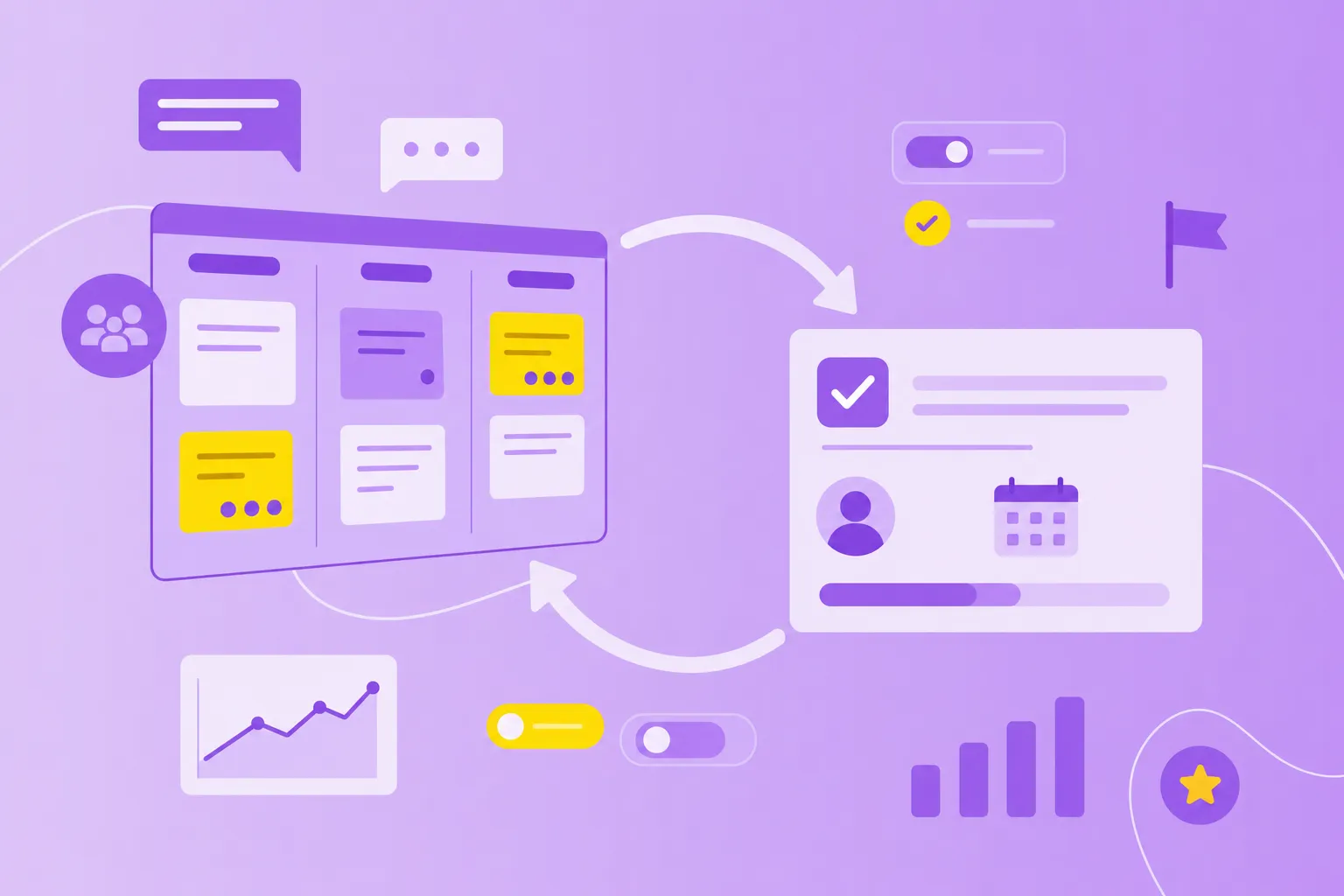
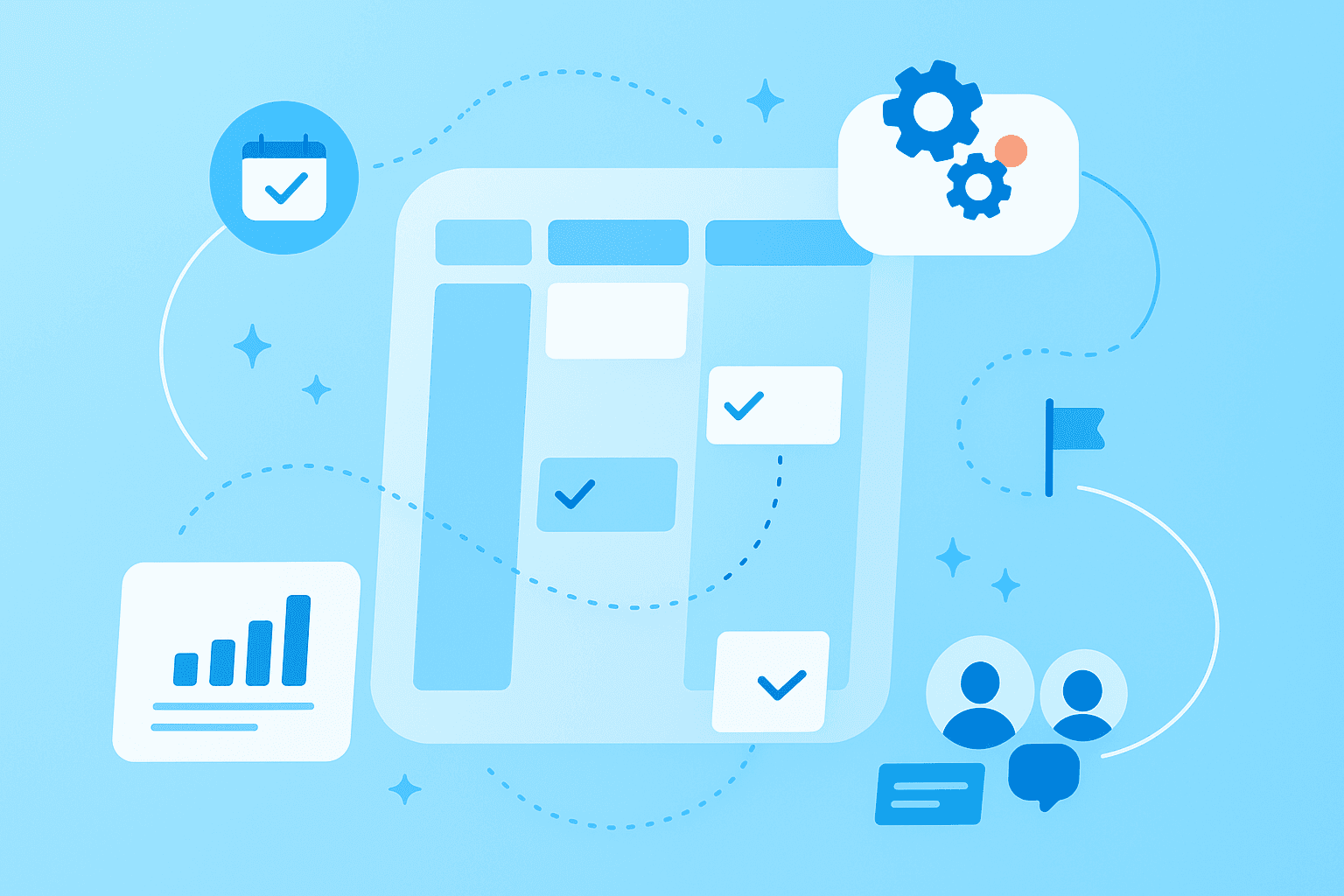
Visual boards display your work as cards moving through columns — think of sticky notes on a whiteboard, but digital. You can see at a glance which tasks are in progress, what's stuck and what's complete.
Dashboards give you the bird's-eye view with key metrics and project health indicators. No more digging through spreadsheets or asking "where are we on this project?" The answer is right there on your screen.
Reporting and analytics
Want to know why projects keep running late? Reporting features track task completion times, identify bottlenecks and show how work is distributed across your team.
These insights help you make smarter decisions. If data shows that design approvals take five days on average, you can investigate why and fix the problem.
Integrations with other systems
Your workflow tool connects with software you already use — email, calendars, file storage and communication platforms. When someone sends an important email, it automatically becomes a task. When you update a deadline, your calendar adjusts too.
This connectivity means you work in one place instead of jumping between 10 different apps all day.
How different teams use process workflow software
Different departments face unique challenges, but workflow tools adapt to meet each team's specific needs. Here's how various teams put these tools to work.
Marketing campaigns
marketing workflows typically follow this path: campaign brief → content creation → design → review → approval → publication → performance tracking.
A workflow tool automatically routes each stage to the right person. When the copywriter finishes, the tool notifies the designer. When design is complete, it goes to the manager for approval. No more "did you see my email?" or missed deadlines because someone forgot to pass work along.
HR onboarding
New employee onboarding involves multiple departments and dozens of tasks. The workflow might include:
Document collection: contracts, tax forms, emergency contacts
IT setup: email accounts, software access, security badges
Workspace preparation: desk assignment, supplies, parking permits
First-week scheduling: orientation sessions, team introductions, training
Workflow tools track every step, making sure nothing falls through the cracks. This matters especially for public sector organizations where compliance documentation is critical.
IT support
IT teams handle support tickets through a clear workflow: submission → categorization → assignment → resolution → follow-up.
The tool automatically routes urgent issues to senior technicians while sending password resets to junior staff. Response times improve because tickets don't sit unassigned, and managers can spot recurring problems that need permanent fixes.
Operations and manufacturing
Manufacturing workflow management helps teams with quality control checks, equipment maintenance schedules and production planning. Visual boards show production status in real time — perfect for shop floor managers coordinating between departments.
For manufacturers following ISO standards, these tools provide the documentation trail regulators require while keeping processes running smoothly.
Benefits of a centralized workflow program
When all your processes live in one platform instead of scattered across email threads and spreadsheets, work becomes clearer and teams accomplish more. Here's what centralization brings to your organization:
Less chaos: Everyone knows where to find tasks, files and project updates
Better visibility: See what colleagues are working on without interrupting them
Consistent execution: Every process follows the same steps, reducing errors
Easy growth: Add new team members without processes breaking down
Natural collaboration: Comment, share files and communicate within each task
Remote teams especially benefit since they can't rely on quick desk visits to stay aligned. Platforms like MeisterTask bring together task management, documentation through Notes and team collaboration in one secure space.
How to select the right tool workflow for your organization
With dozens of workflow tools available, choosing the right one feels overwhelming. Focus on these three factors to find your match.
Compliance and data security
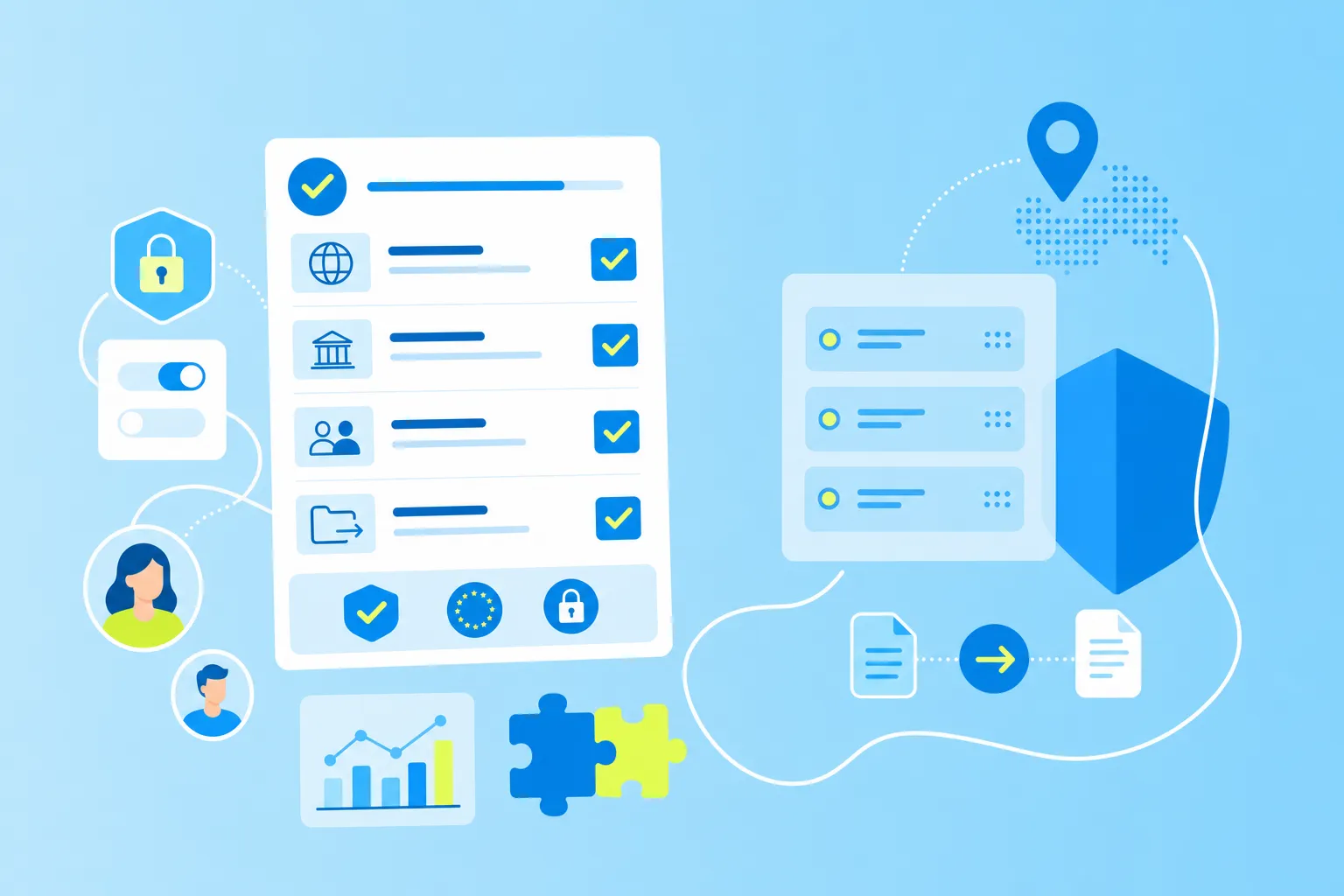
Your workflow tool stores sensitive information — employee data, financial records, strategic plans. Look for specific security features:
Encryption: protects data during transfer and storage
Certifications: ISO 27001 shows serious security commitment
Data location: where your information physically lives matters
Access controls: who can see and edit different information
EU-hosted solutions offer stronger privacy protections through GDPR compliance — particularly attractive for organizations with strict data residency requirements. MeisterTask, for example, combines ISO 27001 certification with German hosting and full GDPR compliance.
User-friendliness and training
Complex tools often fail because people stick with familiar methods like email, even when those methods create more work.
Test any tool with actual users before buying. Look for intuitive interfaces, drag-and-drop functionality and visual elements that make sense without a manual. Quick adoption means faster results.
Customizable templates
Templates give you pre-built workflows for common processes — think of them as recipes you can adjust to taste. Good workflow programs offer templates for project kickoffs, approval chains and recurring tasks that you modify to fit your exact needs.
Addressing security, privacy and data workflow tools
Data workflow tools manage information-intensive processes where sensitive data moves between team members and departments. This makes security and privacy non-negotiable.
Organizations in manufacturing, public sector and finance face strict requirements about data storage and access. The right security features protect your information without making the tool harder to use:
Role-based permissions: Control access at a granular level
Audit trails: Track every change for accountability
Data encryption: Protect information in transit and at rest
Compliance certifications: Verify the tool meets industry standards
EU data privacy standards (GDPR) provide some of the world's strongest protections, making EU-hosted tools particularly appealing for privacy-conscious organizations.
Tips to implement business workflow management software
Getting started with workflow software takes planning, but these three steps set you up for success.
1. Define goals
Start with specific problems you want to solve. "Reduce approval time from three days to one day" beats vague aspirations like "improve productivity." Clear goals help you measure success and keep implementation focused.
Include the people who'll use the tool daily in goal-setting — they know where current processes hurt most.
2. Map existing processes
Document how work currently flows, perhaps using a process audit template, before digitizing anything. Include every step, handoff and decision point. This mapping reveals redundancies and bottlenecks you can eliminate in your new workflow.
Start small with one or two processes. Visual flowcharts help everyone understand the current state and envision improvements.
3. Test and refine
Pilot new workflows with a small group first. Real use always reveals issues planning missed — maybe that approval step takes longer than expected, or notifications go to the wrong person.
Gather feedback and adjust.
Make small improvements continuously instead of waiting for perfection.
Moving forward with advanced workflow tools
Workflow process tools help teams move from reactive scrambling to proactive execution. The right tool combines tasks, documentation and collaboration in one secure platform where everyone knows what to do next.
Whether you're in manufacturing, public sector, finance or any other industry, these tools let you focus on meaningful work instead of coordination overhead. When teams spend less time managing logistics, they accomplish more of what matters.
Ready to bring clarity to your team's workflows? get started with MeisterTask and experience how simple work management can be.