
What is a workflow tracking system?
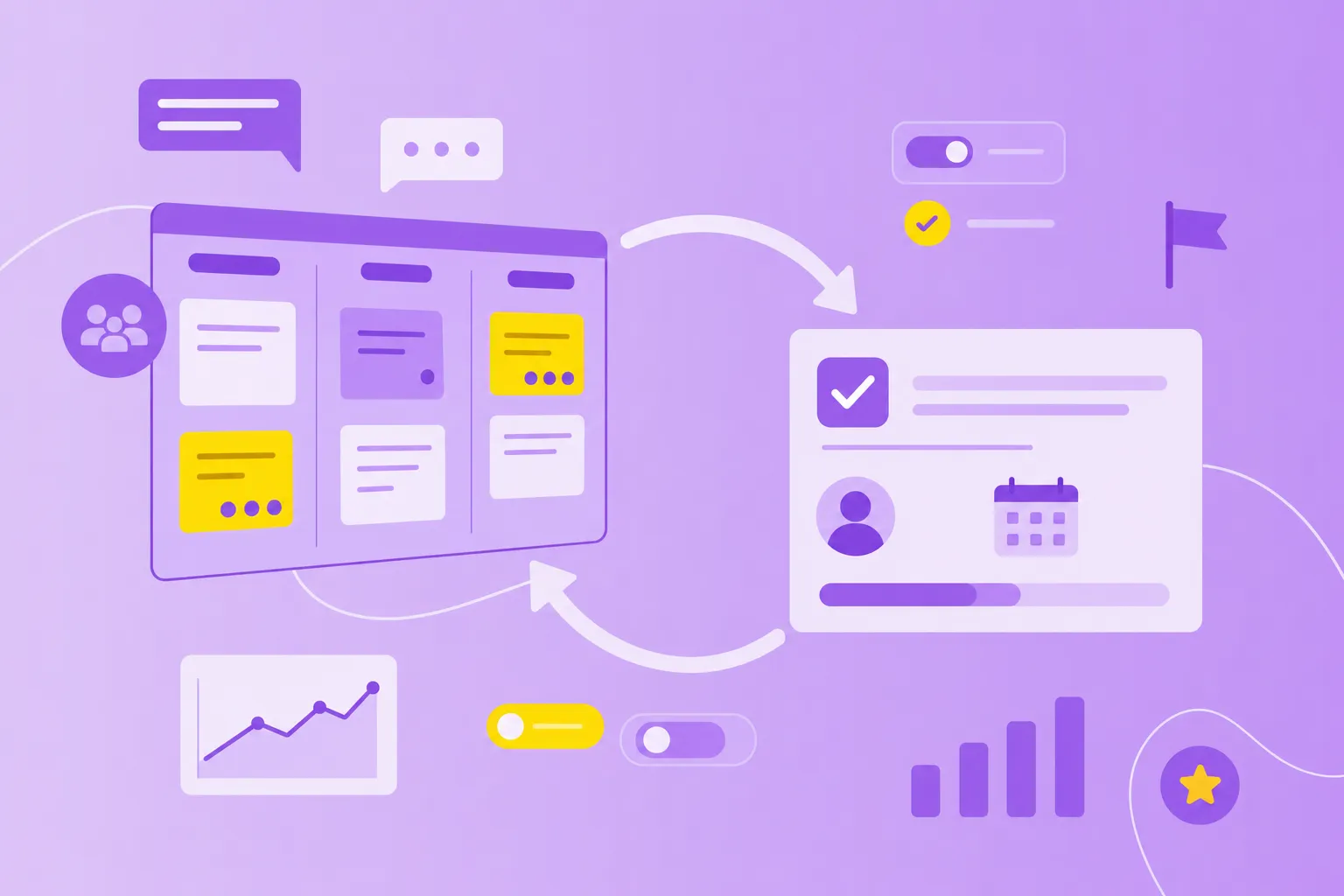
A workflow tracking system is software that monitors and visualizes work as it moves through different stages, from start to completion. Think of it as a digital command center where you can see exactly what's happening with every task, who's working on what and where things might be getting stuck.
Teams across departments rely on these systems — from project managers coordinating product launches to team leads managing daily operations. These tools exist because spreadsheets and email chains leave teams guessing about work status. When you're juggling multiple projects and team members, knowing where everything stands becomes impossible without proper tracking.
The key difference between workflow tracking and basic to-do lists? Continuous visibility. While a to-do list tells you what tasks exist, software workflow management shows you the journey each task takes. You can see if a task has been started, who's responsible, how long it's been in progress and what's blocking completion.
Why visibility and accountability matter
When you can instantly see where work sits, who owns each task and what's creating bottlenecks, the entire team operates more smoothly.
Here's what visibility actually delivers:
Faster decision-making: When you spot a bottleneck immediately, you can reassign resources or adjust priorities without waiting for the next status meeting.
Clear accountability: Everyone knows exactly what they're responsible for, eliminating those awkward "I thought you were handling that" moments.
Better forecasting: Historical data from past projects helps you predict realistic timelines based on how long similar work actually took.
Dashboards and progress views mean you spend less time in status meetings and more time doing meaningful work. When anyone can check work status independently, meetings become focused on solving problems rather than sharing updates.
This transparency also builds trust. Your colleagues know you're making progress even when working from different locations or time zones. No more wondering if work is moving forward — everyone can see it happening in real time.
Essential features for team workflow management
Not all workflow tracking systems offer the same capabilities. Some excel at visualization but lack reporting. Others have great analytics but clunky interfaces. The features below represent what actually works for teams managing collaborative work in the real world.
1. Real-time dashboards
Dashboards are visual displays that show work status at a glance. Instead of asking "what's the status?" in every meeting, you check the dashboard and instantly understand where things stand.
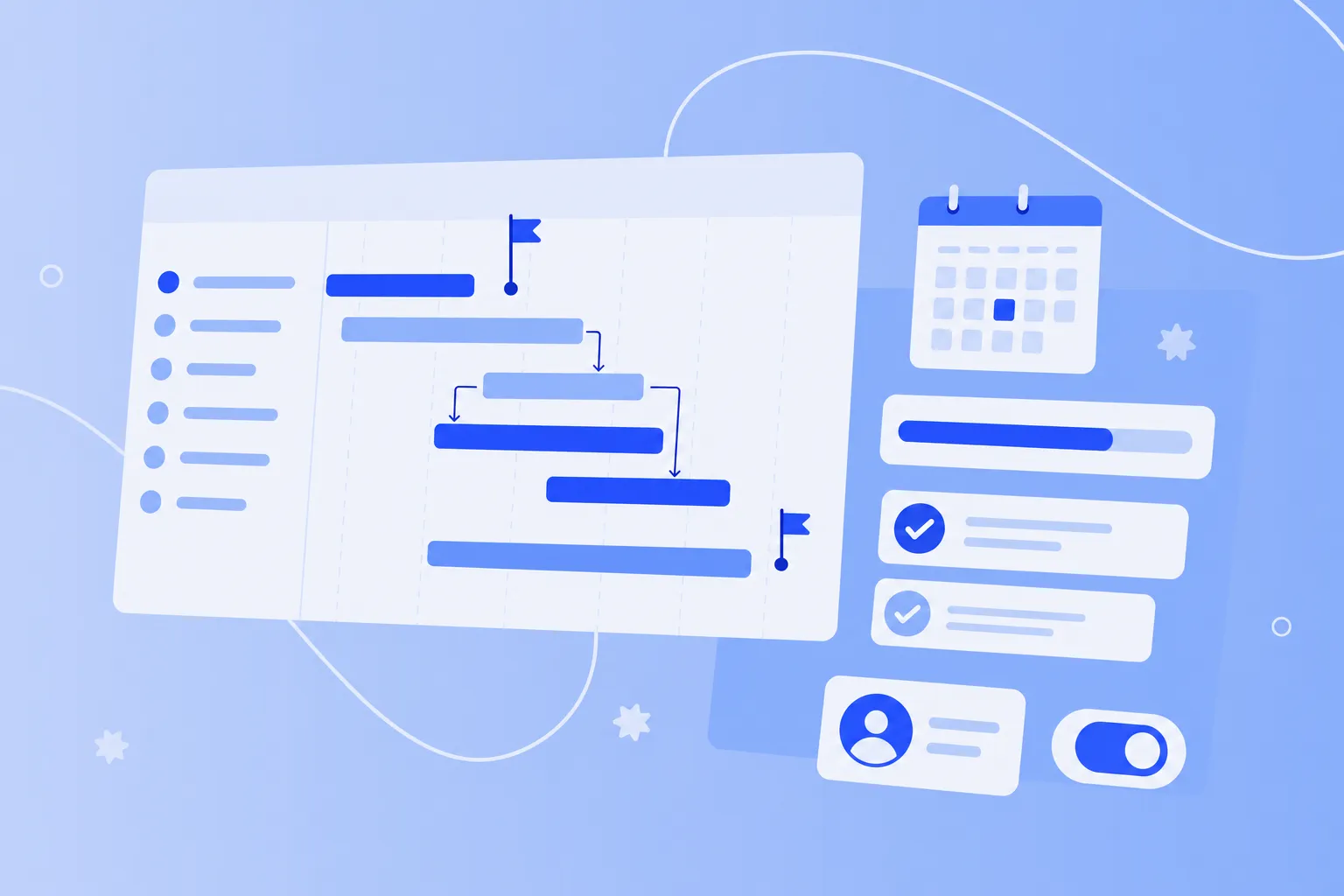
Effective dashboards include task progress indicators showing completion percentages, team workload views revealing who has capacity, project timelines mapping key milestones and status summaries highlighting what needs immediate attention. When these elements work together, managers and team members gain instant understanding without digging through individual tasks.
2. Automated alerts
Automated alerts are notifications triggered by specific events — think of them as your system's way of tapping you on the shoulder when something important happens. A task moves to the next stage? You get notified. A deadline approaches? You receive a reminder. Work sits too long in one stage? The system flags it.
The key is configurability. You want alerts for important events without drowning in notifications. Good systems let you customize what triggers alerts and who receives them, preventing the notification overload that makes people ignore their inbox.
3. Role-Based permissions
Role-based permissions control what different team members can see and edit based on their role. This isn't about hiding information — it's about security, clarity and compliance.
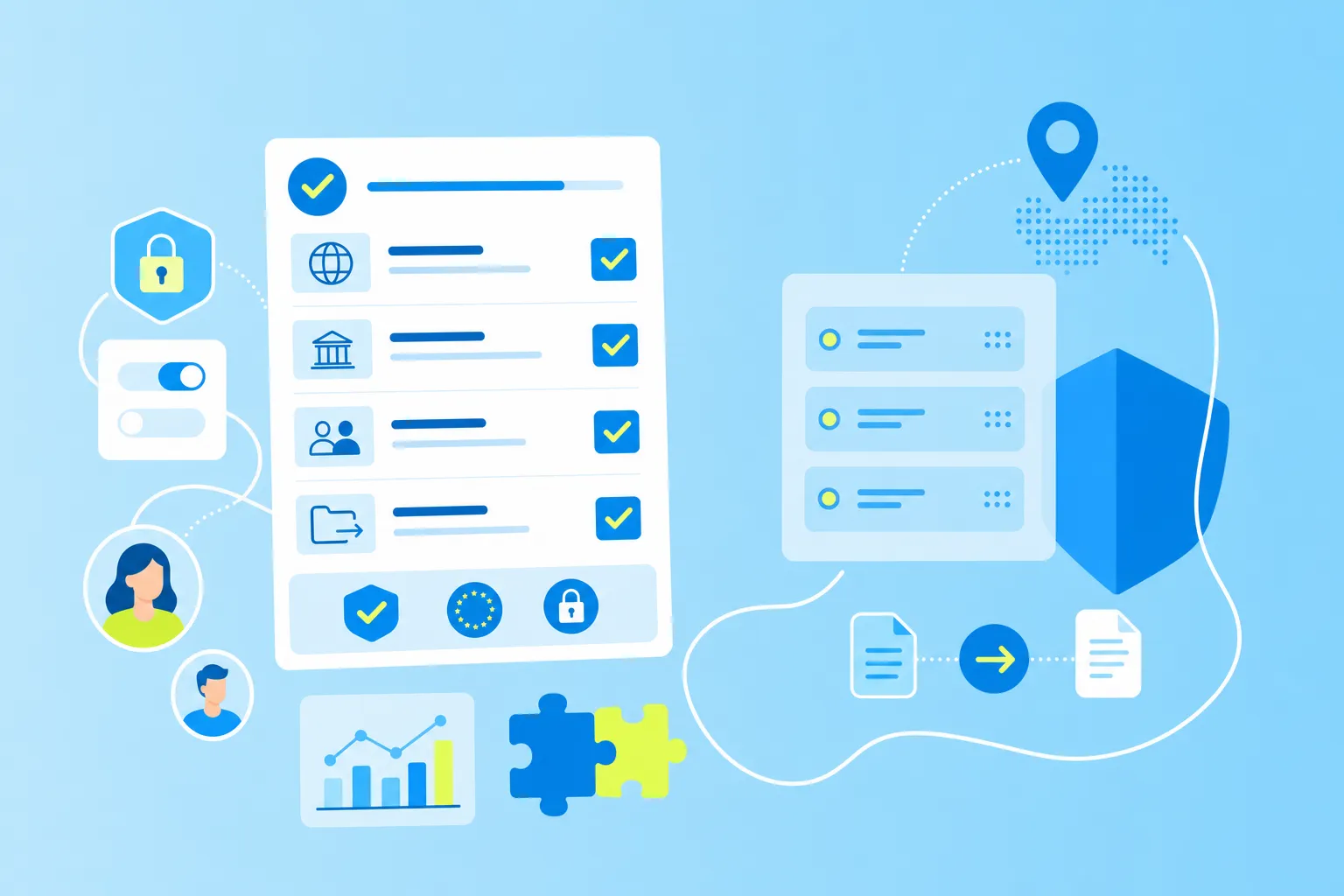
For public sector and finance teams handling sensitive data, controlling access is non-negotiable. But permissions also reduce clutter by showing team members only relevant work. When you're focused on your department's tasks, you don't need visibility into every project across the organization. EU data privacy regulations like GDPR make proper access controls even more important for European teams.
4. Integrations with existing tools
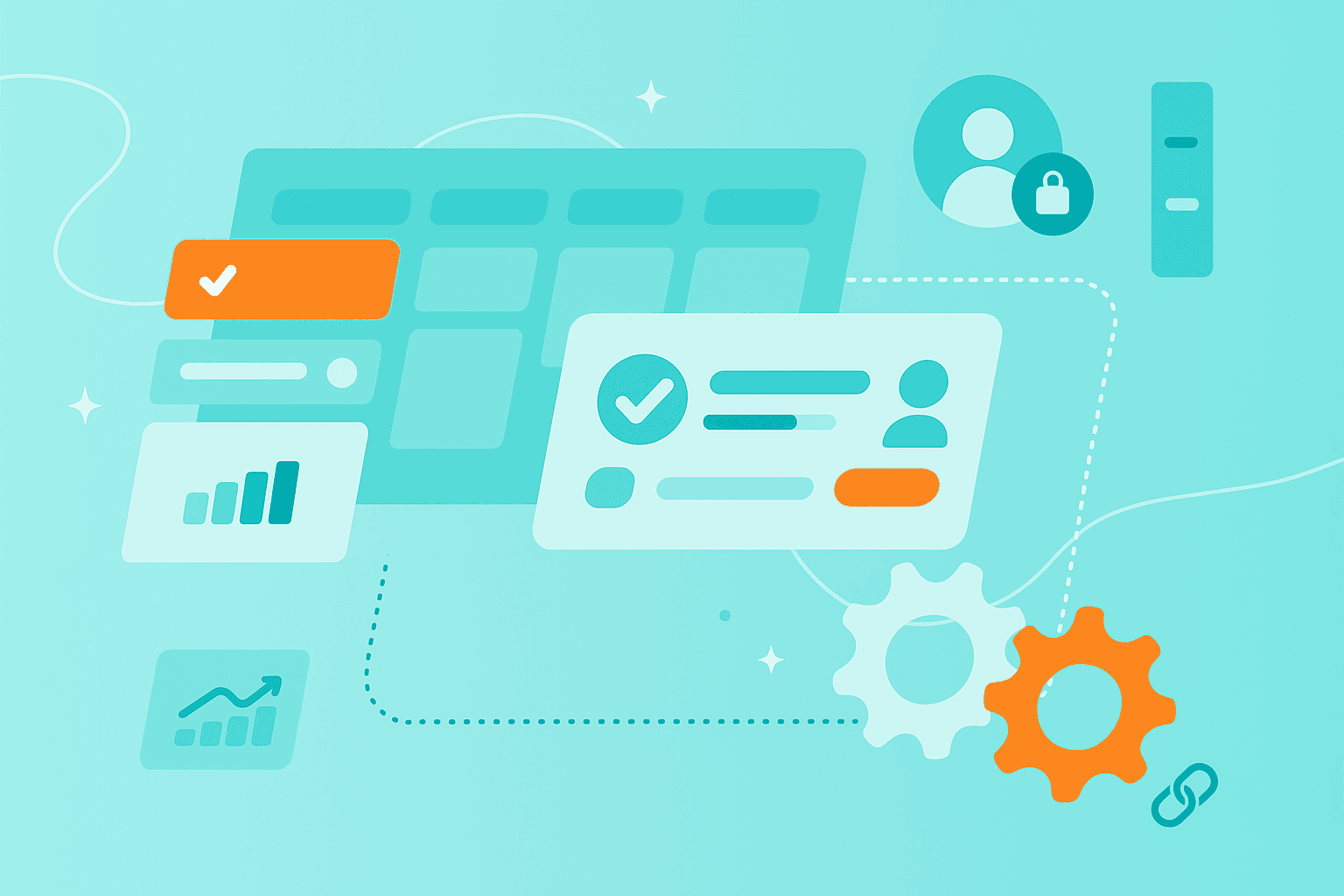
Your workflow tracking system shouldn't exist in isolation. It needs to connect with the tools your team already uses — email platforms, calendars, file storage and communication apps.
Why integrations matter:
No more copying data between systems
Information stays synchronized automatically
Team members work where they're comfortable
Without integrations, workflow tracking becomes just another disconnected tool that creates more work instead of reducing it.
5. Reporting and analytics
Reporting features turn raw workflow data into actionable insights. You want to know time spent in each stage, completion rates across project types, where bottlenecks consistently appear and how work distributes across your team.
The best workflow management app reporting doesn't just show what happened — it reveals where processes can improve. If tasks always stall at the approval stage, you know where to focus improvement efforts.
Common pitfalls and what doesn't work
Many teams struggle with workflow tracking implementation. Understanding what typically goes wrong helps you avoid the same mistakes. Let's look at the most common reasons online workflow management initiatives fail.
1. Overcomplicated setup
Complex systems with dozens of fields, stages and customization options often fail before they start. When setup takes weeks and training takes days, teams give up.
Complexity creates longer onboarding times as people struggle to understand the system. Adoption rates plummet when the tool feels harder than the problem it's solving. Eventually, these overcomplicated systems become expensive digital dust collectors.
Keep it simple. Start with basic workflows that match how you currently work. Add complexity only when teams specifically request features based on real needs they've identified.
2. Lack of team buy-in
Implementing tracking systems without team input creates resistance. When people feel monitored rather than supported, they find workarounds or simply ignore the system.
Successful implementation involves your team from the beginning. Ask what would make their work easier. Explain benefits in terms they care about — like spending less time in meetings or having clearer priorities. Address surveillance concerns directly by showing how tracking helps the team work better together, not enable micromanagement.
3. Poor alignment with processes
Forcing your existing workflows into rigid system structures creates friction. When the tool doesn't match how you actually work, teams end up tracking things in multiple places or creating elaborate workarounds.
Choose flexible systems that adapt to your processes rather than forcing process changes. Customizable templates provide starting points while maintaining the flexibility to match your team's unique approach.
4. Inadequate training or onboarding
Assuming teams will figure out new systems on their own leads to inconsistent usage and frustration. Without proper training, different team members use the system differently, creating data inconsistencies and confusion.
Effective onboarding includes clear documentation people can reference later, hands-on training where teams practice with real workflows and ongoing support for questions that arise after initial training. Time invested upfront pays off through higher adoption and cleaner data.
How to pick the right workflow management app
Choosing the right system requires matching specific features to your team's actual needs. Before comparing options, think through what you really need versus what sounds impressive in a demo.
1. Identify key requirements
Start by listing your must-have features. What workflows do you need to track — creative production, approval processes, or customer service tickets? How many team members will use the system, and might that number grow? Which integrations are deal-breakers for daily work? What's your realistic budget range?
Create a simple checklist of requirements before looking at any tools. This prevents getting distracted by flashy features you'll never use while missing basics you can't work without.
2. Consider security and compliance
Security matters for every team, but it's especially critical for regulated industries. public sector, finance and manufacturing teams often have specific compliance requirements.
Key security considerations:
Data location: EU-hosted systems help with GDPR compliance for European teams.
Certifications: ISO 27001 and similar standards show serious security commitment.
Access controls: Clear definition and enforcement of who can view and edit sensitive information.
For teams handling confidential data, security features aren't optional — they're fundamental.
3. Check integration possibilities
Your system needs to connect with existing tools to avoid creating information silos. Common integration needs include email platforms for notifications, calendar systems for deadline sync, file storage for document management and communication tools for updates.
Test these integrations during trial periods. Marketing materials might promise seamless connection, but you need to verify the integration actually works for your specific use case.
4. Evaluate scalability and pricing
Systems need to grow with your team without forcing platform changes. Look beyond current needs to where you'll be in two years.
Consider per-user costs and how they scale with team growth. Check feature limitations by pricing tier — you don't want to discover critical features require expensive upgrades. Watch for hidden charges like storage limits or integration fees that can dramatically increase total cost.
5. Test user experience
Start free trials with the actual people who'll use the system daily. Have them test common workflows like creating tasks, updating status and generating reports.
If team members work remotely or travel frequently, evaluate mobile access. The best features mean nothing if your team avoids using the system because it's too complicated.
Real-world collaboration use cases
Workflow tracking systems support various collaboration scenarios across industries. These examples show how different teams benefit from better work visibility using project workflow tools.
Cross-departmental projects: marketing, product and sales teams tracking campaign launches together illustrates the power of shared visibility. Each department sees their specific tasks while maintaining sight of the overall project. This reduces handoff errors when creative assets move from design to implementation. Clear ownership means nothing falls through departmental cracks.
manufacturing production workflows: Production teams track orders from initial specification through quality control to final shipping. Real-time visibility reveals exactly where bottlenecks occur on the production floor. Supervisors spot delays immediately instead of discovering them during end-of-shift reports. Quality issues get flagged and addressed before affecting entire production runs.
public sector compliance processes: Government teams use workflow tracking for approval processes requiring multiple stakeholder reviews. Each reviewer sees pending items needing their attention without accessing unrelated information. Complete audit trails satisfy compliance requirements while actually speeding up approval cycles.
Remote team coordination: Distributed teams rely on online workflow management software to stay synchronized across time zones. Team members update task status asynchronously, letting colleagues pick up work without waiting for direct handoffs. Progress remains visible even when working different schedules, dramatically reducing delays and miscommunication.
Moving forward with better tracking
Effective workflow tracking isn't about finding the most feature-rich system — it's about matching the right capabilities with thoughtful implementation. What works is starting simple, involving your team and choosing tools that align with how you actually work.
Getting started doesn't require overhauling everything at once. Begin with one workflow or team to prove the concept. Choose systems offering real trial periods where you can test with actual work, not just sample data. Prioritize ease of use over impressive feature lists — teams adopt tools that make their work easier, not harder.
MeisterTask exemplifies this approach with intuitive Kanban boards, real-time tracking and EU-based hosting for teams prioritizing data privacy. The platform combines visual task management with the security features regulated industries require.