
What is a Kanban board online?
A Kanban board online is a web-based tool that shows your work as cards moving through workflow columns, so your team can track tasks from start to finish in real time. The word comes from a Japanese term meaning "visual signal," and the method was first developed at Toyota to manage work on the factory floor.
Today, the same idea works for any team that wants a clear picture of who is doing what. A Kanban board online has three main parts:
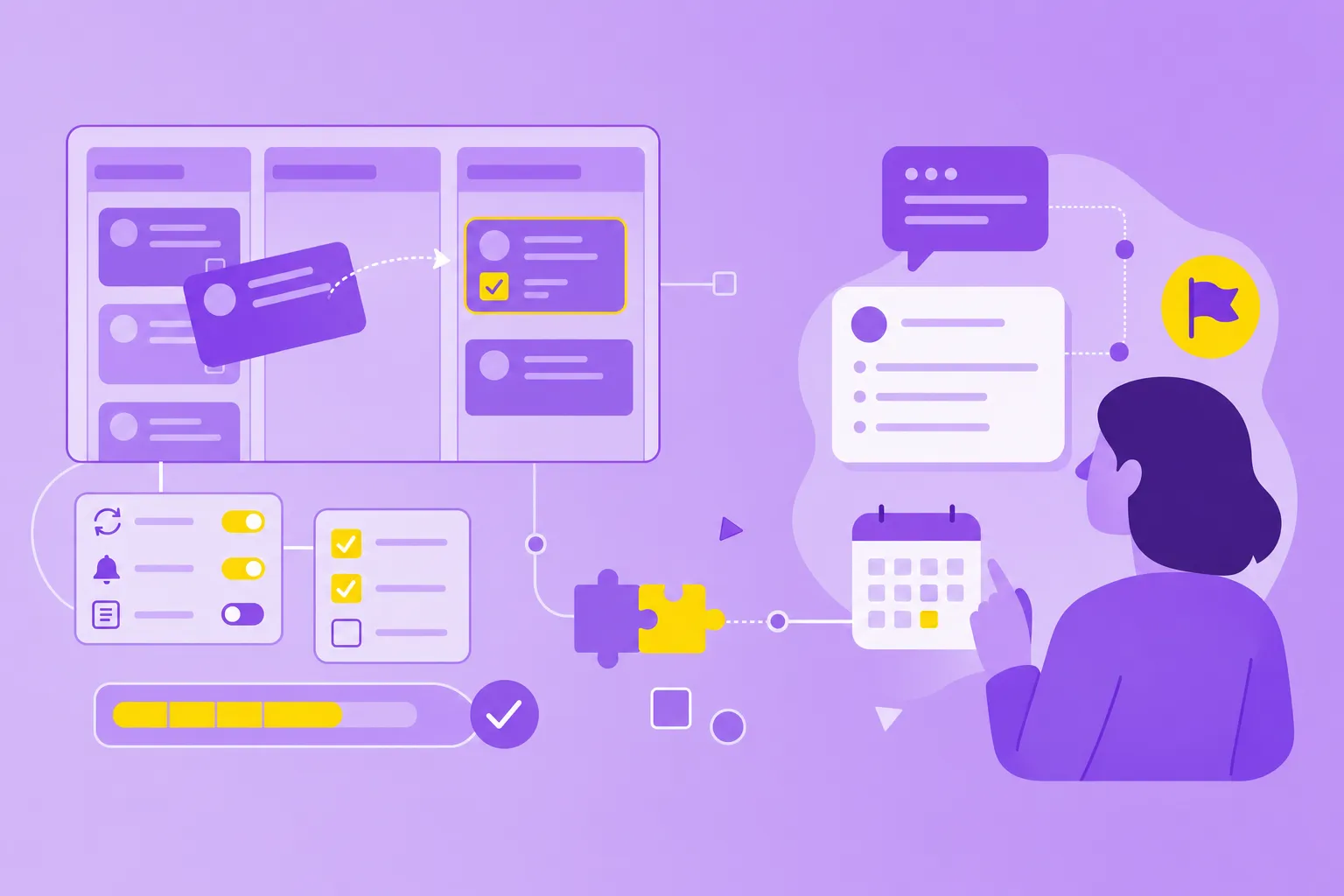
Cards: individual tasks or work items, each with a title, owner, and details.
Columns: workflow stages such as To Do, In Progress, and Done.
Real-time updates: changes appear instantly for everyone on the team.
You might wonder how an online Kanban board is different from a desktop one. Online boards run in any browser, support remote and hybrid teams, and save your task history automatically without manual backups. That makes them a better fit for teams spread across offices, time zones, or job sites.
One more concept worth knowing: work-in-progress limits, often called WIP limit. A WIP limit is the maximum number of tasks allowed in a single column at one time, which keeps your team from spreading itself too thin. We will return to WIP limits later when we walk through how to set up your first board.
Why choose one Kanban board tool over three separate apps?
Most teams end up using more apps than they planned. One tool tracks tasks, another holds the project roadmap or timeline, and a third stores documents like briefs, meeting notes, and specs. Each app does its job, but together they create more friction than flow.
The hidden costs add up faster than you might expect:
Context switching: jumping between apps breaks your focus and slows down decisions.
Duplicate information: the same details are copied across tools, leading to version control issues.
Fragmented search: you can't search all three tools at once, so finding information takes longer.
Overlapping subscriptions: you're paying for features that do similar things in different places.
A Kanban board online takes a different approach. It pulls task management, visual planning, and documentation into one place, so tasks, timelines, and notes all live together on the same cards or within the same project view.
Picture how that looks day to day. A team member opens one tool, sees a task card, reads the project brief attached to it, checks the timeline view, and adds a comment — all without leaving the board. No tab juggling, no copy-paste, no guessing which version of the brief is current.
This setup is especially useful for regulated industries and public sector teams that handle compliance and audit requirements. When all project information sits in one centralized, traceable place, team management gets simpler and audits get less stressful.
Steps to start your first Kanban board online
Setting up a Kanban board online doesn't mean rebuilding your whole workflow on day one. You can begin with one project and grow from there.
1. Identify your workflow stages
Workflow stages become the columns on your board. Start with three columns – To Do, In Progress, and Done – and add more later, such as Code Review, Testing, or Awaiting Approval, once your team understands its actual process.
A common mistake is creating too many columns at the start. If you can't describe what each one means in a sentence, you probably have too many.
2. Add tasks and assignees
Each card represents a task or work item, so give it a clear title, an owner, and a due date. Cards work best when they're small enough to move through the workflow in a reasonable time, which usually means breaking bigger projects into smaller management tasks.
A good test: if a card sits in In Progress for more than a week, it's probably too large.
3. Integrate documents and notes
This is the step that lets you retire your separate documentation app. Instead of keeping briefs, meeting notes, and specs in another tool, attach them directly to relevant cards or store them in a connected Notes feature within the same platform.
Why does that matter? Context lives where the work is, so your team doesn't hunt across multiple tools, and onboarding gets faster because everything new hires need is right on the board.
4. Set work-in-progress limits
A WIP limit caps how many tasks can sit in a column at once. Start with a generous limit – around three tasks per person in In Progress – and adjust as your team sees its real flow.
If you want to learn how to manage a team that already feels stretched thin, WIP limits are a quiet but powerful tool. Start with one project, prove the consolidation works, and expand from there.
Key features that reduce tool sprawl
Not every Kanban tool can replace three apps. The features below do the heavy lifting when you want a single platform to cover task management, planning, and documentation.
Built-in notes and documentation: store project briefs, meeting summaries, and reference docs alongside tasks, so context lives in the same workspace.
Flexible board views: switch between Kanban columns, timeline views, and list views depending on what you need to see.
Integrations with existing tools: connect your online Kanban board to email, calendars, file storage, and chat apps to reduce the need for separate platforms.
Collaborative task cards: add comments, attachments, checklists, and due dates directly on cards, so all task-related conversations happen in one place.
Secure, centralized storage: keep all project data in one location with enterprise-grade security, audit logs, and compliance support.
These features matter most for teams in manufacturing, public sector, and finance, where compliance, traceability, and data privacy can't be optional. A board that stores everything securely in one place makes those requirements easier to meet — and easier to prove during an audit.
The contrast between the two setups becomes clearer when you see them side by side:
Separate tools approach
Kanban board online approach
Task app + roadmap tool + docs app
one platform with tasks, timelines, and notes
Multiple logins and subscriptions
Single login, one subscription
Fragmented search across tools
Unified search across project data
Manual syncing between apps
Automatic updates in real time
Bringing these features under one roof saves time, reduces the mental load of switching apps, and keeps everyone looking at the same information. The next section shows what that looks like in three industries where the gains are clearest.
How three industries combine their tools with a Kanban board online
Consolidation looks a little different in each industry, but the pattern is the same: separate tools for tasks, planning, and documentation are collapsed into a single Kanban board online. Here are three examples where the shift makes a real difference.
Manufacturing
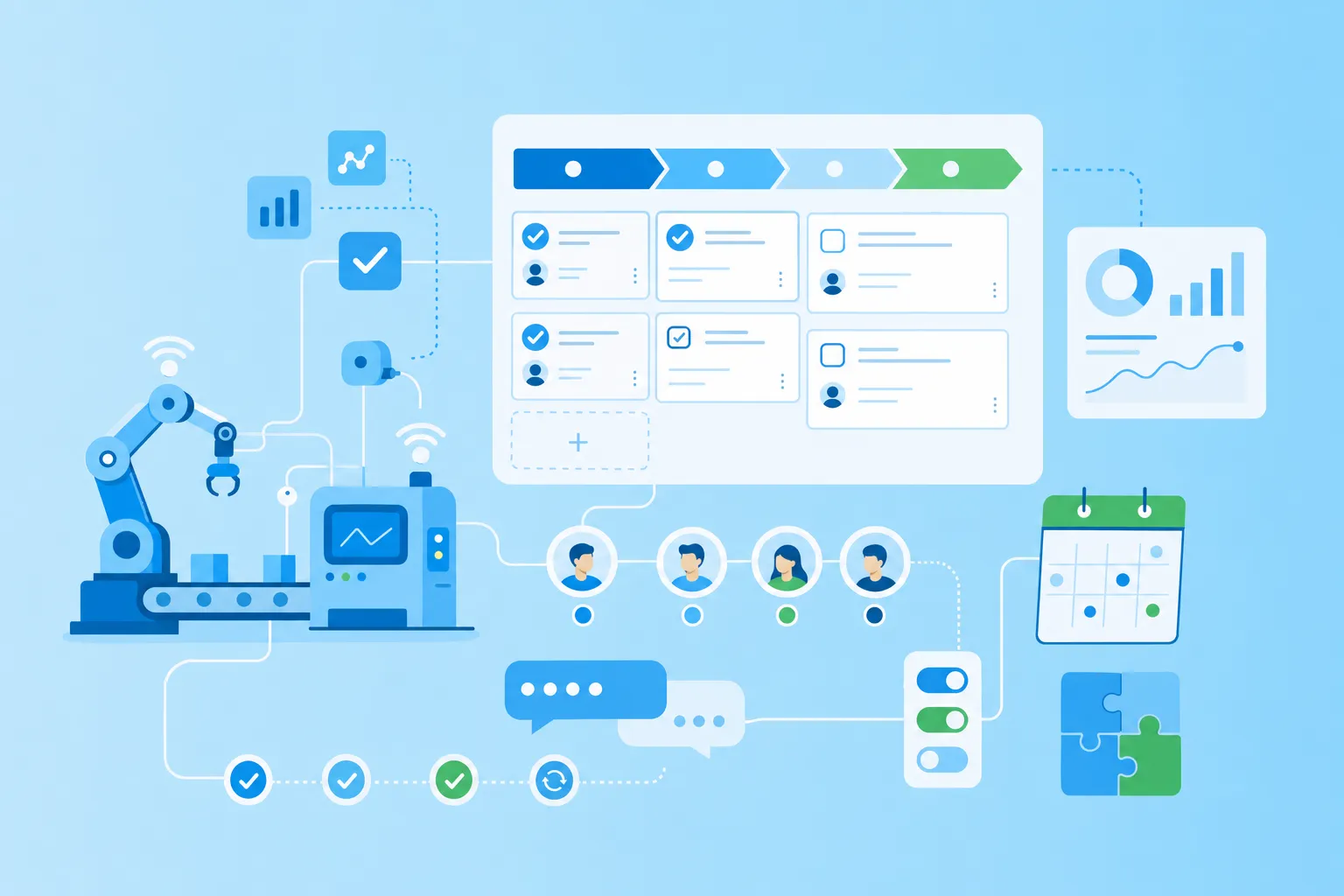
Production teams often run on a spreadsheet for tasks, a separate planner for production schedules, and a third folder for SOPs, safety protocols, and supplier documents. A Kanban board online brings all three together: order cards link to their schedules, technical specs and safety docs sit on the same card, and shop floor and office staff see the same live view.
The result is fewer miscommunications between shifts and faster handoffs when an order moves from planning to production.
Public sector
IT and project teams in government agencies often juggle a ticketing tool, a roadmap planner, and a document repository for compliance evidence. A Kanban board online turns those three into one auditable workspace, where service requests, deployments, and the documentation trail all live together.
That single workspace simplifies procurement, governance, and audit response — three areas where team management often slows down in the public sector.
Finance
Finance teams typically split regulatory deadlines, client onboarding, and project documentation across three systems. Bringing them onto one Kanban board online means reporting tasks, onboarding stages, and supporting documents are all visible in one place, which reduces risk and improves accountability.
When a regulator asks for evidence, the trail is already there — no scrambling across tools to assemble it.
The pattern holds beyond these three. Wherever teams are paying for three tools that overlap, a Kanban board online tends to replace them.
Making the switch to one board that does it all
Tool sprawl fragments project context, wastes time, and costs more than it should. Most teams feel the strain long before they fix it.
A Kanban board online replaces three separate tools — task management, visual planning, and documentation — with one centralized workspace. Your team spends less time switching between apps, project information stays in one searchable place, and compliance and security become easier to maintain.
The best way to start is small. Pick one project or team, set up a simple board, and grow from there as you see what works.
Simpler workflows leave more room for the work that actually matters.