
What is a kanban board?
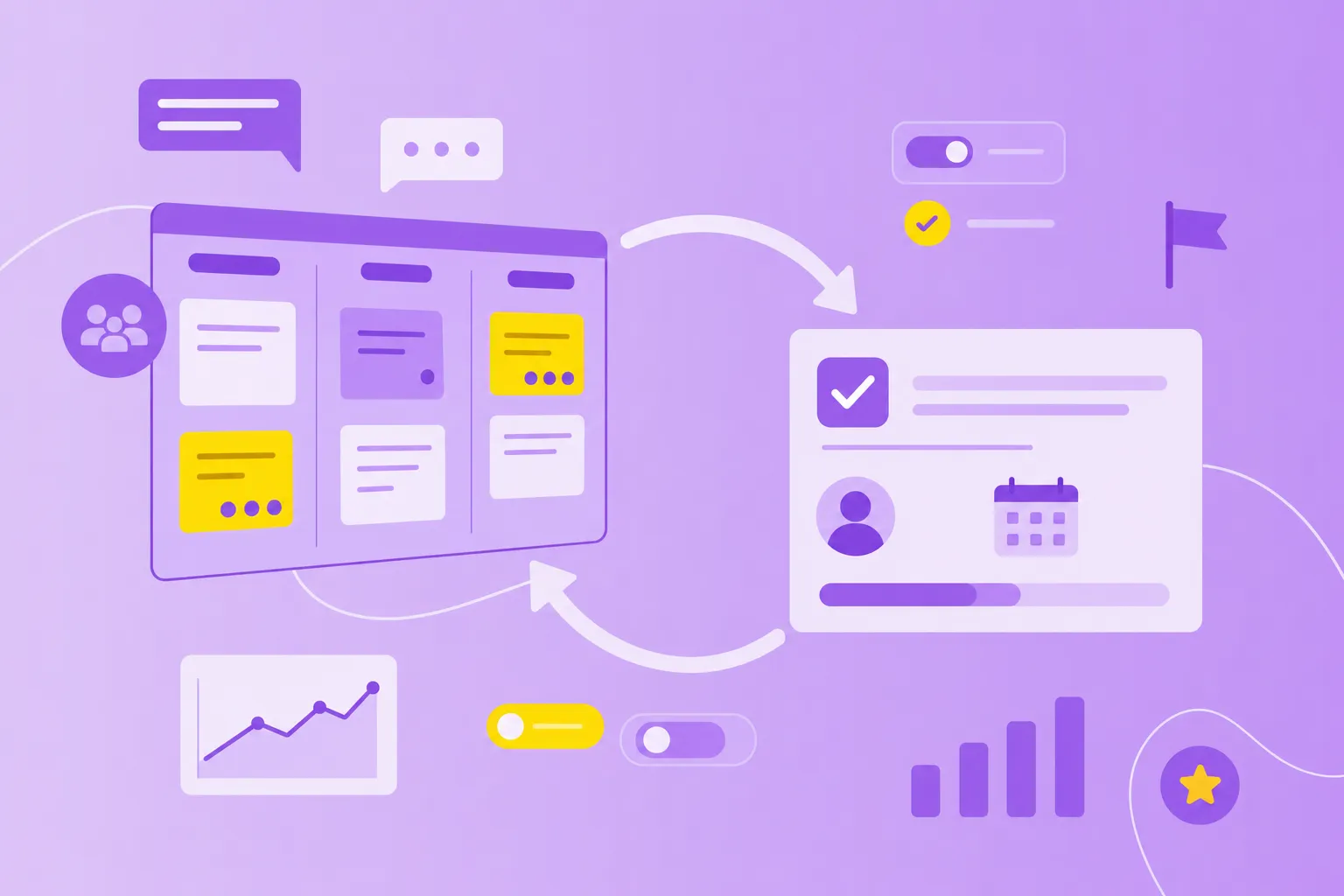
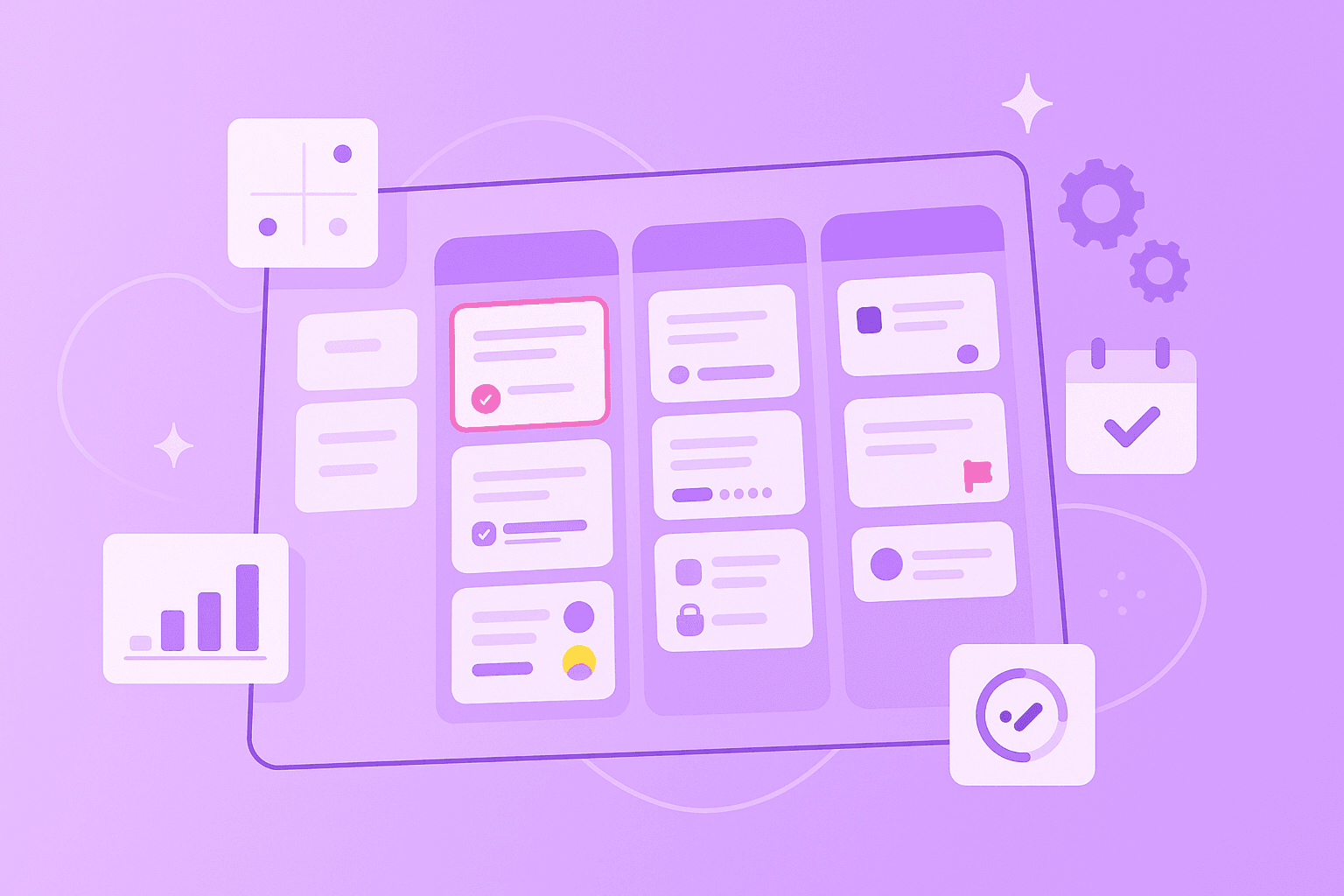
A kanban board is a visual board — physical or digital — that maps your team's work across columns representing workflow stages, typically "To Do," "In Progress," and "Done." Each task lives on a card that moves left to right as it progresses. The whole point: anyone glancing at the board can see what's being worked on, who's working on it, and what's stuck.
Three things make kanban boards different from a regular to-do list:
Columns represent workflow, not categories. A card's column tells you the state of the work, not the topic.
WIP (work in progress) limits cap how many cards can sit in any column at once. This forces teams to finish before they start.
Cards pull right, not push. When you have capacity, you pull the next card from the column to your left — you don't get tasks shoved at you.
The kanban methodology behind this comes from Toyota's manufacturing system, where workers would only pull the next part when they had capacity to handle it. Knowledge workers use the same principle today, and the visual board is what makes it work for software, marketing, operations, and any team that ships work over time.
Why prioritization matters on a kanban board
Kanban prioritization is a visual method for organizing tasks based on their importance, urgency and value to your team or business. Picture a board with columns representing different stages of work — like "To Do," "In Progress" and "Done." Within each column, you arrange tasks from most to least important, with the highest-priority items always at the top.
This approach comes from Toyota's manufacturing system, where workers would pull the next task only when they had capacity. Today, knowledge workers use the same principle: when you finish one task, you pull the next highest-priority item from the top of the column.
What makes kanban prioritization particularly effective is its transparency. Everyone on your team can see:
Which tasks matter most right now
Who's working on what at any given moment
Where bottlenecks are forming in your workflow
How priorities shift as business needs change
Why teams rely on Kanban prioritization
Think about your typical workday. How often do you jump between tasks, unsure which one deserves your attention first? Without clear prioritization, teams face constant interruptions, unclear expectations and the stress of trying to do everything at once.
Kanban prioritization addresses these pain points through a simple principle: "stop starting, start finishing." Instead of beginning ten tasks and completing none, you focus on moving high-priority work through to completion. This visual system naturally guides teams toward finishing valuable work before pulling in new items.
The difference is dramatic:
Before kanban prioritization
After kanban prioritization
Work visibility
Tasks scattered across emails and lists
All work visible in one place
Team alignment
Everyone has different priorities
Shared understanding of what matters
Focus
Constant task-switching
Deep work on important items
Adaptability
Slow response to changes
Quick reprioritization as needed
Delivery
Unpredictable completion times
Reliable, steady progress
Core techniques for effective Kanban prioritization
Different teams prioritize work in different ways. The technique you choose depends on your specific context — what works for a software team might not suit a marketing department. Here are three proven approaches you can adapt to your needs.
1. Moscow method
The MoSCoW method divides all your work into four categories: must have, should have, could have, and won't have. On your kanban board, you can implement this using horizontal swimlanes — imagine four lanes running across your board, with the most critical work in the top lane.
For example, if you're launching a new product:
Must have: Core features that make the product work
Should have: Important features that improve user experience
Could have: Nice additions if time permits
Won't have: Ideas saved for the next version
This method excels at managing stakeholder expectations. When everyone can see what falls into each category, there's less debate about what gets done first.
2. Value and effort scoring
Some teams assign two numbers to each task: the value it brings and the effort required. You might score both on a scale of 1-5, then plot tasks on a simple grid. High-value, low-effort tasks naturally become your top priorities — these are your "quick wins" that deliver maximum impact with minimum investment.
Here's how tasks typically fall:
High value, low effort: Do these first
High value, high effort: Plan these carefully
Low value, low effort: Quick wins when you have spare time
Low value, high effort: Question why these are on your board
3. Dependency-based ranking
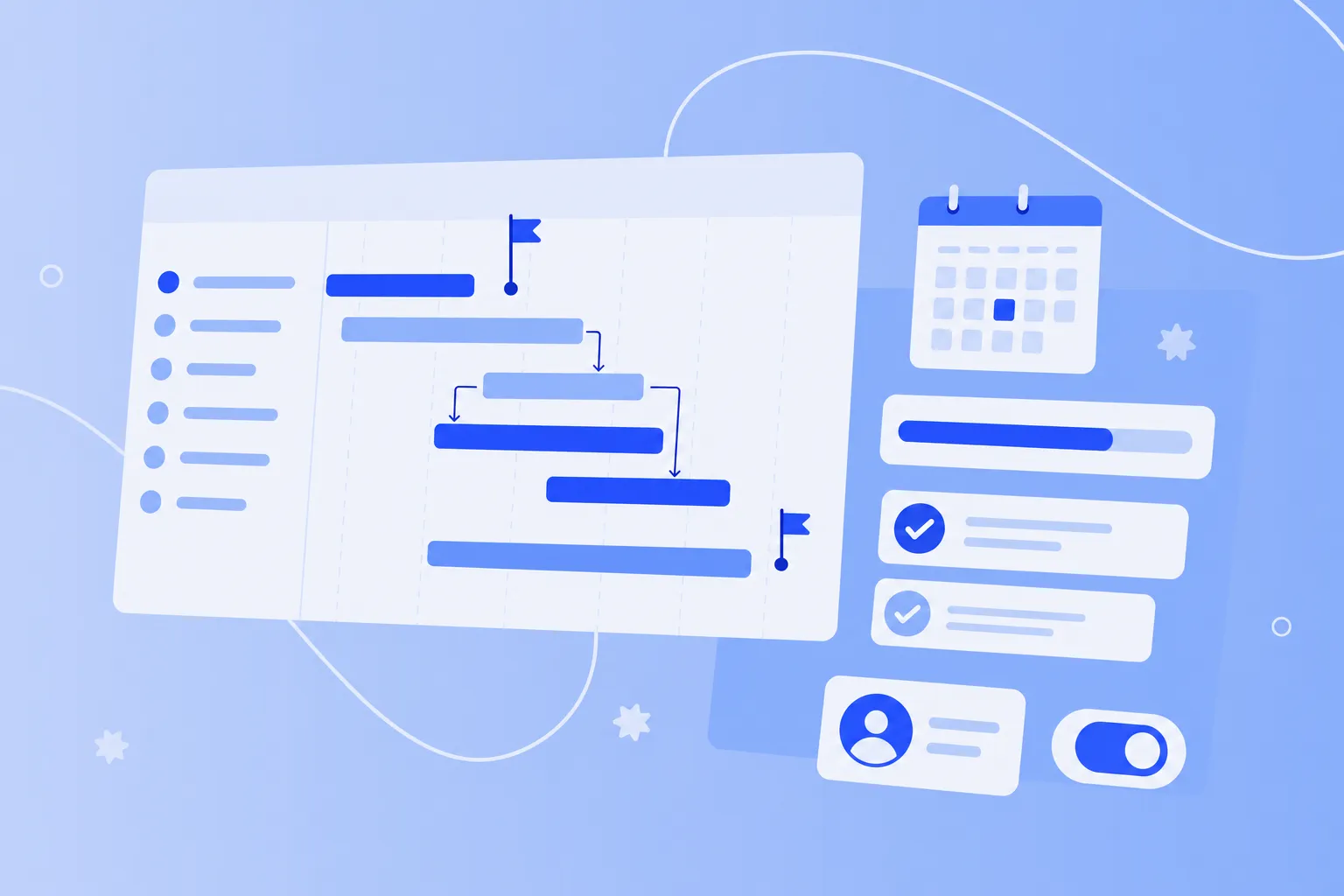
Sometimes task order isn't about value — it's about sequence. If Task B can't start until Task A finishes, then Task A automatically becomes high priority. On your kanban board, you can mark these dependencies with visual indicators or link related cards together.
Common dependencies include:
Technical: Building a foundation before adding features
Resource: Multiple tasks needing the same person
Information: Waiting for decisions or approvals
Timing: Tasks tied to specific dates or events
Using Kanban columns and swim lanes for clarity
Your kanban board's structure directly impacts how well prioritization works. Columns show your workflow stages, while the vertical arrangement within each column shows priority. The magic happens when you combine this with horizontal swim lanes.
A typical board might include these columns:
Backlog: All potential work, sorted by priority
Ready: Items refined and ready to start
In Progress: Active work with WIP limits
Review: Tasks awaiting feedback
Done: Completed work
Within each column, place the highest-priority items at the top. This creates a natural "pull" system — when someone finishes a task, they know to grab the next item from the top of the appropriate column.
Swim lanes add another dimension. You might create lanes for:
Different priority levels (Urgent, Normal, Low)
Work types (Features, Bugs, Maintenance)
Teams or departments (design, development, marketing)
Kanban board examples for different teams
A kanban board doesn't have to look the same across every team. Here are four real-world layouts that work — pick the closest fit and adapt:
Software development kanban board
Columns: Backlog → Ready → In Development → Code Review → QA → Deployed. WIP limit of 3 on "In Development." Swim lanes for features, bugs, and tech debt so nothing slips behind feature work.
Marketing kanban board
Columns: Ideas → Briefed → In Production → In Review → Scheduled → Published. Tag cards by channel (blog, social, email, paid). The "In Review" column is usually the bottleneck — keep its WIP limit tight.
Operations / support kanban board
Columns: New → Triaged → In Progress → Waiting on Customer → Resolved. An "Expedite" swim lane catches incidents that need to jump the queue. Cards include SLA timers.
Personal kanban board
Columns: This Week → Today → Doing → Done. A WIP limit of 2 on "Doing" forces focus. Works well for ICs juggling multiple stakeholders.
Each of these can be set up in a few minutes inside MeisterTask's kanban board — pick a template, name your columns, drag in your work.
Managing the Kanban backlog and WIP limits
Your backlog is where all potential work lives before entering active workflow. Think of it as a prioritized waiting room — items enter based on business needs, then move into active columns when the team has capacity.
1. Backlog refinement
A healthy backlog requires regular attention. Set aside time each week to review and update priorities. During these sessions, you'll:
Remove outdated items that no longer add value.
Break large tasks into smaller, manageable pieces.
Adjust priority order based on new information.
Add details to top items so they're ready to start.
Keep your backlog lean. Having hundreds of items creates noise and makes prioritization harder. Many teams limit their backlog to 2-3 months of work.
2. Setting and respecting WIP limits
WIP (Work In Progress) limits are the secret weapon of kanban prioritization. By limiting how many items can be "In Progress" at once, you force real prioritization decisions. If your WIP limit is five and you already have five items in progress, you can't start anything new until something moves forward.
This constraint creates focus.
Benefits include:
Better quality: Full attention on fewer items
Faster delivery: Items move through the system quickly
Clear bottlenecks: Problems become immediately visible
Natural prioritization: Teams discuss what truly matters most
Start with a WIP limit slightly higher than your team size, then adjust based on experience. A team of five might set a limit of six or seven.
Advanced approaches including classes of service
As your kanban practice matures, you can introduce classes of service — different handling rules for different types of work. This approach recognizes that not all tasks are equal. Some require immediate attention, while others can wait.
1. Expedite work
Reserve the expedite class for true emergencies — system outages, security issues, or critical customer problems. These items jump to the front of every queue. To prevent abuse, limit expedite items to one at a time and make them visually distinct with bright red cards or a dedicated lane at the top of your board.
2. Fixed date tasks
Some work has immovable deadlines — regulatory filings, event preparations, or seasonal campaigns. Mark these items with due dates and calculate backward to determine start times. If a task takes two weeks and is due March 15, it needs to start by March 1.
3. Standard priorities
Most work falls into this category — regular tasks that follow normal priority rules. These items move through your system based on their position in each column, flowing steadily from left to right as capacity allows.
4. Intangible work
Don't forget about maintenance, learning and process improvements. While these tasks rarely feel urgent, ignoring them creates future problems. Allocate specific capacity — perhaps 20% of your time — to keep these items moving. Some teams dedicate every Friday afternoon to intangible work.
Kanban board vs Scrum board: what's the difference?
Kanban and Scrum are both agile, both use boards, and they often get confused. The short version:
You don't have to choose. Many teams run "Scrumban" — Scrum's cadence with Kanban's visual flow and WIP limits. If your work arrives unpredictably and priorities shift weekly, a kanban board is usually the better starting point.
Continuous re-prioritization and board maintenance
Business priorities shift, new urgent work appears, and blocked tasks need attention. Successful teams treat their kanban board as a living system that requires regular care.
Watch for these signals that reprioritization is needed:
Tasks sitting blocked for more than a few days
New strategic initiatives from leadership
Customer feedback changing product direction
Team capacity changes due to illness or vacation
Market conditions affecting business priorities
Make reprioritization a team activity. When everyone participates in priority decisions, you get better buy-in and shared understanding of what matters most.
Take your kanban board digital
Physical kanban boards work for co-located teams, but most modern teams need something that survives remote work, integrates with calendars and chat, and gives leadership visibility without status meetings. That's where a digital kanban board earns its keep.
MeisterTask's kanban board is built for teams that don't want to spend a week configuring their tooling. If you can drag and drop, you're ready — and your data stays in Germany under EU privacy law, not on a US server bound by weaker rules.
What you get out of the box:
Drag-and-drop columns and cards that visualize workloads at a glance
Color-coded tags to spot urgent or blocked work instantly
WIP limits, automations, and recurring tasks to keep flow steady
Multi-project overviews so leadership sees status without another meeting
Free viewer seats to invite your whole organization to the board
Native integrations with MS Teams, Outlook, Google Workspace, Slack
Open a free kanban board in MeisterTask →
Take the next step in prioritization
Kanban prioritization combines simple visual principles with powerful results. You start by making work visible, add priority order within columns, then refine your approach as you learn what works for your team.
Begin with the basics — organize tasks in columns and put important items at the top. As you get comfortable, add WIP limits to improve focus. Eventually, you might implement classes of service or automated workflows. The beauty of kanban lies in its adaptability — you can start simple and evolve at your own pace.