
What is a Kanban board for project management?
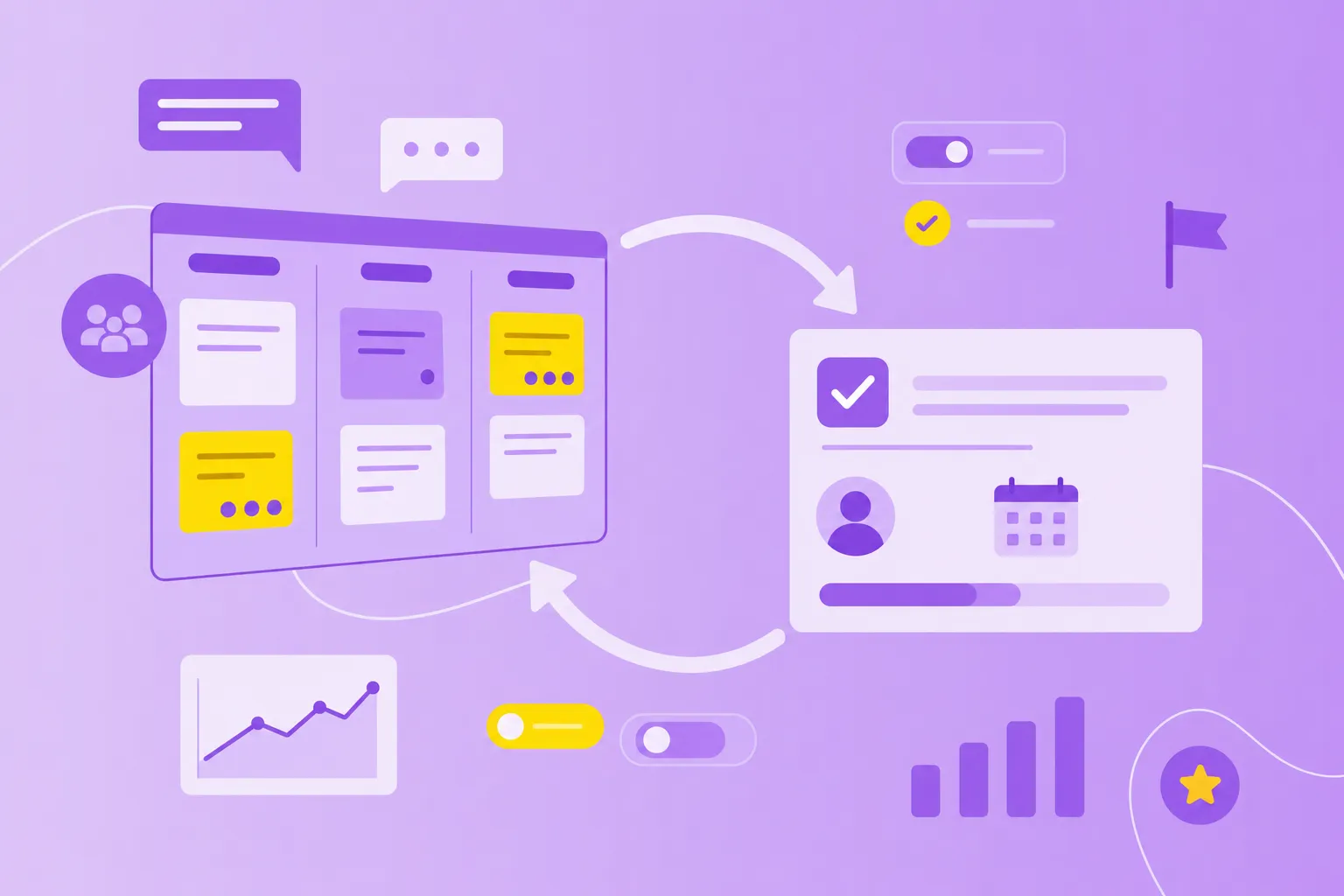
A kanban board is a visual project management tool that displays all work items and their current status in a shared workflow, providing full transparency and real-time communication of work and capacity. Think of it as a living snapshot of your team's work — every task, its owner, and exactly where it stands in the process.
At its core, a kanban board works by representing tasks as cards that move across columns. Each column represents a stage in your workflow, from initial request to completion.
The magic happens through three core functions:
Visual workflow: You see all work at a glance, eliminating the guesswork about what's happening
Real-time status updates: Cards move as work progresses, keeping everyone informed without endless meetings
Shared team visibility: One source of truth that reduces miscommunication and duplicate efforts
Key elements of a Kanban board
Every effective kanban board shares the same fundamental building blocks. Understanding these elements helps you create a board that actually improves your workflow rather than just displaying tasks in a pretty format.
Columns and stages
Columns are the backbone of your kanban board — they represent each stage work passes through from start to finish. The classic setup includes three columns: To Do, In Progress, and Done. But here's where it gets interesting: you customize these columns to match how your team actually works.
Different teams create wildly different column structures based on their unique processes. A marketing team might track content through Ideas → Draft → Review → Published → Analytics. Meanwhile, a software team often uses Backlog → Development → Code Review → Testing → Deployed. The key is matching your columns to your team's real workflow — what experts call your "definition of workflow."
Cards and task details
Cards are the visual representations of actual work items on your board. Each card contains the information team members need to understand and complete the task without hunting through emails or chat messages.
Essential card elements include:
Task description: A clear explanation of what needs doing
Assignee: The person responsible for moving this work forward
Time estimate: How long you expect the work to take
Priority labels: Visual indicators showing urgency or category
Digital kanban tools expand these basics significantly. You can attach files, add screenshots, leave comments, and include technical details that would never fit on a physical sticky note.
Work in progress limits
Here's where kanban gets clever. Work in progress (WIP) limits restrict how many cards can sit in any column at once. If your "In Development" column has a WIP limit of three, you can't start a fourth task until one of those three moves forward.
Why limit yourself? Because WIP limits prevent the all-too-common scenario where teams start 10 things and finish none. These constraints force you to complete work before starting new tasks, creating what's called a "pull system" — new work only enters when there's actual capacity to handle it.
Designing a Kanban workflow across teams
No two teams work exactly alike, which means no two kanban boards should look identical. Your board design depends on your work type, team size, and what you're trying to deliver. The beauty of kanban is that it's adaptable — you shape the board to match reality, not the other way around.
marketing teams often track campaigns from spark to success with columns like Campaign Planning → Content Creation → Design Review → Scheduled → Live → Performance Analysis. They might add swimlanes (horizontal divisions) to separate different campaign types or channels, managing multiple initiatives without confusion.
Product teams balance competing demands with stages like Discovery → Specification → Design → Development → User Testing → Release. Their boards frequently include customer feedback loops and priority scoring systems to guide tough decisions about what to build next.
Engineering teams need technical precision, so their boards reflect that complexity: Backlog → Ready for Dev → In Development → Code Review → QA Testing → Staging → Production. These boards often integrate directly with version control systems and deployment tools.
Operations teams handle the unexpected daily, tracking requests through Incoming → Triage → Assigned → In Progress → Verification → Resolved. Their boards emphasize speed and clarity, often including escalation indicators for time-sensitive issues.
Remember, teams often maintain multiple boards for different purposes. A product team might have one board for feature development and another for bug tracking. Digital kanban boards make this multi-board approach practical, especially for distributed teams collaborating across time zones.
Principles of the Kanban method
Beyond the physical board lies a complete methodology for optimizing how value flows through your process. These principles work whether you use kanban alone or combine it with other frameworks like Scrum.
Visualize work
Making work visible sounds obvious, but it's revolutionary in practice. When you visualize your workflow, you expose hidden problems and create shared understanding. This transparency extends beyond just cards and columns — it includes showing blockers, policies, and progress indicators that reveal the complete picture of how work flows through your system.
Limit work in progress
By controlling how much work gets started but not finished, you push teams to complete tasks instead of endlessly starting new ones. This constraint reduces context switching, accelerates completion times, and creates clear signals about when your team has capacity for new work.
Manage flow and seek improvement
Managing flow means actively shepherding work from start to finish. You identify and remove blockers, address bottlenecks before they become critical, and prevent tasks from aging unnecessarily. Through careful observation and measurement, teams spot patterns and make small, evolutionary improvements based on real data rather than hunches.
Setting up your first Kanban board
Creating your first kanban board for project management feels like a big step, but starting simple pays off. You can always add complexity later as you learn what works for your team.
1. Define your columns
Map out how work actually flows through your team. Start with three to five columns maximum — you can always add more later. Choose clear, action-oriented names that everyone understands. "Ready for Review" beats "Stage 3" every time, while "Awaiting Deployment" communicates more clearly than "Almost Done."
2. Add cards for ongoing tasks
Create cards for all current work, not just new requests. Each card needs the basics: a clear description, an owner, and any details necessary for completion. Place each card in its current stage to create an accurate picture of your work in progress.
3. Set WIP limits
Start conservative with your WIP limits — perhaps two items per person in your "In Progress" column. You'll adjust these as you learn your team's actual capacity. The goal isn't perfection on day one; it's preventing overload while maintaining steady flow.
4. Track progress and adjust
Use the board in daily stand-ups to discuss progress and identify blockers. Watch for patterns: which columns fill up? Where do cards get stuck? Make small adjustments to columns, limits, or policies based on what you observe. Your board evolves with your team's understanding.
Managing complex or multi-team projects with Kanban
As projects grow larger and involve multiple teams, your simple board might start feeling cramped. The challenge is adding structure without losing the clarity that makes kanban work.
Smart teams use several strategies to manage complexity:
Swimlanes for parallel work streams: Horizontal lanes divide your board to separate different work types while maintaining the same column structure. A development team might use lanes for features, bugs, and technical debt
Linked boards for dependencies: Teams maintain separate boards but connect related items to track cross-team dependencies. When one team's delay affects another, both teams see the connection immediately
Service level expectations: Based on historical data, teams establish realistic forecasts like "85% of tasks complete within eight days." These expectations flag when items exceed normal completion times
Explicit policies: Clear, written rules about how work moves between stages remove ambiguity and create consistency regardless of who moves the cards
Digital kanban tools offer filtering, tagging, and reporting features that help manage this complexity while keeping daily boards simple and usable.
How Kanban boards drive transparency and focus
Suddenly, everyone sees the same reality — no more conflicting status reports or surprise bottlenecks. This shared visibility enables teams to manage capacity intelligently and coordinate without endless meetings.
Focus emerges through several mechanisms. WIP limits prevent multitasking by forcing teams to finish work before starting new tasks. Clear visual priorities eliminate debates about what matters most. Reduced context switching means less time lost jumping between tasks and more time actually completing them.
Teams discover unexpected collaboration benefits too. The board reveals who owns what, where help is needed, and how individual work connects to team goals. It becomes the central hub replacing scattered emails, confusing spreadsheets, and those "quick sync" meetings that somehow take an hour.
Predictable delivery follows naturally. By tracking cycle time (how long tasks take from start to finish) and throughput (how many tasks you complete per week), teams forecast with growing confidence. These metrics depend on clear definitions of "started" and "finished" — another reason precise column names matter.
The kanban method helps teams balance three dimensions that often conflict: delivering what stakeholders want when they want it, using resources wisely, and forecasting accurately enough to make commitments. MeisterTask brings these benefits together with intuitive kanban boards designed for secure, collaborative project management.
Moving forward with effective Kanban project management
Kanban boards transform abstract work into something tangible and manageable. Getting started takes just three steps: define your workflow, build your board and start moving cards. The board then grows more sophisticated as your team learns what works.
Whether you're coordinating a small team or orchestrating work across departments, kanban brings the structure and transparency teams crave. The visual nature makes complex work manageable while the method's flexibility lets you adapt as priorities shift.