
Why visual progress matters
Visualizing work in progress means making all your team's tasks visible in one place. Instead of guessing what everyone's working on, you can see your entire workload at a glance and spot exactly where work is piling up.
Think about how work typically hides in your organization. Tasks live in personal notebooks, email threads contain important updates and spreadsheets hold project statuses that only one person understands. When work stays invisible like this, you can't manage it well. You don't know if someone's overwhelmed with tasks or sitting idle. You can't tell if a project is on track or about to derail.
Here's what happens when you start visualizing your work in progress:
See the real workload: you instantly know how many tasks each person is handling and whether work is distributed fairly
Find the stuck points: visual boards show you exactly where tasks are piling up or moving too slowly
Make better decisions: with all work visible, you can decide whether to start new projects or finish existing ones first
Keep work flowing: when everyone sees the work, teams naturally focus on finishing tasks instead of starting too many new ones
This transparency eliminates the need for those endless "what's your status?" meetings. Everyone already knows what's happening because they can see it. For teams working remotely or across different offices, this shared visibility becomes even more valuable — you don't need to be in the same room to stay aligned.
Key ways to see work in progress
Different teams prefer different ways to visualize their work. The format you choose depends on what kind of work you do and what information matters most to your team. Let's look at the main options teams use to make their work visible.
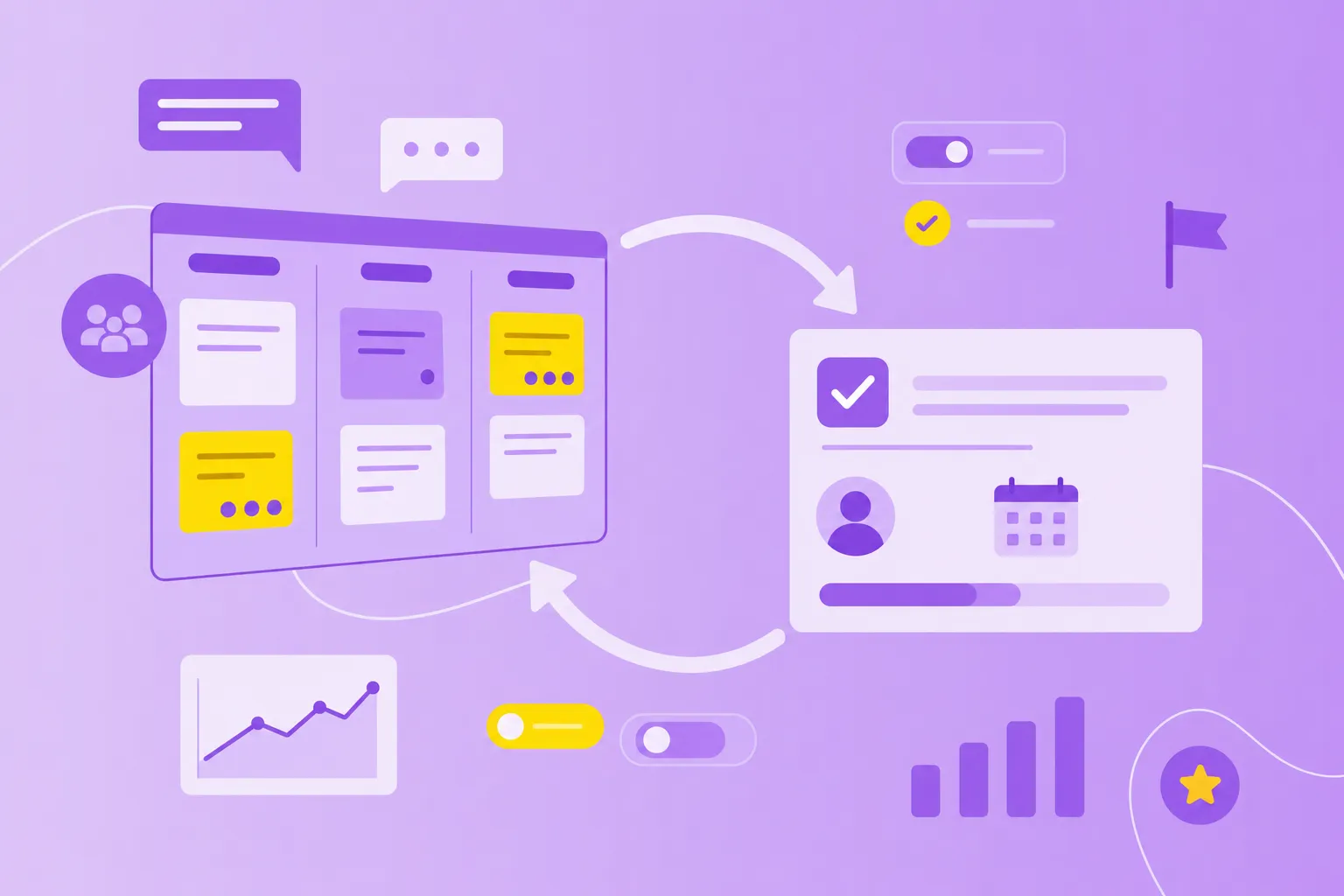
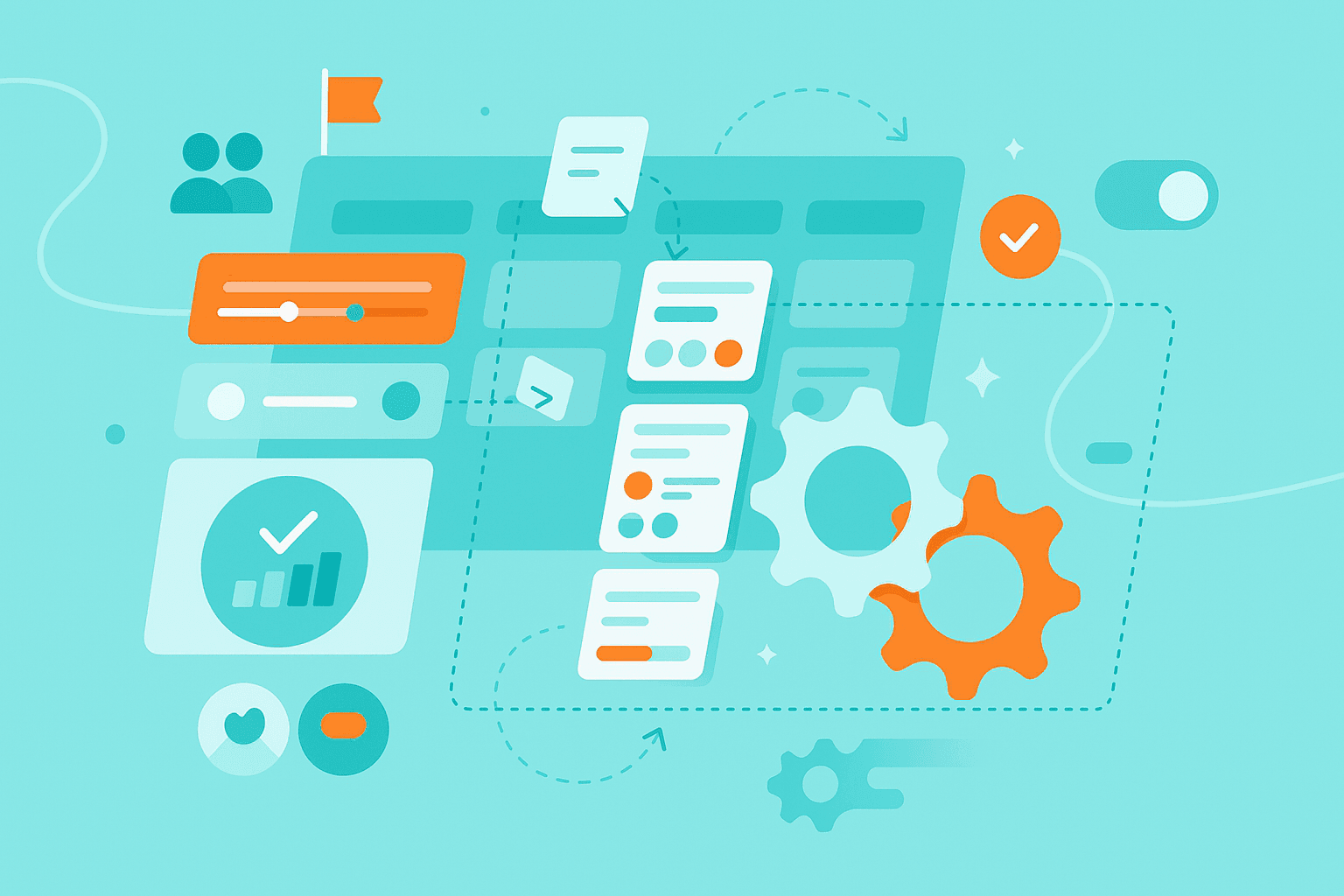
Kanban boards show your tasks as cards that move through columns. Each column represents a stage in your workflow, like To Do, In Progress and Done. Originally developed for manufacturing, Kanban boards now help millions of knowledge workers track their daily tasks.
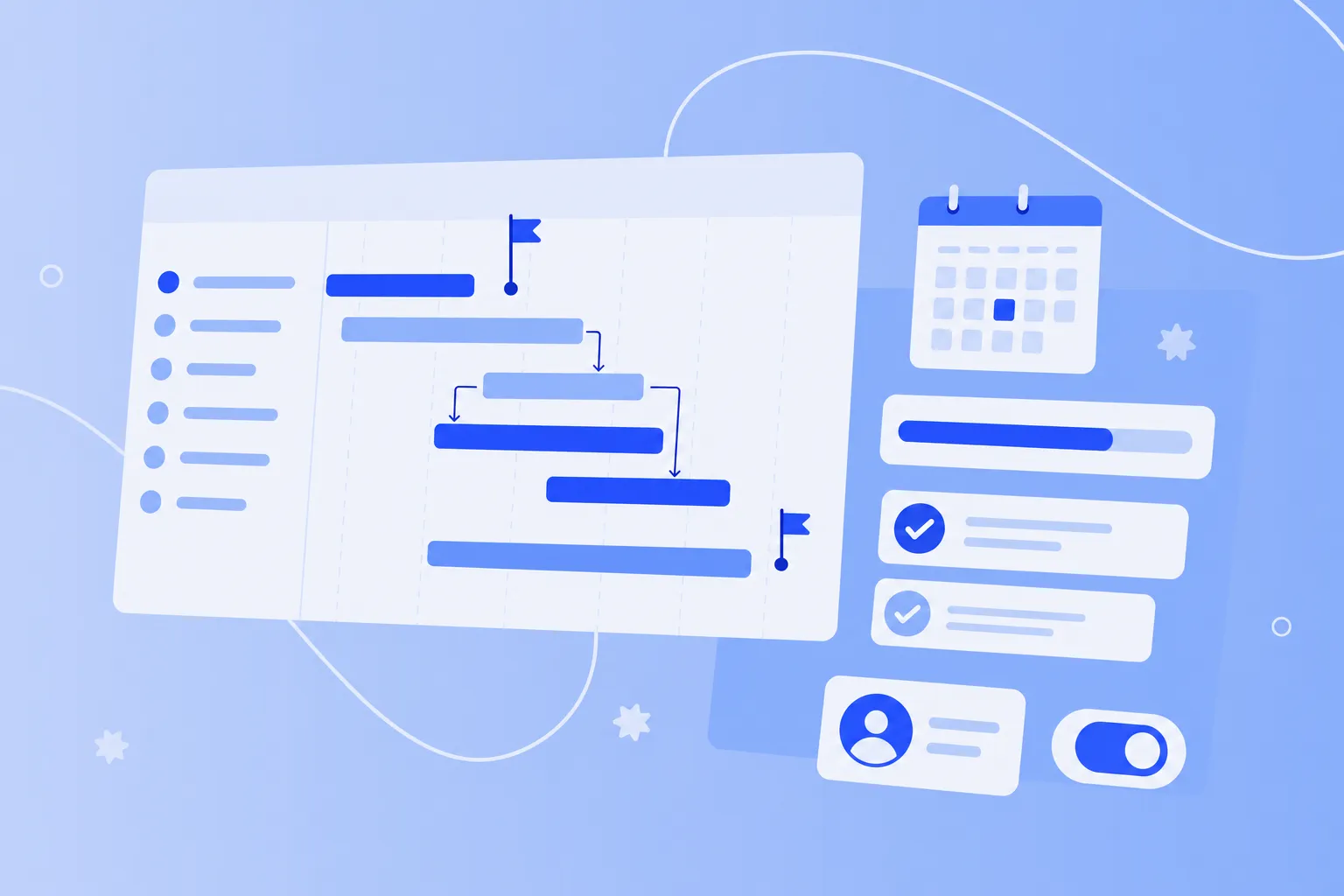
Timelines display your work along a calendar view. You can see when each task starts, when it needs to finish and which tasks depend on others. This view works perfectly for projects with fixed deadlines.
Dashboards give you a bird's-eye view of multiple projects at once. They typically show progress charts, task counts by status and how work is distributed across your team.
Cumulative flow diagrams track the number of items in each workflow stage over time. These charts help you understand if work is flowing smoothly through your process or getting stuck somewhere.
Many successful teams don't limit themselves to just one format. They might use Kanban boards to manage daily tasks while relying on timelines for quarterly planning. The combination gives them both immediate task visibility and long-term perspective.
How to use Kanban boards and timelines
Kanban boards and timelines are the workhorses of work visualization. Most teams start with one of these formats because they're straightforward to set up and immediately useful. You can create them physically with whiteboards and sticky notes, or digitally with software tools.
1. Set up columns and WIP limits
Your Kanban board starts with columns that represent your workflow stages. Map out the journey a task takes from start to finish. A software team might use: Backlog, To Do, In Development, Code Review, Testing and Done. A marketing team might prefer: Ideas, In Planning, Creating Content, Under Review and Published.
Here's where Kanban gets powerful: WIP limits. WIP stands for "work in progress," and these limits cap how many tasks can be in each column. For example, if your In Progress column has a WIP limit of three, your team can only work on three tasks at once. When someone finishes a task, they pull a new one from the To Do column.
Why WIP limits work: They force your team to finish tasks before starting new ones. This reduces the constant context-switching that kills focus and slows everyone down.
Start with conservative limits based on your team size. A team of five might set a WIP limit of five for their In Progress column — one task per person. Watch how work flows for a week or two, then adjust. If work constantly bumps against the limit, you might increase it slightly. If tasks sit idle, lower the limit.
2. Create timelines for roadmap visibility
While Kanban boards excel at showing current work status, timelines shine when you need to plan ahead. They show when tasks start and end, making deadline management visual and intuitive.
Setting up a timeline starts with listing your tasks and their durations. Add start and end dates for each task. Then comes the critical part: identifying dependencies. Which tasks can't start until others finish? A website redesign can't launch until content is written, designs are approved and development is complete.
Timelines help teams in three key ways:
Visualize how long work really takes (hint: usually longer than you think)
Spot scheduling conflicts before they cause problems
Communicate realistic deadlines to stakeholders and clients
Choose timelines for projects with fixed deadlines or complex dependencies. Stick with Kanban boards for ongoing work that doesn't have a specific end date.
3. Update status in real time
An outdated board is worse than no board at all — it gives false confidence while hiding real problems.
Team members need to update task status as work happens. Move cards to new columns when you start or finish work. Update timeline progress when you complete milestones. Mark blockers when you hit obstacles.
Digital tools make this easier by automating some updates. When you mark a task complete, the tool can automatically move it to the Done column and notify teammates. But automation can't replace the habit of keeping information current. Build board updates into your team's daily routine. Many teams update their boards during morning standups or make it the last thing they do before ending their workday.
Spot and avoid bottlenecks
A bottleneck happens when one stage of your workflow can't keep up with the work flowing into it. Picture a highway that narrows from four lanes to one — cars pile up at the narrow point, creating a traffic jam. The same thing happens with tasks in your workflow.
Visual boards make bottlenecks impossible to miss. You'll see one column overflowing with cards while the columns after it sit nearly empty. Common bottlenecks include:
The review column fills up because only one person has approval authority
Testing can't keep pace with development, so finished features wait for quality checks
Tasks stall in "Waiting for Feedback" because stakeholders don't respond quickly
Once you spot a bottleneck, you have several options to fix bottlenecks:
Redistribute the work. If one person is overwhelmed while others have capacity, reassign tasks to balance the load. Cross-train team members so more people can handle each type of work.
Add capacity to the constraint. Bring in temporary help for the overloaded stage or train additional people to handle that type of work.
Slow down earlier stages. Reduce WIP limits in columns that feed into the bottleneck. This prevents more work from piling up at the constraint.
Remove blockers fast. When tasks get stuck waiting for information or decisions, make unblocking them the top priority.
Regular inspection catches bottlenecks early. Review your board weekly to spot patterns. Is work always slowing down at the same stage? That's your cue to investigate and fix the underlying issue before it becomes a crisis.
One tool to visualize all workflows
Kanban boards are the primary tool that visualizes features representing a workflow. Each feature, task or work item appears as a card that moves through columns representing your workflow stages.
The magic of Kanban boards lies in their simplicity. Every task becomes a visual card containing just enough information — the task name, assignee, due date and any relevant tags. These cards live in columns that match your actual workflow. As work progresses, cards flow from left to right through the columns, giving everyone a real-time view of where everything stands.
While Kanban boards lead the pack for workflow visualization, teams often combine them with complementary tools. You might use a Kanban board for daily task management, add a timeline view for project planning, and include a dashboard for metrics. The right mix depends on what questions you need to answer about your work.
Digital Kanban tools expand on the basic board concept with powerful features. Filter boards to show only your tasks or just high-priority items. Search across all cards to find specific work. Generate reports showing how long tasks spend in each stage. These features help teams manage larger volumes of work while maintaining the visual clarity that makes Kanban effective.
Design tips for clear visual boards
A cluttered, confusing board defeats the whole purpose of visualization. If people can't understand your board at a glance, they won't use it. Here's how to keep your visual boards clean and useful.
1. Keep labels consistent
Consistency in naming helps everyone understand the board instantly. If you call something a "Bug" in one place, don't call it an "Issue" somewhere else. Keep your column names action-oriented and clear: use "In Review" instead of "Reviewing" to show the state of the work, not the activity.
Create naming conventions for your task titles too. A good pattern might be: "[Project Name] Task description." This consistency becomes especially important when multiple teams share boards or when you're onboarding new team members who need to understand your system quickly.
2. Limit colors and icons
Colors and icons can add helpful context — red for urgent tasks, blue for design work, a bug icon for issues. But too many visual elements create noise instead of clarity. Stick to a simple system: maybe three colors for priority levels and three or four icons for different task types.
Document what each color and icon means. Post this legend where everyone can see it, or include it directly on your board. When everyone interprets visual cues the same way, your board communicates effectively.
3. Share access with stakeholders
Your visual boards work best when everyone who needs information can see them. Give stakeholders view access so they can check status themselves instead of interrupting your team for updates.
Digital tools excel at controlled sharing. Grant view-only access to clients and executives while keeping edit permissions for your team. Share specific board links in project kickoffs so stakeholders know exactly where to find information. This visibility dramatically reduces those "just checking in" emails and status meeting requests.
Strengthen collaboration across teams
When teams visualize their work in progress, something powerful happens: silos start to break down. Suddenly, the design team can see that development is waiting for their mockups. The content team notices marketing needs blog posts for next week's campaign. This visibility creates natural collaboration without forced coordination meetings.
Visual boards deliver specific collaboration benefits:
Cross-team transparency: dependencies become visible, so teams can plan around each other's schedules
Fewer meetings: when everyone can see project status, you don't need weekly sync meetings
Faster help: team members spot blockers on the board and jump in to help before being asked
Smoother handoffs: clear workflow stages show exactly when work is ready to move between teams
Digital visualization tools take collaboration further by working across time zones and locations. Your teammate in Berlin updates a task before their day ends. You see it when you start work in New York. Automated notifications alert the right people when tasks need attention, keeping work moving around the clock.
This transparency builds trust across teams. When everyone sees the same information, there's no room for finger-pointing or misunderstandings. Problems become shared challenges to solve together, not blame games.
Be transparent. Be efficient.
Visualizing work in progress transforms how teams operate by making the invisible visible. When you can see your workload, spot bottlenecks before they cause delays and maintain steady workflow, your team accomplishes more with less stress and confusion.
The benefits grow stronger over time. Teams develop an instinct for spotting patterns in their workflow. They adjust WIP limits based on real data instead of guesses. They catch problems earlier and fix them faster. Each small improvement builds on the last, creating a culture of continuous refinement.
Start simple. Map out your current workflow stages — how does work actually move through your team? Set up a basic Kanban board with columns for To Do, In Progress and Done. Add tasks and watch how they flow. Within a week, you'll spot your first improvement opportunity.