
What are collaborative task workflows
A collaborative task workflow is a structured process where team members work together on tasks, sharing information, responsibilities and updates to move a project forward. Each person has a clear role, and each task has a visible path from start to finish.
Unlike individual task management, where one person organizes their own to-do list, collaborative workflows involve coordination, handoffs and shared accountability. The practice of setting up and running these processes is often called collaborative project management and it helps teams stay aligned without constant check-ins or long email threads.
Types of collaborative workflows
Not every project calls for the same kind of teamwork. Some tasks need everyone in the room at once, while others move better when people work at their own pace. Here are the three main types you'll come across:
Synchronous workflows: Team members work together in real time. Think live brainstorming sessions, video calls, or editing a document together. MindMeister, for example, lets teammates build a mind map together on the same canvas, which works well for creative work and early project planning.
Asynchronous workflows: Team members contribute at different times, without everyone being online at once. Task comments, status updates, and file attachments keep the work moving, which is ideal for remote or distributed teams across time zones.
Sequential workflows with handoffs: Work passes from one person or team to another in stages. A common example is design handing off to development, then to QA – each stage has a clear owner and a clear finish line.
Most teams use a mix of all three, depending on the project and how the team is organized. Task management software helps tie the three workflow types together, so you can see what's happening across every stage in one place.
Key benefits of collaborative workflow management
A well-run workflow changes how a team experiences its own work. Instead of chasing updates and guessing at priorities everyone sees the same picture. Here are five benefits worth knowing:
Shared visibility: Everyone knows who's working on what, what's finished, and what's coming next.
Faster decision-making: Teammates can comment, ask questions, and get answers inside the task – no extra meeting required.
Fewer bottlenecks: Clear stages and assignments keep work from getting stuck in someone's inbox.
Stronger accountability: Task ownership is visible, so progress and responsibilities are easy to track.
Better team management skills: Structured workflows help managers coordinate the team without hovering over every detail.
These benefits add up quickly in day-to-day team task management. When tasks, conversations and files live in one shared space, work gets done faster and your team spends less time hunting for information.
How to set up collaborative workflows
Setting up a workflow that actually sticks takes a bit of planning and the right collaboration tools. Here are four steps to follow.
1. Define the workflow stages
Start by mapping out the phases your work moves through. Common stages are To Do, In Progress, Review and Complete, but you can adapt them for your team.
Visual boards, like the Kanban boards in MeisterTask, make each stage easy to see at a glance. Keep in mind that different projects need different stages – a content workflow looks very different from a manufacturing or product release workflow.
2. Assign roles and responsibilities
Every task needs a clear owner, but good collaborative workflows also name the other people involved – reviewers, approvers and any stakeholders who want updates. A design task might have one owner, one reviewer and one final approver.
Task scheduling software helps you assign and track these roles in one place.
3. Establish visibility and accountability
Your team works best when each person can see the status of the work that affects them, without digging through emails. Task comments, @mentions, status updates and notifications keep information flowing in context.
MeisterTask brings tasks, documents and conversations together in one place, so your team has a single view of what's happening – no more checking three tools for one answer.
4. Automate repetitive tasks
Automation handles the small, repeating actions that eat up time. A few common examples:
Moving a task to the next stage once it's marked complete
Sending a notification when a task is assigned
Creating recurring tasks for weekly reports or monthly check-ins
Collaboration tools with built-in automation save hours each week and keep your process consistent, so your team can focus on the work that really needs their attention.
Best practices for team task management
Even a well-designed workflow benefits from a few habits that keep it running smoothly. Here are three practices worth building into your routine.
1. Use centralized task scheduling software
One of the biggest time-drains on a team is information scattered across email, chat, shared drives and five different apps. A single source of truth for tasks, documents, and communication makes a real difference.
MeisterTask brings task management, notes and team communication into one platform. It's also ISO 27001 certified, fully GDPR compliant, and hosted in Germany, which is especially relevant for teams in regulated industries like finance, manufacturing, or the public sector.
2. Encourage open communication
Your team does better work when people feel comfortable asking questions, sharing updates and flagging blockers right inside the task. Task comments and @mentions keep the conversation tied to the work, so context is never lost.
This approach cuts down on status meetings and makes it easy to find what someone said weeks or months later – just open the task.
3. Set realistic deadlines and priorities
Collaborative workflows run best when deadlines reflect real team capacity and the work each task depends on. A transparent workflow helps you spot scheduling conflicts early, before they turn into missed deadlines.
Clear priorities also help teammates focus when they're juggling several tasks. Visual task boards show what's most important at a glance – no guessing required.
Integrations and automation for collaboration tools
A workflow becomes far more useful when the tools your team already uses talk to each other. Integrations remove manual data entry and keep information in sync, so no one has to copy the same update into three apps.
Here are a few common integrations worth considering:
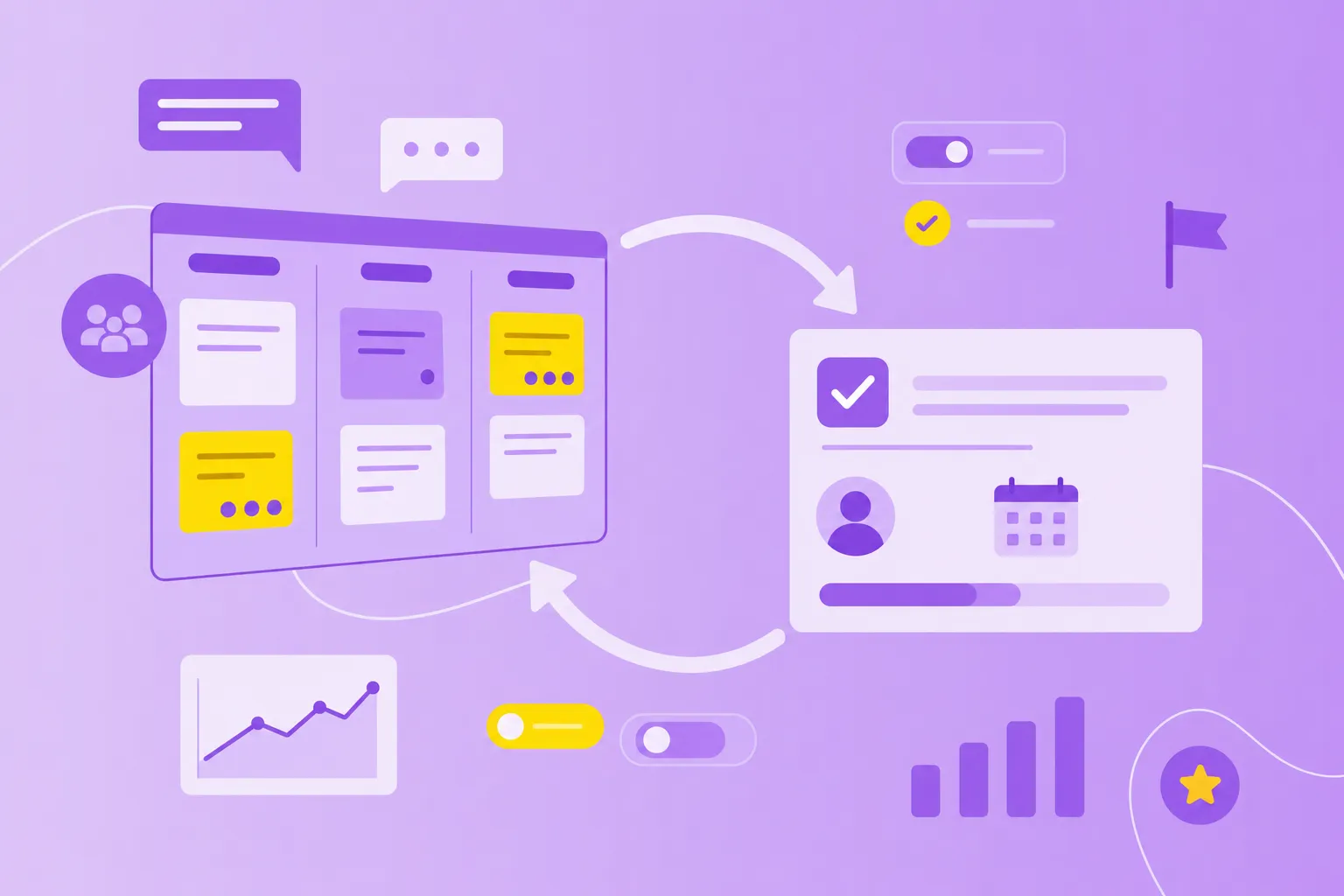
Mind mapping: MindMeister connects brainstorming directly to execution. Map out ideas collaboratively, then turn them into actionable tasks in MeisterTask with one click – no manual transfer, no lost context.
Communication tools: Connect Slack or MS Teams to receive task notifications and share quick updates without switching apps. Your team stays in the loop through the channels they already use.
File storage: Link Google Drive, MS SharePoint, or other storage platforms to attach documents and open files directly from the task. Everything your team needs stays in one place, accessible without jumping between tools.
Automation can also trigger actions based on task changes, new assignments, or due dates. For example, when a designer marks a task complete, the workflow can move it to the next stage and ping the developer automatically. MeisterTask offers both integrations and built-in automation, and you can browse MeisterTask templates for pre-built workflows with automation already set up – a helpful starting point if you're building your first workflow.
Common challenges and how to overcome them
Even with the right tools, teams run into bumps. Two challenges come up again and again, and both have practical fixes.
1. Avoiding communication silos
When departments work in isolation, effort gets duplicated and context goes missing. Marketing might launch a campaign without knowing sales just promised something different to a major client.
The fix is shared workflows and cross-functional visibility. A centralized collaboration tool gives everyone access to the information they need, regardless of which team they belong to.
2. Managing remote and hybrid teams
Distributed teams often struggle with coordination and staying aligned across time zones. A morning question in Berlin can sit unanswered for hours before a teammate in Los Angeles logs on.
Asynchronous workflows, clear documentation, and visible task status let your team keep moving without everyone being online at the same time. Cloud-based task scheduling software, like MeisterTask, gives you access from anywhere, so location stops being a blocker to your progress.
Security and compliance in team task management
For teams in regulated industries or the public sector, a workflow tool has to meet strict privacy and security standards. This matters most in manufacturing, finance and government, where sensitive information is part of daily work.
Here are the main things to look at when comparing tools:
Data privacy compliance: GDPR compliance protects personal data under EU rules.
Security certifications: ISO 27001 certification shows the provider follows enterprise-grade security practices.
Data residency: Where your data is hosted affects compliance – for example, data hosted in Germany meets strict EU privacy expectations.
Access controls: Role-based permissions make sure only the right people see sensitive information.
MeisterTask is ISO 27001 certified, fully GDPR compliant, and hosted in Germany, which makes it a strong fit for teams working under strict compliance requirements.
Start building better collaborative workflows
Collaborative task workflows bring structure, transparency and shared accountability to team work, which means less confusion and more finished work. The right collaboration tools make these workflows easy to set up and easy to keep running as your team grows.
MeisterTask brings intuitive task management, secure collaboration and workflows that adapt to your team's process into one platform, so your team can focus on the work itself – not on managing the tools around it. Whether you're coordinating a small marketing team or a cross-departmental project, the setup grows with you.