
What is a collaboration-first project management tool?
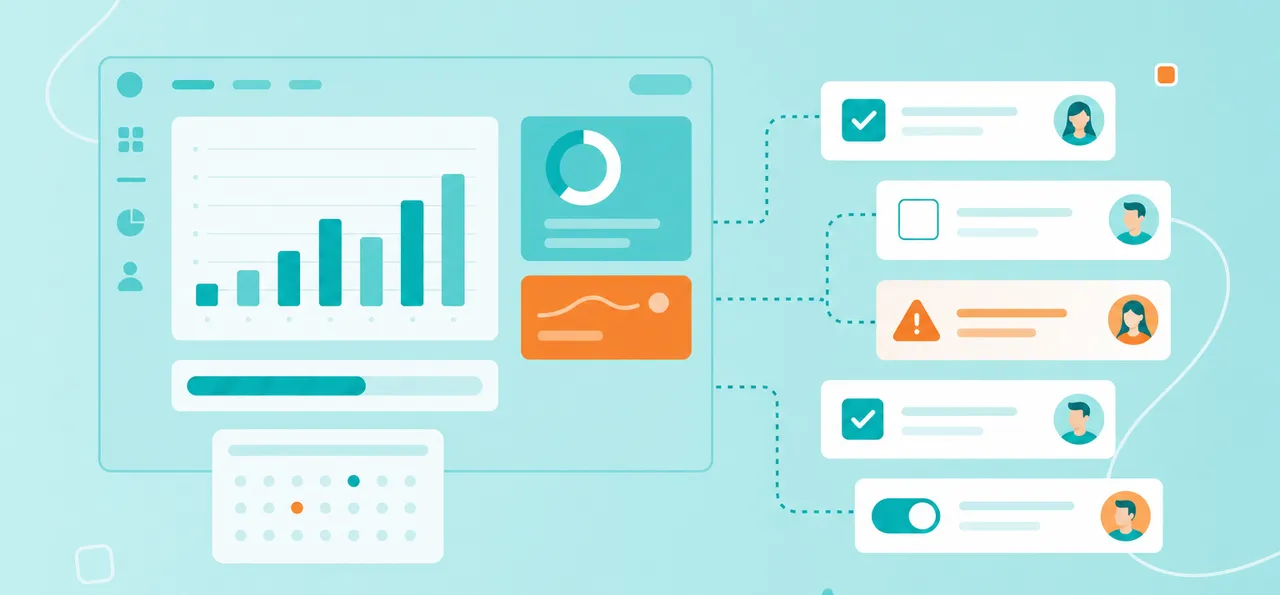
A collaboration-first project management tool puts team communication, shared visibility and real-time updates at the heart of every feature.
Two quick definitions help here:
Collaboration-first: a design approach where team interaction, transparency and shared access are built into every feature
Project management tool: software that helps teams organize, track and complete work together
A traditional task app focuses on what one person has to do. A collaboration-first tool brings task scheduling, team communication and document sharing into one shared space, so everyone works from the same picture.
Why collaboration matters in choosing a PM tool
Picture a typical Tuesday. One teammate emails a brief, another updates a file in Google Drive, a third leaves a comment in Slack and someone else quietly moves a task in a separate app. By Friday, no one is sure what the current status of this workflow is.
When collaboration isn't built into your PM tool, small gaps like that add up fast. Teams deal with familiar pain points:
Lost context: discussions happen separately from tasks
Version control issues: files aren't attached to the work
Delays: team members can't see what others are working on
Security risks: sharing happens through uncontrolled channels
A collaboration-first tool closes those gaps and keeps everyone on the same page, which also sharpens team management skills by making ownership and progress easy to see. For regulated industries like manufacturing, finance and public sector, secure collaboration isn't optional – it's part of staying compliant.
Six essential criteria for a top collaboration-focused tool
So what actually separates a real collaboration platform from a glorified to-do list? The six criteria below focus on the areas where teamwork either clicks or breaks down: security, visibility, integrations, permissions, usability and onboarding. Tools like MeisterTask are built around these ideas, which makes them a helpful reference as you compare your options.
1. Secure and compliant sharing
Secure sharing is the base layer of collaboration. Teams share projects with other departments, partners and outside contributors every day, and each handoff is a chance to expose sensitive data.
A collaboration-first tool handles that risk with a few key features:
Granular permissions: control who can view, comment or edit specific projects
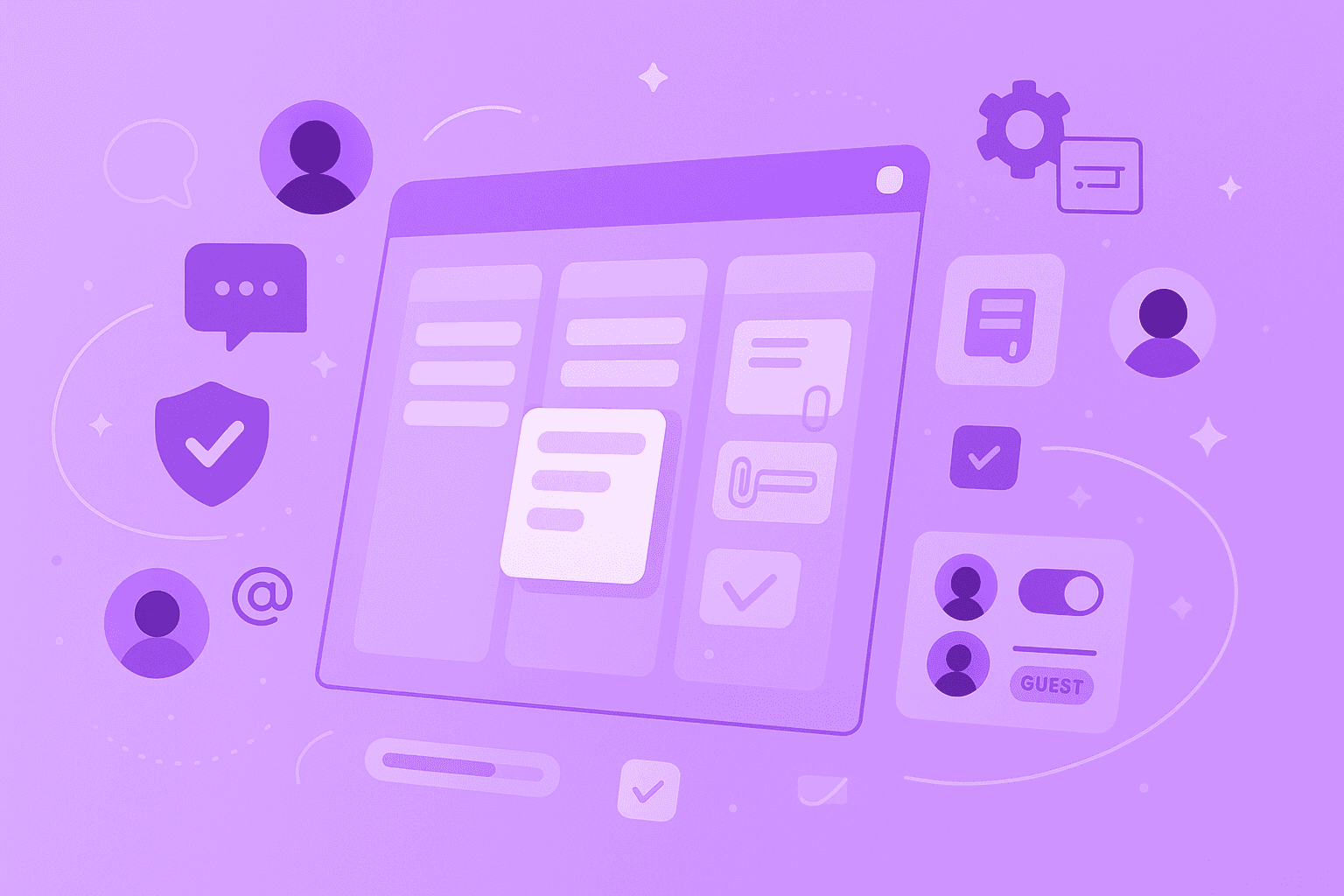
Guest access: invite external collaborators without giving them full system access
Compliance certifications: look for ISO 27001 and GDPR compliance, especially for EU-based teams or organizations in regulated industries like finance, healthcare and manufacturing
MeisterTask lets you share projects across departments or with external guests while keeping enterprise-grade security in place. It's ISO 27001 certified, fully GDPR compliant and hosted in Germany – details that matter most when you're in a field where data privacy isn't up for debate.
2. Real-time task updates
Real-time updates mean that the moment someone changes a task status, assignee or due date, everyone else sees it right away. No refreshing, no chasing people for the latest version.
That one shift prevents duplicate work and missed handoffs. In a collaboration-first tool, these elements update live:
Task status changes (to-do, in progress, done)
New comments and @mentions
File attachments and updates
Assignee changes
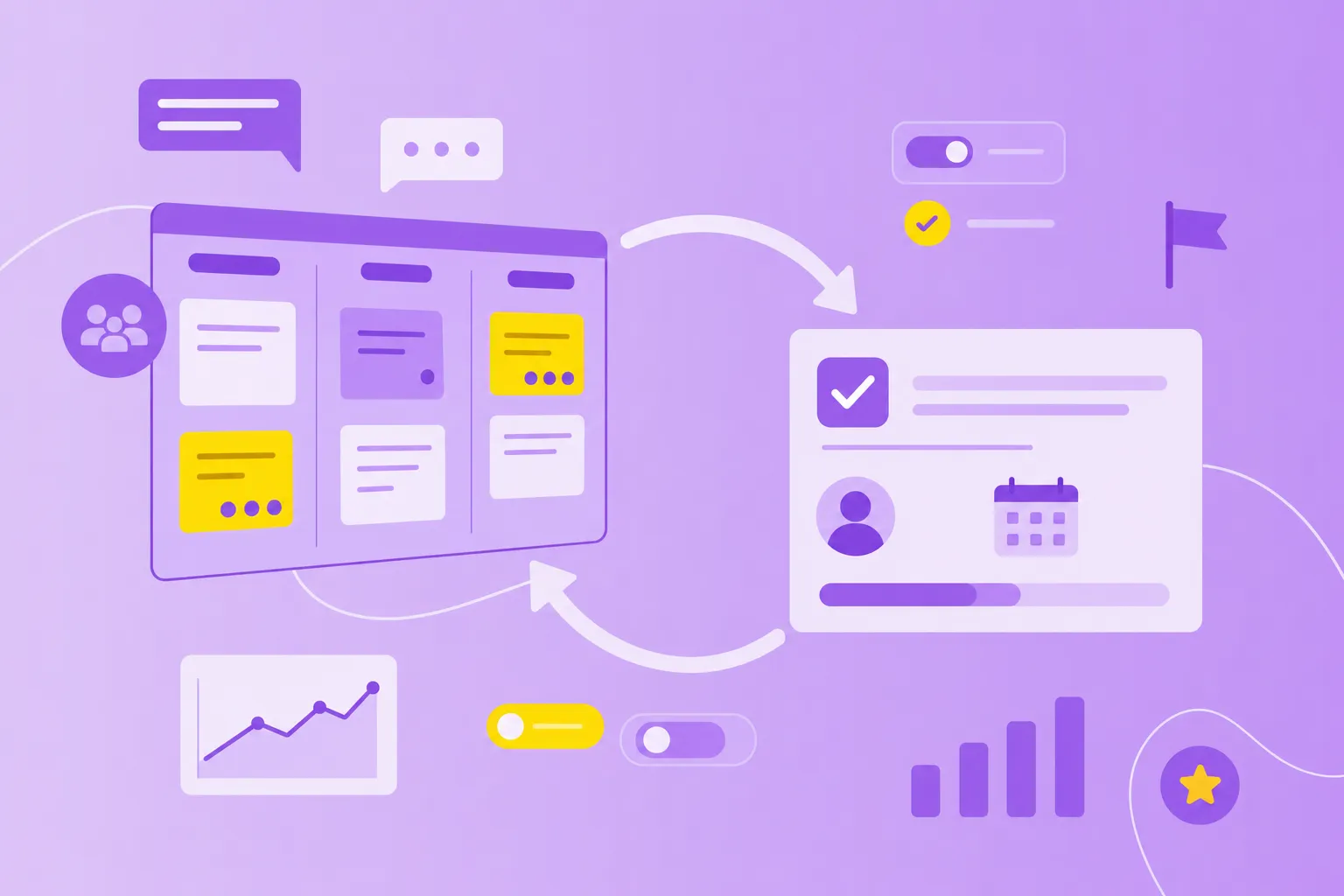
Imagine a designer marks a task "ready for review" at 10 a.m. – the reviewer sees it instantly and picks it up, instead of finding out at the next stand-up. Paired with task scheduling software features like due dates and dependencies, live visibility helps teams coordinate without constant check-ins. MeisterTask's Kanban boards show this clearly: you drag a task between columns, and your team sees progress as it happens.
3. Easy integrations
Your PM tool doesn't live alone. It sits alongside chat apps, file storage, calendars and more, and collaboration breaks down when those tools can't talk to each other.
The strongest collaboration tools connect with the apps your team already uses every day:
Communication: Slack, Microsoft Teams
File storage: Google Drive, Dropbox
Calendar: Google Calendar, Outlook
Brainstorming: MindMeister for visual planning
MindMeister integrates directly with MeisterTask, so you can brainstorm in a mind map and turn branches into tasks with a click. That bridges planning and execution in one flow, which cuts down on context switching and keeps every piece of work connected.
4. Flexible permissions and roles
Different people need different levels of access. A project lead and a contractor shouldn't have the same power to delete projects or change settings.
Good collaboration tools let you assign clear roles:
Viewers: can see tasks but not edit
Members: can create and edit tasks
Owners or Admins: can manage project settings and permissions
Guests: limited external access
MeisterTask lets you set specific roles for team members and outside contributors, so you decide exactly who can do what in each project. That's especially useful for cross-departmental work – marketing can view an engineering board without accidentally changing it, and finance can share a project with external auditors without opening the whole workspace.
5. User-friendly features
Clever features are wasted if half the group can't figure out how to move a task or leave a comment.
User-friendly shows up in a few practical ways:
Intuitive interface: visual boards that make sense at a glance
Minimal learning curve: new users can start contributing within minutes
Mobile access: work from anywhere on any device
Customizable workflows: adapt the tool to how your team works, not the other way around
MeisterTask's Kanban boards are a good example of visual team task management. A new joiner can look at a board and quickly see what's in progress, what's blocked and what's done – without a training manual.
6. Simple onboarding for teams
Even a great tool can fail if teams can't get started quickly enough. Good onboarding answers the "where do we begin?" question on day one.
Strong onboarding usually includes:
Pre-built templates for common workflows
Clear getting-started guides
The ability to import existing tasks from other tools
A fast setup that doesn't rely on IT
MeisterTask offers customizable templates that let teams start collaborating right away instead of building every process from scratch. You can set up your first project in minutes and have a team working together within days, not weeks.
How to pilot and ensure team adoption
Choosing the tool is only half the job. Rolling it out well is what decides whether collaboration actually improves. A small, structured pilot is the most reliable way to get there.
Here's a practical path that works for most teams:
Start with a small pilot team: Pick one department or project before a company-wide rollout.
Define clear success metrics: Decide what "better collaboration" means – faster task completion, fewer emails, clearer visibility?
Provide hands-on training: Show people how to use collaboration features, not just how to create a task.
Gather feedback early: Check in with pilot users after two weeks to learn what works and what doesn't.
Address resistance directly: Some team members will prefer old habits, so show them concrete time savings and benefits.
Expand gradually: Once the pilot works, bring in adjacent teams who already collaborate with that group.
Tools like MeisterTask make adoption easier because the visual interface doesn't demand much training. Leaders who rely on strong team management skills during rollout – listening, coaching and celebrating early wins – see faster and more lasting adoption. Change is hard, but with a clear plan it's manageable.
Common mistakes when selecting collaboration tools
Plenty of teams have learned the hard way that the flashiest tool isn't always the right one. A few patterns show up again and again when people regret their choice of collaboration tools:
Choosing based on features alone: A tool with 100 features you don't need is worse than one with 10 you'll actually use.
Ignoring security requirements: Especially critical for manufacturing, finance and public sector – check compliance before you commit.
Skipping the trial period: Always test with real team members doing real work, not just admins exploring features.
Overlooking mobile access: Remote and field teams rely on full functionality from phones and tablets.
Forgetting about integrations: If it doesn't connect to your existing tools, collaboration stays fragmented.
Not involving end users: The people who will use the tool every day deserve a seat at the table.
Don't make the mistake of treating tool selection as an IT-only decision. The best choices come from pairing security and compliance checks with honest input from the people doing the work.
Collaboration that propels your organization forward
When teams have the right collaboration-first tool, work becomes transparent, communication stays connected to tasks and projects move faster. Conversations, files and decisions finally live next to the work they belong to.
Organizations using tools like MeisterTask report clearer visibility, fewer miscommunications and smoother cross-team coordination. The six criteria above give you a practical framework to score any option on your shortlist with confidence.