
What is notification fatigue
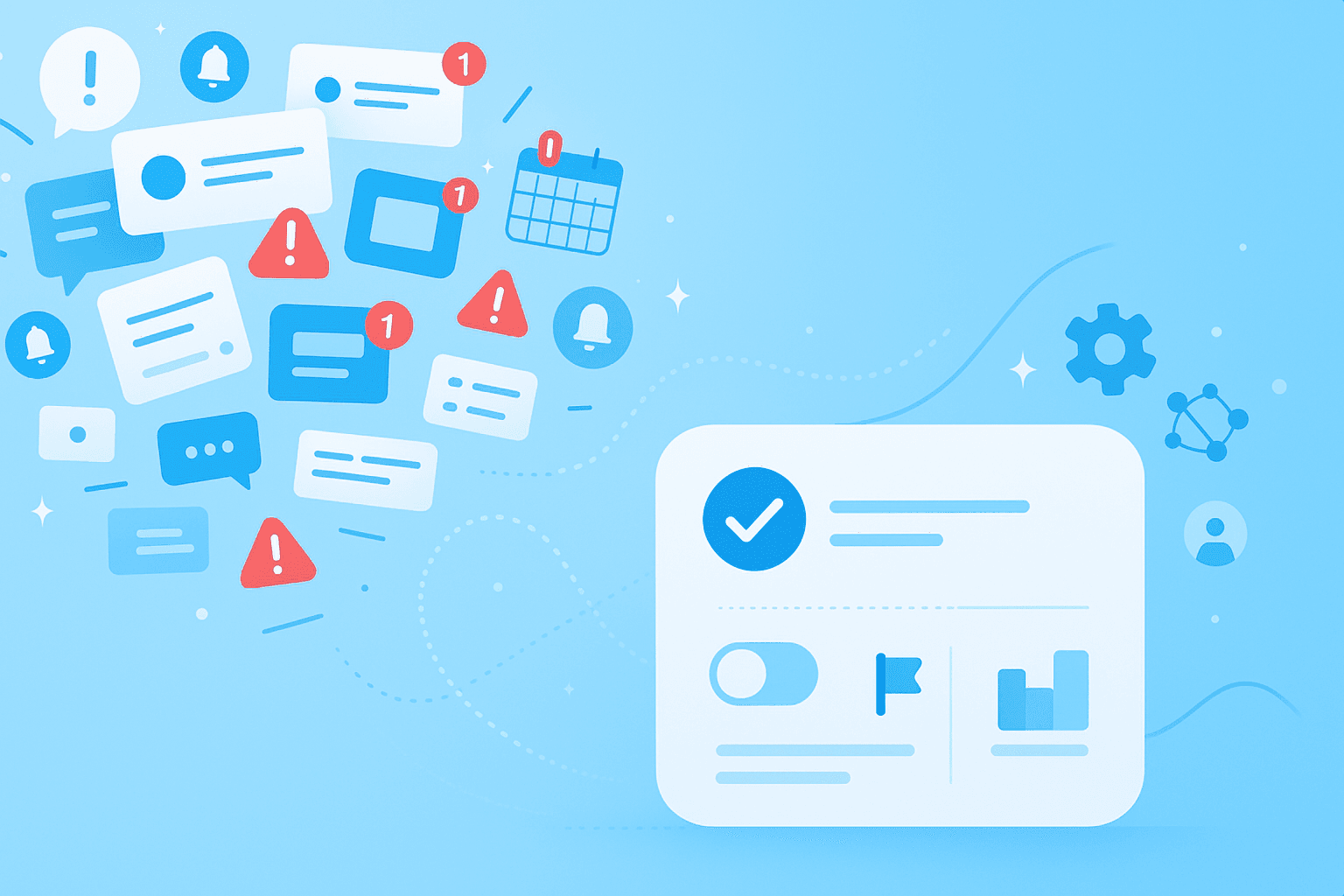
Notification fatigue is a state of mental and operational exhaustion caused by an overwhelming number of alerts — many of which are low-priority, false positives or otherwise non-actionable. You might also hear it called alert fatigue or alarm fatigue. The alarm fatigue meaning stays the same: when your brain receives too many signals, it starts tuning them out.
Think about your typical workday. Your phone buzzes with a Slack message while you're reading an email. A calendar reminder pops up. Your project management tool sends an update. Before you know it, you're drowning in digital noise. To define alarm fatigue simply: it's what happens when constant interruptions become background static rather than helpful signals.
This problem shows up everywhere technology touches our work and personal lives:
Workplace communication: Slack messages, email alerts, project updates
Cybersecurity: security warnings and threat alerts
Healthcare: patient monitoring systems and medical alarms
Personal devices: push notifications from apps and services
Why it harms productivity
Here's what makes notification fatigue particularly damaging: it doesn't just steal your time — it rewires how you work. Research shows that interrupted workers experience "more stress, higher frustration, greater time pressure, and more effort" even when they work faster to compensate.
The real cost goes beyond lost minutes. Every time you switch between a notification and your actual work, your brain pays a tax. You know that feeling when you check your phone reflexively, even when you're trying to concentrate? That's notification fatigue at work, creating a cycle where deep focus becomes nearly impossible.
Let's break down exactly how constant alerts sabotage your workday:
Increased stress: Each interruption adds psychological pressure that builds throughout the day
Lost deep work: Your brain can't maintain the focused attention that complex tasks require
Decision fatigue: Evaluating which notifications matter drains the mental energy you need for actual work
Common causes of alert overload
Alert overload happens when every app, tool and platform demands your attention at once. Picture this: you're working on an important project when a Slack message arrives. Two minutes later, an email about the same topic lands in your inbox. Then comes a calendar reminder, followed by another chat notification before you've even addressed the first one.
What is alert fatigue at its core? It's the result of systems designed without considering their cumulative effect on human attention. Each tool assumes it deserves an immediate response, creating an environment where everything screams "urgent" even when nothing truly is.
The main culprits behind this digital chaos include:
Too many tools: when teams juggle email, chat, project management and calendar apps, each sends its own stream of notifications
Unfiltered alerts: systems treat routine updates with the same urgency as critical issues
Poor default settings: apps come with all notifications enabled, overwhelming you before you can customize them
Redundant notifications: the same information arrives through multiple channels
Low-value alerts: many notifications don't require any action or even attention
The risks of continuous notifications
When teams don't manage notification fatigue, the consequences extend far beyond individual stress. Teams start missing genuinely critical information buried in the noise. An urgent client request gets lost among automated status updates. A security warning blends into the background hum of system notifications.
Google's Site Reliability Engineering team found that frequent alerts cause people to "second-guess, skim, or ignore alerts" — including the important ones. This creates a vicious cycle where more alerts lead to more ignoring, which prompts systems to send even more alerts trying to grab your attention.
The risks fall into three critical categories:
Missed critical alerts: important notifications disappear in the noise, leading to overlooked deadlines, security threats or client requests
Slower incident response: teams take longer to recognize and address real problems when they're desensitized to alerts
Team burnout: constant interruptions and pressure to stay responsive create exhaustion and disengagement
How to manage focus by reducing unnecessary notifications
The good news? You can take back control of your attention. These alertness solutions help you filter out the noise while staying informed about what actually matters. Remember, the goal isn't to eliminate all notifications — it's to make sure the ones you receive deserve your attention.
Warning fatigue develops gradually, so fixing it requires examining each notification source individually. Start by asking a simple question for each alert: does this help me accomplish meaningful work, or is it just digital clutter?
1. Adjust notification settings
Most tools let you control exactly which notifications you receive and how they arrive. Yes, it takes time to audit your settings and turn off non-essential alerts. But that initial effort pays off every single day when those interruptions stop happening.
Start with these quick wins:
Turn off notifications for group channels where you don't need immediate updates
Disable "read receipt" and "typing indicator" alerts
Set email to notify only for messages where you're directly mentioned
2. Consolidate alerts in a single platform
Using five different tools means managing five different notification streams. When you centralize work in one platform, you cut down on redundant alerts and make it easier to control what you see. Tools like MeisterTask bring tasks, documentation and team communication into one workspace, so you're not juggling notifications across multiple apps.
This consolidation also helps reduce security alert fatigue — fewer platforms mean fewer security notifications competing for your attention. Plus, you can close one app to focus instead of managing settings across half a dozen tools.
3. Use do not disturb modes
Do not disturb (DND) modes are your best friend for protected focus time. iOS Focus features let you "temporarily silence all notifications" or "allow only specific notifications." Most workplace tools now offer similar scheduling features.
Block out your most productive hours for deep work using a time blocking method with DND enabled. Your notifications still arrive — they just wait quietly until you're ready to deal with them. Let your team know when you're in focus mode so they understand you're not ignoring them, just protecting your concentration.
4. Implement clear communication norms
When everyone expects immediate responses to everything, the alerts multiply exponentially, but more intentional team communication helps keep channels clear. Research shows that "managing expectations" around response time makes a huge difference, especially for personal communication.
Work with your team to establish norms like:
Defining which channels are for urgent issues versus routine updates
Using @mentions only when someone genuinely needs to take action
Setting "core collaboration hours" when everyone stays responsive, with protected focus time outside those windows
Alert fatigue in different industries
While notification fatigue affects everyone, it shows up differently across industries — with varying levels of risk. Understanding these differences helps teams adapt strategies to their specific challenges.
Alert fatigue in healthcare can literally be life-threatening. Medical monitoring systems generate constant alarms for patient vitals, medication timing and equipment status. When clinicians become desensitized, they might miss genuinely critical warnings. The Joint Commission identifies alarm management as a major patient safety issue.
Security alert fatigue poses different but equally serious risks. Cybersecurity teams face overwhelming volumes of threat alerts, many of which turn out to be false positives. Real breaches can slip through unnoticed when they're buried in routine warnings. The challenge lies in distinguishing actual threats from digital noise.
The challenges of managing alert fatigue in IT monitoring center on scale. System administrators receive alerts about server performance, application errors and infrastructure issues around the clock. They have to figure out which technical problems require immediate human attention versus automated responses — all while keeping critical systems running.
Steps to overcome fatigue alerts
Moving beyond individual tactics, let's look at how organizations can address notification fatigue systematically. These steps target root causes rather than just managing symptoms. As Google's SRE principles emphasize, every fatigue alert should be "urgent," "actionable" and "actively or imminently user-visible."
1. Prioritize critical alerts only
The single most effective strategy? Send fewer notifications. If an alert doesn't require immediate human judgment, it shouldn't interrupt someone's work. This means auditing every alert in your system and asking tough questions about whether it truly needs to exist.
Apply these criteria to every notification:
Does this require an immediate human response?
Could this wait for a scheduled check-in instead?
Does the alert include clear next steps, not just a problem notification?
Would removing this alert actually cause problems?
2. Use automation for repetitive tasks
Many notifications exist because systems need someone to perform routine actions. But if humans keep responding the same way to the same alerts, that's a clear sign the task should be automated. Google's SRE team calls these "repeated, scriptable alerts" a red flag.
Look for task workflow automation opportunities like:
Rules that automatically assign tasks based on project stage
Scheduled reports instead of manual requests
Templates that auto-populate routine information
Integrations that sync data between tools without manual updates
MeisterTask offers automation features specifically designed to reduce manual notifications, letting you focus human attention on work that actually requires judgment and creativity.
3. Conduct regular notification audits
Your notification needs change as teams, projects and tools evolve.
Schedule quarterly reviews where you examine which alerts your team actually finds helpful versus overwhelming.
During these audits:
Track which notifications consistently go ignored
Ask team members what helps versus hinders their work
Test changes with a small group before rolling them out
Disable any alerts that no one acts on
Tune out the noise and empower your team
Notification fatigue might feel like an inevitable part of modern work, but it doesn't have to be. Through individual actions and team-level changes, you can create space for the focused, meaningful work that actually moves projects forward.
Teams that successfully tackle notification overload report better focus, improved morale and reduced stress. When alerts serve their intended purpose — drawing attention to genuinely important information — work becomes more satisfying and productive. That constant anxiety about missing something important? It disappears when you trust your notification system to surface only what truly matters.