
When project management outgrows spreadsheets
Remember the last time your team worked on a project using a spreadsheet? Multiple versions floating around, confusion about who updated what, and that sinking feeling when someone accidentally overwrote hours of work. You're not alone in this frustration.
For decades, spreadsheets have been the go-to tool for tracking projects, managing tasks and organizing team work. They're familiar, flexible, and already installed on most computers. But as teams grow and projects become more complex, many organizations are discovering that spreadsheets weren't designed for modern project management.
Understanding the ongoing debate
A spreadsheet is a grid-based application like Microsoft Excel or Google Sheets. You've probably used one to create budgets, track expenses or organize data. Project management software, on the other hand, includes specialized platforms like MeisterTask, Asana or Monday.com built specifically for planning and tracking work across teams.
The key difference? Spreadsheets were designed for calculations and data analysis. Project management tools were built from the ground up to help teams collaborate on work.
For years, spreadsheets seemed like the obvious choice. Everyone knew how to use Excel. It came free with Microsoft Office. And it was flexible enough to track almost anything. But as remote work became common and projects grew more complex, the cracks started to show.
Pitfalls of relying on spreadsheets
While spreadsheets excel at number-crunching, they struggle with the dynamic nature of project work. Let's look at the three biggest problems teams face.
Lost updates
Picture this: You download the project spreadsheet at 9 a.m., work on it for two hours, then upload your changes. Meanwhile, your colleague did the same thing. Whose updates survive? Usually, whoever uploads last wins — and the other person's work disappears.
This happens because spreadsheets weren't built for simultaneous editing by multiple people. Even with cloud-based versions, the experience can be clunky. Common scenarios include:
Overwritten changes: your carefully planned timeline gets replaced by an older version
Missing data: someone accidentally deletes a row and nobody notices for days
Update confusion: team members work from different versions without realizing it
Lack of real-time collaboration
Spreadsheets force teams into an endless cycle of downloading, editing and sharing files. You make changes, save the file, email it to the team, then wait for responses. By the time feedback arrives, someone else has already made different changes to their copy.
This workflow creates several problems:
Information delays: critical updates take hours or days to reach the whole team
Duplicated effort: multiple people solve the same problem because they can't see each other's work
Decision paralysis: managers hesitate to make choices without the latest data
Version control confusion
After a few weeks, your project folder looks like this: Project_Plan_v1.xlsx, Project_Plan_v2_final.xlsx, Project_Plan_v2_FINAL_FINAL.xlsx, Project_Plan_March_Update_Steve.xlsx.
Which file contains the current project status? Who made the last changes? What exactly changed between versions? Without proper version control, these questions become time-consuming puzzles. Teams waste hours comparing files and trying to merge changes from different versions.
Why project management software is a game-changer
Project management tools solve these fundamental problems through features designed specifically for team collaboration. Instead of adapting a calculation tool for project tracking, you get purpose-built functionality.
The transformation is immediate. All project information lives in one central location. Team members see updates in real-time. And automated features handle the routine tasks that eat up hours in spreadsheets.
Here's how the tools compare across essential functions:
Function
Spreadsheets
Project management software
Task assignment
Type names in cells
Click to assign with notifications
Status updates
Manual color coding
Automatic progress tracking
Team communication
Separate emails
Built-in comments and chat
File organization
Folder hunting
Attached directly to tasks
Progress tracking
Manual calculations
Real-time dashboards
Deadline alerts
Check manually
Automated reminders
Essential features that Excel lacks
Spreadsheets simply can't provide certain functionality that modern teams rely on. Each missing feature represents hours of manual work or increased risk of errors.
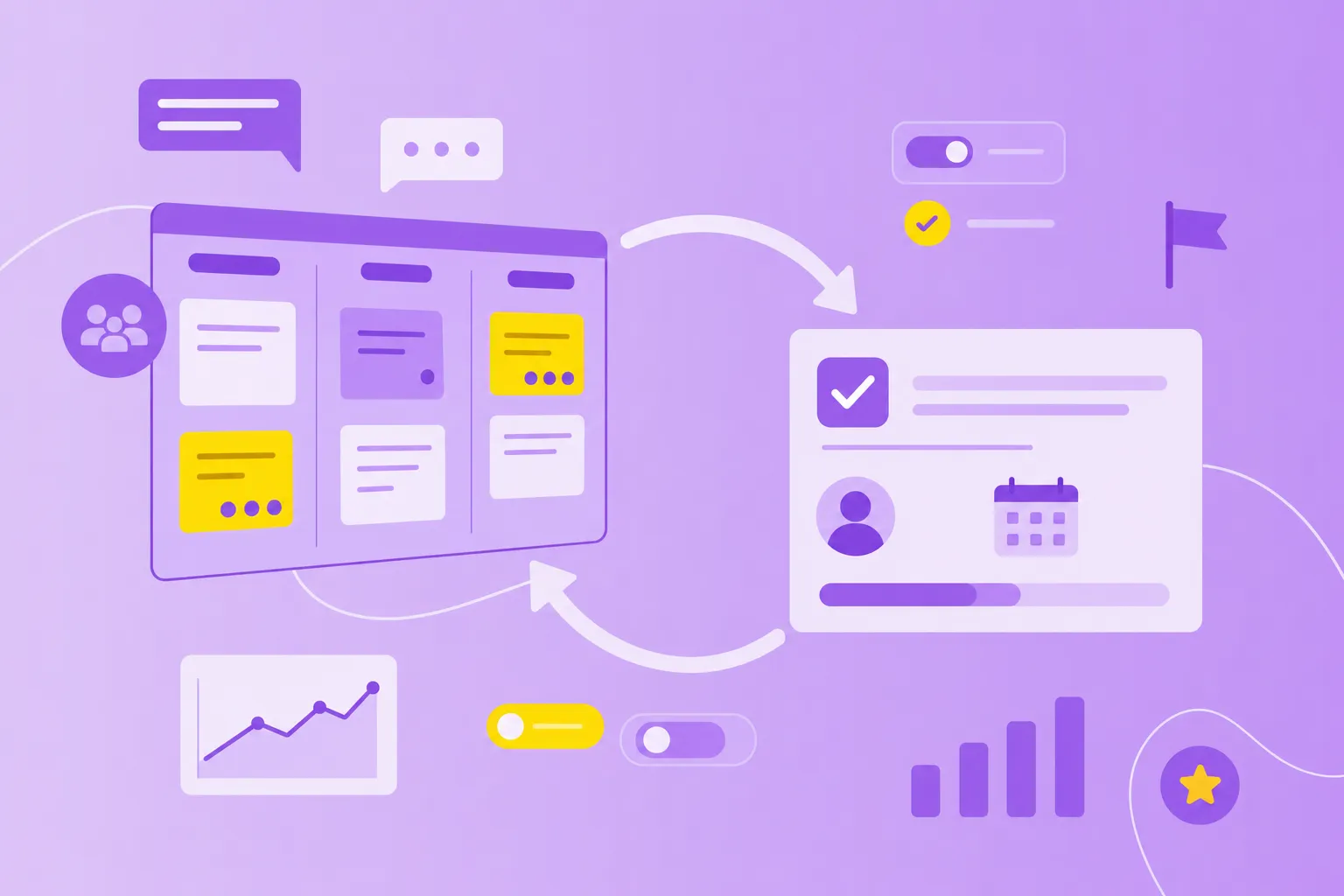
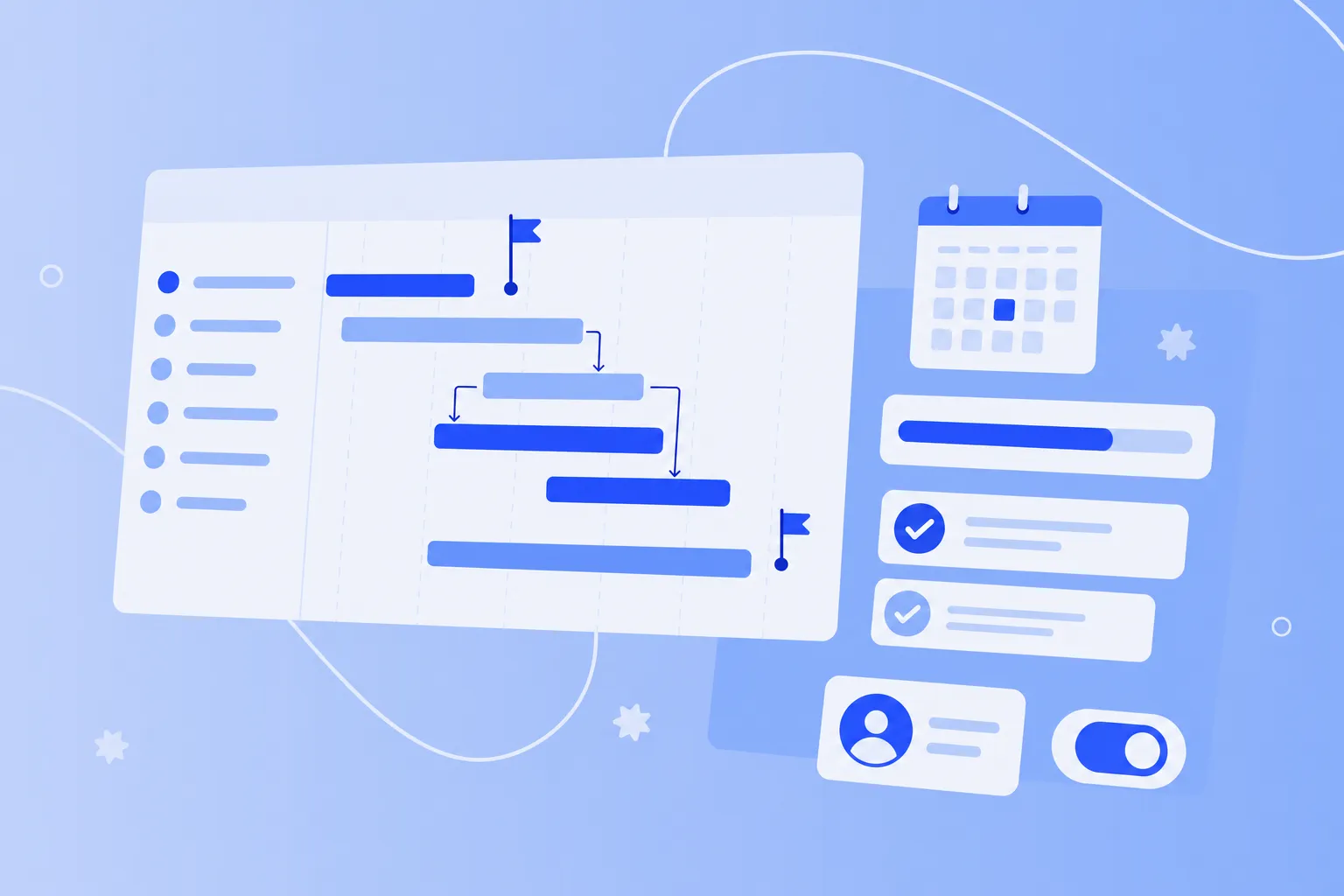
Visual project views make complex projects understandable at a glance. Kanban boards show task flow through different stages. Gantt charts reveal dependencies and timelines. Calendar views highlight upcoming deadlines. These visualizations help teams spot bottlenecks before they cause delays.
Automated workflows eliminate repetitive tasks. When you mark a task complete, the next person gets notified automatically. Recurring tasks create themselves. Status updates flow to dashboards without manual data entry. This automation saves hours each week while reducing human error.
Built-in communication keeps discussions connected to work. Instead of searching through email chains, team members find all relevant conversations attached to specific tasks. Questions get answered faster. Decisions stay documented. And new team members can understand project history without lengthy briefings.
Advanced reporting provides insights spreadsheets can't match. Generate burndown charts, resource allocation views and progress reports with one click. Track time spent on different project phases. Identify which team members might be overloaded. These insights help managers make better decisions and keep projects on track.
When to switch from sheets to a dedicated tool
Recognizing the right moment to transition can save your team from mounting frustration and wasted time. Here are three clear signals it's time to upgrade.
Multiple concurrent projects
Managing one project in a spreadsheet is challenging enough.
Each project needs its own file, but resources overlap. Team members juggle multiple spreadsheets. Dependencies between projects become invisible.
Project management software handles this complexity elegantly. Portfolio views show all projects together. Resource management features prevent overallocation. And cross-project dependencies become visible, helping you avoid conflicts before they happen.
Growing team size
Small teams can sometimes make spreadsheets work through constant communication. But as you grow beyond five or six people, coordination becomes a full-time job. New team members struggle to understand existing processes. Information silos form. And meetings multiply as everyone tries to stay aligned.
Dedicated tools scale naturally with team growth. Permission settings control who can view or edit different areas. Onboarding becomes simpler when all information lives in one place. And built-in communication features reduce the need for status meetings.
Regulatory compliance needs
For teams in healthcare, finance or government sectors, spreadsheets create compliance nightmares. There's no audit trail showing who changed what. Sensitive data sits unencrypted on various devices. And proving compliance during audits requires manual documentation.
Project management platforms address these concerns with:
Automatic audit logs: every change is recorded with timestamp and user information
Encryption: data stays protected both in transit and at rest
Access controls: limit sensitive information to authorized team members only
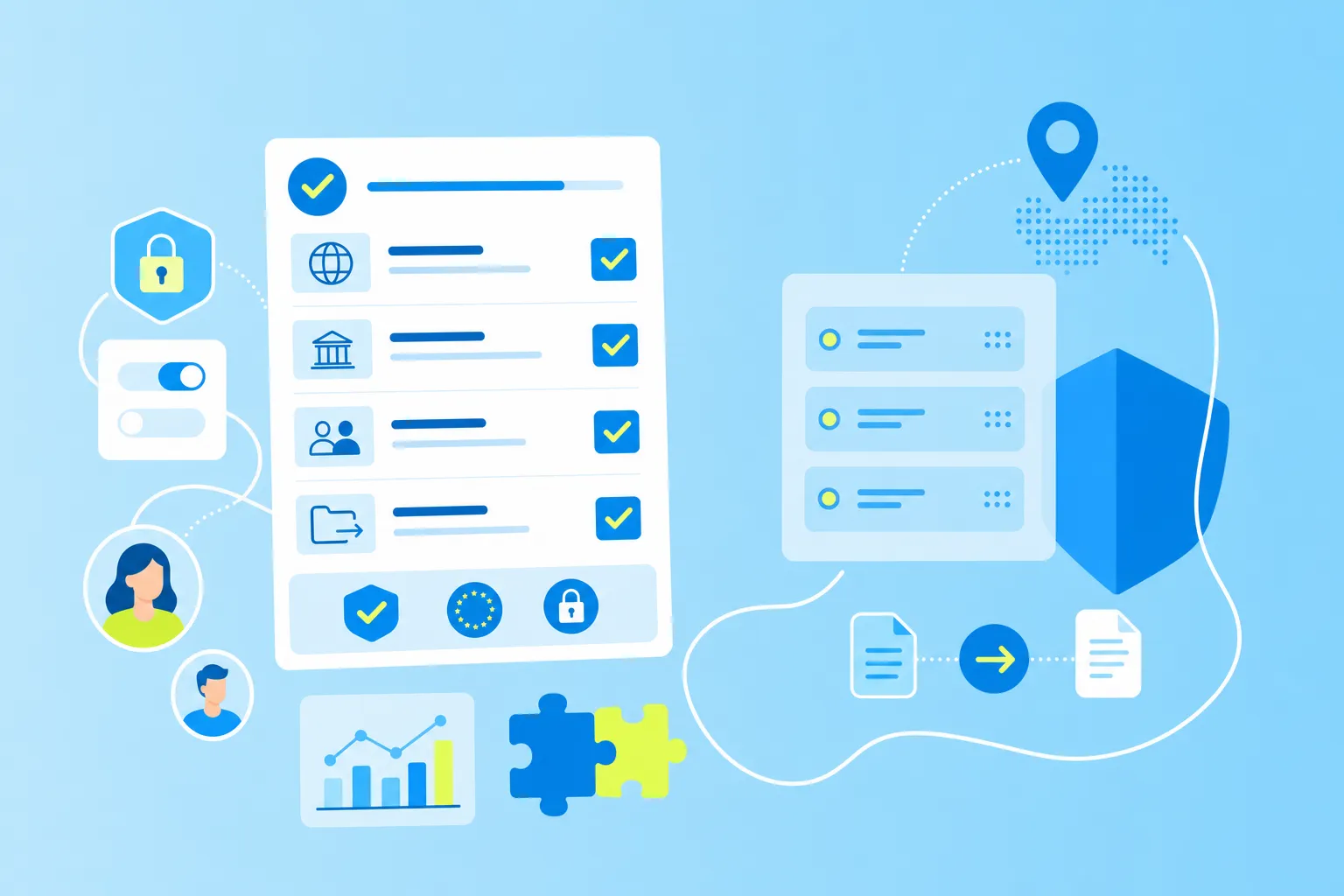
Compliance certifications: many platforms maintain ISO 27001, GDPR, and other standards
Comparing collaboration and security
Modern work happens across locations, time zones and devices. Your project tracking tool needs to support this reality while keeping data secure.
Project management tools excel at distributed collaboration. Team members see updates instantly, regardless of location. Mobile apps allow work from anywhere. And integration with other tools creates a seamless workflow.
Security features protect your sensitive project data:
Role-based permissions: control access at a granular level
Two-factor authentication: add an extra layer of account security
Data encryption: protect information from unauthorized access
Regular backups: prevent data loss from technical failures
For organizations with strict data residency requirements, platforms like MeisterTask offer EU-based hosting. This keeps data within European borders while maintaining GDPR compliance — particularly important for public sector and regulated industries.
Moving forward with the right tool for your team
Making the switch from spreadsheets to project management software doesn't have to be overwhelming. Start by identifying your biggest pain points. Are you losing updates? Struggling with collaboration? Missing deadlines? Your specific challenges will guide your tool selection.
Test potential solutions with a pilot project. Choose something small but representative of your typical work. Include team members who will use the tool daily. Gather feedback about what works and what needs adjustment.
Consider these factors during evaluation:
Ease of use: can your team adopt it without extensive training?
Feature fit: does it solve your specific problems?
Integration options: will it work with your existing tools?
Scalability: can it grow with your team?
Support quality: is help available when you need it?
MeisterTask offers an intuitive starting point for teams making this transition. The visual interface feels familiar to spreadsheet users while providing the collaborative features modern teams need. Built-in automation reduces manual work, and EU-based hosting addresses security concerns.
Projects run smoother. Information stays current. And everyone spends less time managing tools and more time doing meaningful work.