
What is a digital shift handover?
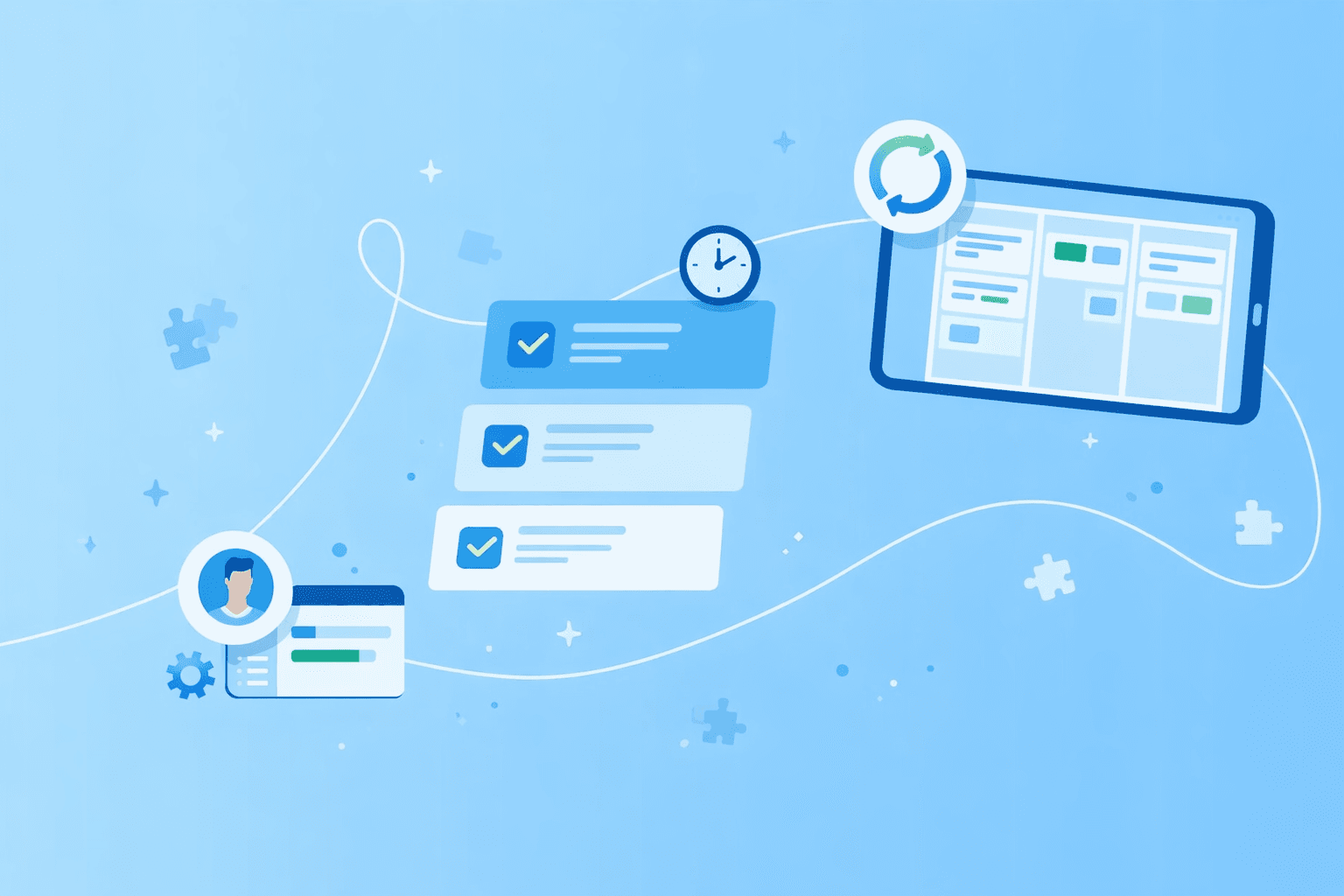
A digital shift handover is a structured method for passing task information from the outgoing team to the incoming team, using digital tools rather than paper logs, whiteboards, or verbal briefings alone. It gives every shift the same starting point: a shared record of what happened, what is open, and what to watch.
Unlike a wiped whiteboard, a digital shift handover creates a timestamped record that stays with each production order. Anyone on the next shift, or three shifts later, can open the same task and see the full history.
Good handovers, digital or not, rest on three core elements that apply whether you're running one shift or four.
Preparation by outgoing staff: The departing shift documents completed work, open tasks, and exceptions before the handover conversation begins.
Direct exchange of information: Both shifts discuss priorities, blockers, and urgent flags face-to-face or through structured communication.
Cross-checking by incoming staff: The new shift reviews the log, asks questions, and confirms understanding before taking over.
On a production line, that might mean the outgoing lead logs open orders on CNC Mill 3, flags a torque calibration issue, and confirms the incoming lead has read the notes before leaving.
Why manufacturing teams lose information at shift change
Picture the morning shift walking in at 6 a.m. The whiteboard has been half-wiped, two sticky notes have fallen behind the workbench, and the outgoing shift left an hour ago. You spend the first 20 minutes guessing what happened overnight.
 Whiteboards get erased, paper logs get misplaced, and verbal handoffs depend on who happens to be in the room at 6 a.m.
Four categories of information tend to disappear at shift change:
Completed work: Which orders were finished, which machines were serviced or which quality checks passed
Blocked work: Which tasks are waiting on materials, maintenance or approvals, and why
Quality issues: Defects found, rework required or process deviations that need investigation
Urgent flags: Equipment showing early warning signs, safety concerns or customer escalations for the next shift
Whiteboards and spreadsheets cannot hold this information for long. Whiteboards have no timestamp and limited space, while spreadsheets sit on one person's laptop and go stale the moment a task changes. Neither tool ties information to the exact order or machine it came from, which is where a structured log comes in.
Key data every production shift log must capture
A useful production shift log follows the same structure every time, so nothing is forgotten and the incoming crew knows exactly where to look. The five-field template below works on paper, in a shared document or inside a digital tool, though digital tools make it faster to fill out and searchable by keyword.
Completed tasks
Completed tasks include finished production orders, maintenance activities, quality inspections, and material transfers. List enough detail to prove the work was closed out.
Example: "Shift A completed 240 units of part #4401 and ran the end-of-shift calibration on CNC Mill 3."
Open tasks
Open tasks cover orders in progress, partially completed setups or work paused mid-cycle. Note the percentage complete and the exact stopping point so the next shift can pick up without backtracking.
Example: "Order #7823 is 60% complete, currently paused at the welding station for shift change."
Blockers and downtime causes
Blockers include missing materials, equipment waiting for repair, tooling issues or approvals held up outside the team. Add the reason for the block so the next shift knows whether they can resolve it or need to escalate.
Example: "Line 2 down since 2 p.m., waiting on replacement conveyor belt, maintenance ticket #4401 open."
Quality flags
Quality flags capture defects, out-of-spec measurements, rework or process deviations. Each flag records what was found, where it was found, and what action was taken.
Example: "Batch #9921 failed torque test, 12 units quarantined in QC hold area, root cause investigation started."
Priority for next shift
The priority field names the single most important task for the incoming shift, or the issue that needs attention in the first hour. One clear priority beats a long wish list.
Example: "Priority: complete Order #5501 by 10 a.m. for same-day shipping, all materials staged at Assembly Station 4."
Together, the five fields tell the incoming shift what was done, what is waiting, what is broken, what needs watching and what to do first.
Benefits for quality safety and throughput
A structured manufacturing shift handover pays off in three areas leaders care about: quality, safety and throughput. The value shows up quickly and grows as the habit sticks.
Traceable records: Timestamped logs provide an audit trail within a workflow tracking system. When a defect surfaces three shifts later, you can trace it back to when it first appeared.
Faster root cause analysis: Real-time notes on deviations and equipment warnings mean investigations start with better data, not memory.
Smoother startup for incoming crews: Reading the log before starting work saves the first 20 minutes of hunting for context.
Stronger compliance posture: Regulated sectors like food, medical devices or automotive keep shift logs for audits, and digital records build that trail without extra paperwork.
Each benefit builds on the one before it. Better records lead to faster analysis, which leads to smoother startups, which leads to cleaner audits.
Common barriers to going paperless and how to overcome them
Moving from paper or whiteboards to a digital system feels like a big change, especially when the old setup, however flawed, is familiar. Most resistance comes from real concerns rather than reluctance, and each has a practical answer.
Resistance to change
Production teams tend to be cautious of new tools, and solid change management prevents rollouts that add work without a clear benefit. Start with one line or one shift as a pilot, show quick wins like fewer repeated questions, and let early adopters share the results with peers.
Lack of a standard template
Without structure, digital handovers turn into free-form notes that vary from person to person and shift to shift. Adopting the five-field template as the default format keeps every handover consistent, so nothing gets skipped.
Device availability on the shop floor
Not every workstation has a computer, and asking operators to walk to an office to log notes breaks the workflow. Mobile-friendly tools on tablets or phones let handover notes get logged right at the machine.
Data security concerns
Manufacturers in regulated industries or the public sector worry about production data sitting in cloud tools outside the EU. Choosing platforms that are GDPR-compliant, ISO 27001-certified, and hosted in the EU keeps handover data within the boundaries that auditors care about.
None of these barriers is permanent. The right tool and a phased rollout handle each one.
Five steps to set up a digital shift handover process
Setting up a digital handover process does not require specialist software or a long IT project. You can build a working system in an afternoon using a Kanban-based work management tool.
1. Map existing handover flow
Start by watching how handovers happen today. Stand near the shift change, note what gets shared out loud, what gets written on whiteboards, and what quietly disappears.
Talk to outgoing and incoming shift leads about what information they rely on most and what questions come up over and over. Those recurring questions point to the exact gaps your new process will close.
2. Create a standard template
Next, turn the five-field structure (completed tasks, open tasks, blockers, quality flags, priority for next shift) into a reusable shift handover template. This can be a checklist, a task comment format, or a recurring task description filled out at the end of every shift.
A copy-and-paste starter template looks like this:
Date and shift: Day, night or swing, with the date
Completed tasks: Finished orders, maintenance and inspections
Open tasks: In-progress work with percentage complete
Blockers and downtime: Issues, ticket numbers and estimated resolution time
Quality flags: Defects, rework, deviations and actions taken
Priority for next shift: The single most urgent task or issue
3. Build a board in MeisterTask
The third step is to build a project board in MeisterTask that mirrors your production flow and supports manufacturing workflow management. Each column represents a stage, such as "Scheduled," "In Progress," "Blocked," "Quality Check" or "Complete," and each task represents a production order, maintenance job, or quality issue.
Task comments become the handover log. At the end of every shift, the outgoing team drops a comment on each active task using the standard template, and the incoming team reads those comments before starting.
Because MeisterTask is cloud-based, shift leads can update tasks from a tablet on the shop floor or a desktop in the supervisor's office.
4. Automate recurring handover tasks
Create a recurring task called "Shift Handover" that appears at the end of every shift. It serves as a checklist reminder to complete the template and review open tasks before leaving.
Recurring tasks keep the ritual consistent, even when the shift lead is out or the floor is busy.
5. Review and improve with team feedback
After two weeks, run a short retrospective. Ask shift leads what is working, what is confusing, and what information is still missing from handovers.
Adjust the template, add custom fields or change the board structure based on real usage. Digital systems improve faster than paper because you can iterate without reprinting anything.
Choosing the right tool for shift change communication
Not every digital tool is built for shop floor handovers. Some were designed for other industries, and general-purpose collaboration tools often need heavy customization before they fit a production environment.
Here is how the main categories compare for shift change communication:
Electronic logbook software: Purpose-built for regulated industries with formal protocols, often expensive, requires dedicated training and may not connect to existing production systems
Kanban-based work management: Visual task tracking, flexible templates and mobile access suit manufacturing teams, but depends on team discipline to keep boards updated
Mobile apps with multimedia capture: Good for maintenance or field teams that need photo and video evidence, but can create data silos if not tied to a central system
Spreadsheets and shared documents: Low-cost and familiar, but offer no automation, no notifications and are hard to search once entries pile up
For manufacturing teams moving off paper or whiteboards, Kanban-based work management strikes the right balance between structure and the freedom to customize that most teams need. You get visual boards, task comments for the handover log, recurring tasks for consistency and mobile access, all without enterprise software budgets.
Hosting and compliance shape the decision too. If you run in a regulated industry or the public sector, MeisterTask is GDPR compliant, ISO 27001 certified and hosted in Germany, so handover data stays inside the regulatory boundary your auditors care about.
Best practices to keep teams engaged across shifts
Digital tools only work if teams use them consistently. The best system in the world falls apart if the outgoing shift skips the log or the incoming shift ignores it.
Face-to-face verification
Digital logs support verbal handoffs; they do not replace them. Outgoing and incoming shift leads still meet face to face, or on a video call for remote shifts, to walk through the log, answer questions and confirm understanding.
HSE guidance reinforces the point: handovers work best when they are face-to-face, two-way, and use both verbal and written communication.
Short structured meetings
Handover meetings follow a tight agenda: review completed tasks, discuss blockers, highlight quality flags and confirm the priority. Keep them to 10 to 15 minutes by using the log as the agenda, so no time is wasted piecing together what happened from memory.
Visual status boards at line side
Teams engage more when they can see the board on a large monitor at the production line. A shared view of active orders, blockers and priorities makes the log feel like a working tool, not a form to fill out.
Use AI summaries for management updates
Shift leads should not have to write separate reports for management. AI-powered summaries in tools like MeisterTask turn the week's shift handoff notes into a short digest of trends, so managers see recurring blockers or quality patterns without adding paperwork to the shift lead's day.
Together, these practices turn digital handovers into a team habit rather than a compliance checkbox.
Move work forward with MeisterTask
A digital shift handover replaces guesswork with structure, so the incoming team starts every shift with full context. When logs capture completed tasks, open tasks, blockers, quality flags and priorities in the same format every time, information stops disappearing at 6 a.m.
MeisterTask brings production tasks, handover logs, and team communication into a single Kanban board that any team member can view and update on any device. Task comments create a timestamped record, recurring tasks keep the ritual on schedule, and visual boards give every shift an instant status view. Because MeisterTask is GDPR compliant, ISO 27001 certified, and hosted in Germany, it meets the security standards manufacturers in regulated industries and the public sector look for.
Start with one production line, use the five-field template, and see how much faster handovers run when the system does the remembering.