
What is AI in project management?
AI in project management means using artificial intelligence to automate, assist or optimize how teams plan, track and deliver work. In practice today it does three jobs well: it automates repetitive task workflows, it drafts and suggests task content and it summarizes updates and notes. IBM's overview of AI project management describes tools that automate repetitive tasks and analyze large volumes of project data. The range runs from rule-based automation at one end to generative AI at the other.
The idea is older than the current wave of interest. It began as rule-based automation: if a task moves to a column, assign an owner and set a deadline. Newer generative features go further, drafting a task description or condensing a long meeting into a short summary.
Adoption has climbed fast. According to a 2025 Association for Project Management survey, 70% of UK project professionals said their organization uses AI, up from 36% two years earlier. The capability is genuine, but it is narrower than the marketing suggests.
Think of today's AI as a tireless assistant that never gets bored with repetitive work, yet has no feel for what your project is about. It will run the same rule a thousand times without complaint, and it will run a flawed rule a thousand times just as willingly. Knowing where those edges sit is what keeps you from overtrusting it. It is the difference between a tool that saves hours and one that quietly creates rework.
Three things AI can do in project management today
Set aside the marketing and a clear pattern emerges. AI is dependable at a handful of jobs and shaky everywhere else. Here is what it handles well right now, with the honest limit attached to each.
1. Automate recurring task workflows
Rule-based automation triggers an action the moment a condition you set is met. A task moves to the "Review" stage, so the system automatically assigns a reviewer and sets a 2-day deadline. Nobody has to remember the handoff, and the same steps run the same way every time.
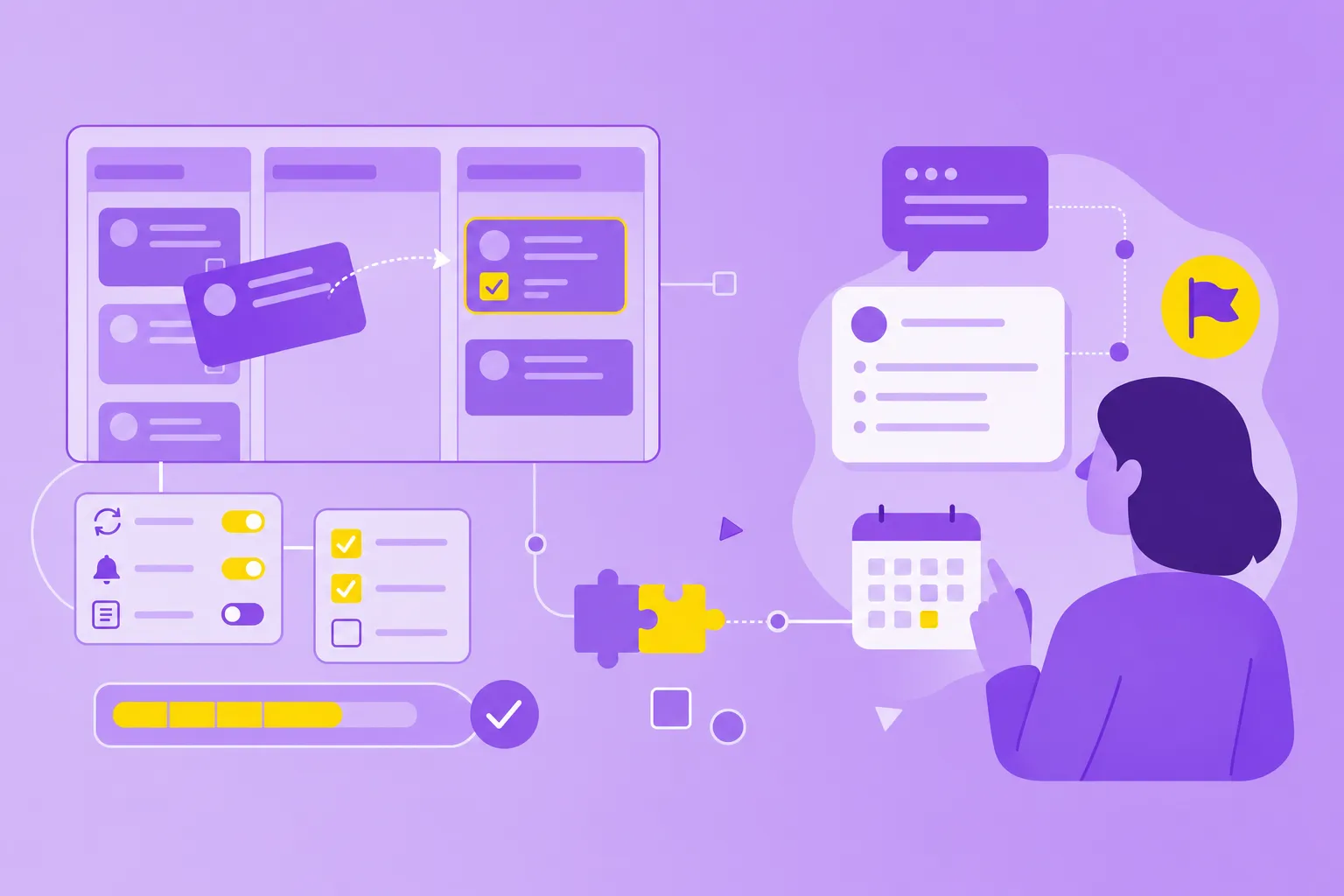
Picture a content team shipping weekly. A writer drags a finished draft into the "Ready for edit" column, and automation instantly assigns the editor, sets a deadline and sends a notification. No one chases status in a group chat, and nothing stalls because a person forgot to reassign it.
This is the most reliable AI-adjacent capability available today. The important caveat: it follows the patterns you define; it does not decide anything on its own. Call it rule-based intelligence rather than autonomous decision-making, and you will set the right expectations for your team. If you are setting up rules for the first time, start with the basics of workflow automation for teams.
2. Generate and suggest task content
Generative AI drafts task descriptions, proposes a breakdown into subtasks and writes first-draft status updates. Describe a goal such as "launch a new-hire onboarding flow" and it can return 10 suggested tasks in seconds. For a stuck team, that beats staring at an empty board.
Treat the output as a starting point, not a finished plan. Every AI-generated list needs a human read. It tends to include plausible but off-context steps, miss dependencies your team knows about and duplicate work already underway.
The value is speed on the first pass, as long as someone who knows the project does the second pass.
3. Summarize project updates and meetings
AI condenses long comment threads, meeting transcripts and scattered status reports into a few readable lines. A weekly update can be generated directly from task activity rather than assembled by hand on a Friday afternoon.
The trade-off is nuance. A summary can report "on track" while three tasks sit blocked, because it weighs what was written, not what it means. It reads the words, not the room.
Skim the source before you forward a summary to a stakeholder. Used with that habit, summaries cut reporting time. Used blindly, they hide the very problems a status update exists to surface.
Three things AI cannot do in project management yet
The gaps matter more than the wins, because this is where confident marketing outruns the technology. These are the jobs AI still cannot own.
1. Autonomously plan a project
AI cannot turn a one-line brief into a reliable work breakdown, timeline and resource plan without heavy human guidance. Tools that claim to provide end-to-end planning tend to produce generic templates rather than plans grounded in your context.
Say a manufacturer wants to roll out a new quality-control process across two plants. AI can list familiar phases such as scoping, training and audit. It cannot know that one plant runs a night shift, that a key supervisor is on leave in August or that procurement takes six weeks. Those details decide whether the plan holds.
At best, AI can give you a useful first cut of a task list and its dependencies. That first cut is for a human to review, not a finished plan built from scratch. You still need a project manager who knows the team, the constraints and the politics.
2. Predict project risk reliably
AI is good at flagging patterns: this task type is often late, this person is overloaded, this stage tends to stall. What it cannot do is predict the specific risks that sink projects. Think of a stakeholder blocking a decision or a vendor missing a delivery date.
Those risks depend on relationships and context the model never sees. It has no line into a tense budget meeting or a supplier's cash-flow trouble. Pattern detection is a smoke alarm, not a weather forecast: useful for what has already started, blind to what is coming.
Risk assessment still needs human judgment and firsthand knowledge of the people involved. Let AI surface the patterns, then bring in a person who can read the situation to weigh them.
3. Replace the project manager
In 2019, Gartner predicted that 80% of the work in today's project management discipline would be eliminated by 2030 as AI takes over data collection, tracking and reporting. CIO revisits the Gartner projection and notes it is still too early to say whether it will hold. Read it carefully: it is about tasks, not the role.
AI automates parts of a project manager's work, but it does not replace judgment, relationship management, conflict resolution or strategic thinking. IBM's own overview stresses that these tools do not fully replace human judgment.
The role is moving away from chasing updates and toward the decisions and conversations that AI cannot hold for you.
How to evaluate AI project management tools
Once you know what AI can and cannot do, judging a specific feature gets more straightforward. The demo always looks impressive, so the goal is to see past it to how the feature behaves on an ordinary Tuesday. Four questions separate a feature worth relying on from one worth ignoring. Once a tool passes them, the next step is to introduce AI tools to your team through a small pilot.
1. Does it automate or does it generate?
Automation is rule-based and predictable, so it is dependable today. Generation creates new content, which is useful but needs review before you trust it. Know which category a feature falls into before you build a process around it. A vendor that blurs the two is asking you to trust generated output as if it were deterministic, and that is where teams get burned.
2. Can you control the inputs?
Ask where your project data is processed and whether the tool trains its models on what you feed it. For confidential work, GDPR compliance and clear data-processing terms are not optional. If a vendor cannot tell you plainly, treat that as your answer. MeisterTask is GDPR compliant and stores your project data on servers in Germany, which matters for teams in regulated industries and the public sector. Its Meister AI features are a separate question: they rely in part on third-party models from Google and OpenAI, and the information they process is never sold or used to train third-party LLMs. For a wider checklist, see how to assess and track AI risks.
3. Does it fit your workflow or replace it?
The best AI features slot into how your team already works. The worst force you to reorganize around the feature. Look for AI that supports your current process. That might be a Kanban board, a set sprint cadence or a review chain your team already trusts. A feature that only pays off once everyone changes their habits rarely survives a busy week.
4. Can you turn it off?
Any AI feature should be optional, and you should be able to override it the moment it gets something wrong. In MeisterTask, automation rules can be edited or removed at any time, so a rule that no longer fits never becomes a trap. On Business and Enterprise plans, admins can also disable Meister AI features for the whole team. If a feature cannot be disabled, you do not control your workflow; the tool does.
How to start using AI in project management
You do not need a big rollout to get value. A gradual start keeps the risk low and quickly shows where AI actually helps your team.
Automate one repetitive handoff: pick a step your team repeats every week, such as assigning a reviewer, and turn it into a rule.
Use generative AI for first drafts only: let it draft task lists, status updates or meeting summaries, and have someone who knows the project edit them.
Scope the project visually: for a new project, a tool like MindMeister can generate an initial mind map with AI, which your team then refines into tasks.
Watch AI agents, but keep a human in the loop: agents that act on your behalf are arriving in project tools. Give them small, reversible jobs before anything that touches budgets or stakeholders.
Review after a month: keep what saved time, drop what created rework and only then expand.
How MeisterTask uses AI in project management
MeisterTask combines rule-based automations with a small set of Meister AI features. The automations handle coordination, while the AI helps with drafting, summarizing and finding information. Neither replaces the judgment of the people running a project, nor does every AI draft stay editable before anyone relies on it.
Three examples show what this looks like in daily work:
Automations: when a task is created in or moved into a section, predefined actions run, such as assigning an owner, updating the due date, adding a checklist or sending a notification, no code required. Automations are available on paid plans.
Project status updates: Meister AI turns your recent task activity into an editable status summary you can review and share in seconds.
Writing assistant and Ask Meister AI: in Notes, Meister AI helps you draft, rewrite and summarize text, and answers questions across the notes you can access.
To be clear, AI in MeisterTask supports the work rather than running it. You can see all of MeisterTask's AI features and automations in one place. Your team spends its time on decisions instead of routing tasks by hand.
Use AI where it earns its place
The honest takeaway is that AI in project management is real but narrow. Treat it as a capable assistant for repetitive, well-defined work: routing tasks, drafting content you will edit and summarizing what happened. Do not treat it as a substitute for the judgment, context and relationships that carry a project across the line.
That is the spirit MeisterTask builds around: keeping work organized, progress transparent and data secure. AI handles the busywork while your team stays in control of the decisions that matter. Start there, hold every feature to the four questions above, and you will adopt AI on your terms rather than the hype's.