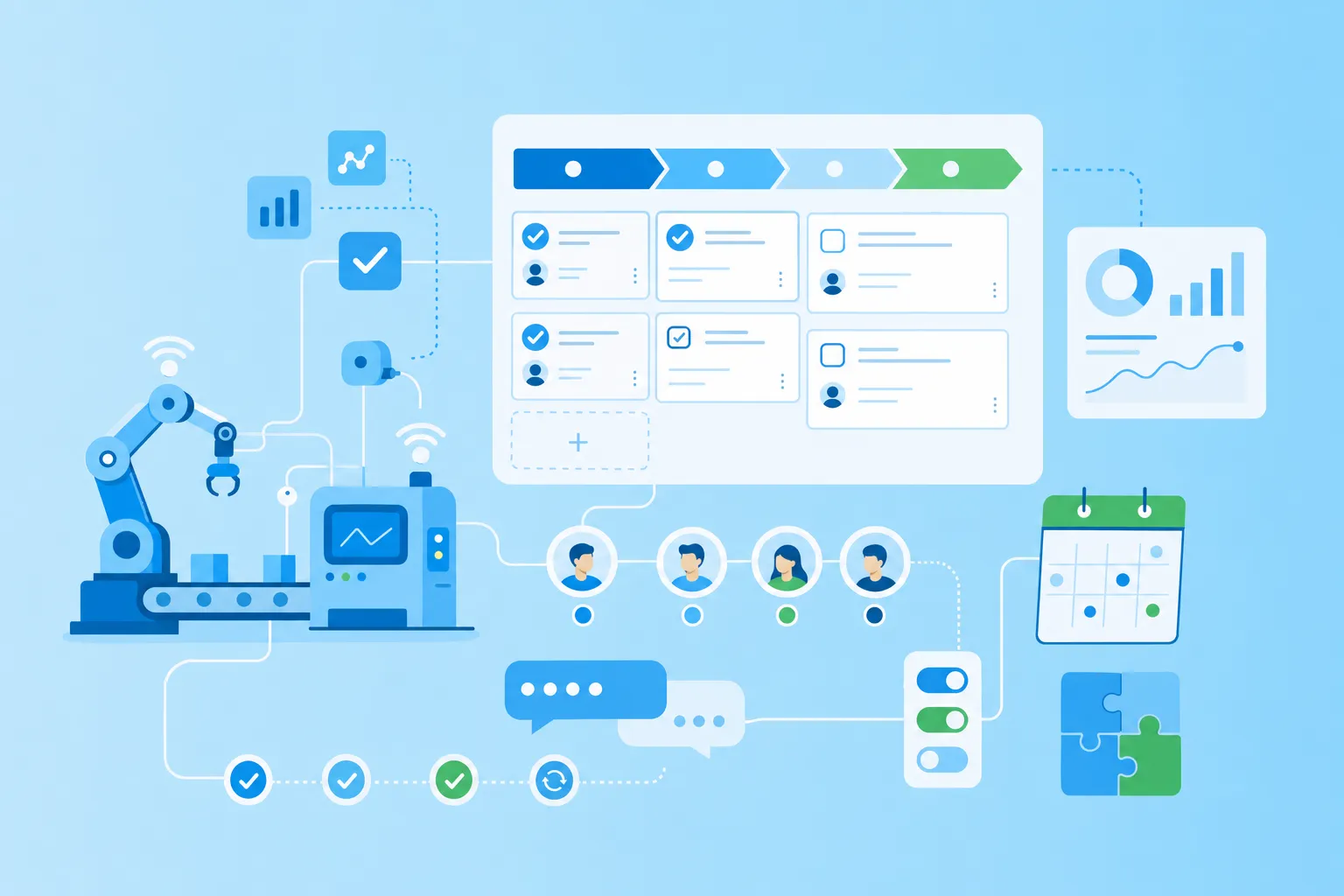

Introducing AI tools to a team without a structured process leads to three predictable problems: tool sprawl (everyone uses a different tool), compliance gaps (no GDPR evaluation before adoption), and wasted budget (tools nobody uses after the first week). A structured AI tool rollout starts with understanding which tool categories exist, evaluating each against clear criteria, running a time-limited pilot with a small group, and coordinating the full deployment with documented onboarding and ongoing review. MeisterTask supports this process by giving teams a shared workspace for pilot tasks, compliance documentation, feedback collection, and rollout coordination.
Which AI tool categories exist
"AI tools" is a broad label. Without a way to organize the options, teams waste time comparing tools that solve completely different problems. As more work shifts to digital ways of working, the range of tools continues to grow. Sorting by job-to-be-done keeps evaluation manageable and helps you focus your search on what your team needs most.
Here are five categories worth knowing:
Text generation: These tools draft, rewrite and summarize documents, emails and marketing copy. A text generator can turn rough notes into a polished first draft or condense a long report into key points.
Meeting summarization: These tools transcribe calls and turn recordings into notes, highlights and action items. They reduce the burden of manual note-taking and help people who missed a meeting catch up quickly.
Image generation: These tools create visuals, mockups and illustrations from text prompts. Design teams use them for quick concepts, while marketing teams generate social graphics or presentation images.
Code assistance: These tools help developers write, review and explain code. They can suggest completions, catch errors and translate code between programming languages.
Research: These tools search, compare and synthesize information across sources. They surface relevant articles, data or citations faster than manual browsing.
Which categories matter depends on your team's real tasks. A content team may prioritize text generation and meeting summaries, while an engineering team may focus on code assistance. A project management office might lean toward research tools that help gather requirements or benchmark competitors. Before you compare vendors, decide which category solves the biggest friction in your current workflow.
Why a structured approach beats a free-for-all
When you let AI tools spread without a plan, you invite problems. Individual team members sign up for different services, often with personal accounts. Sensitive data flows into tools you have never vetted. Costs pile up across subscriptions nobody tracks. If a regulator asks where your data is stored, you may not have an answer.
A structured approach avoids these risks:
Control over data and compliance: You evaluate tools before anyone enters company data, ensuring data residency and processing terms are clear.
Better adoption and less fear: A planned rollout gives team members training and support, so they feel confident rather than anxious about new technology.
Controlled cost at team scale: You test during a pilot, then scale only the tools that prove their value, instead of paying for unused seats.
Clear ownership: One person or team owns the decision, the budget and the compliance documentation.
Measurable results before scaling: A pilot produces evidence of time saved, quality improved or problems discovered, so leadership can approve rollout with confidence.
A confident team also needs baseline AI literacy. Before introducing tools, make sure everyone understands core concepts like prompts, outputs and limitations. For a deeper look, see the companion article on AI literacy fundamentals and what every team needs to know. In the EU, this matters more than ever: EU AI Act Article 4 requires providers and deployers to take measures to support AI literacy among staff who use AI systems on their behalf, an obligation that entered into application on 2 February 2025.
How to evaluate AI tools for your team
Once you have chosen a category and narrowed your options, you need clear evaluation criteria. These four areas deserve attention, especially if your team operates in Europe or handles sensitive data.
1. GDPR and data protection
Start with where the data is processed and stored. EU data residency keeps personal data within the EU jurisdiction, reducing legal complexity and avoiding transfer mechanisms you may not have in place. Ask whether your inputs are used to train the provider's model. Many teams prefer zero-training terms to avoid contributing confidential information to a shared model accessible to other users.
You also need a data processing agreement, known as an AVV in German or a DPA under GDPR Article 28. This contract defines what the provider can and cannot do with your data, including with respect to sub-processors and breach notification timelines. Without a signed agreement, you lack the legal basis to share personal data with that service. Keep in mind that the EU AI Act adds new obligations for deployers, so tools that ignore compliance today may become liabilities tomorrow.
2. Data security
Beyond residency, look at how the provider protects data in practice. Review access controls, audit logging and encryption at rest and in transit. Certifications such as ISO 27001 signal that an independent auditor has reviewed the provider's security management system. SOC 2 reports and penetration test summaries add confidence. Check whether admins can revoke access, monitor usage and set team-wide policies, such as restricting which data types users can upload.
3. Cost at team scale
A free tier may suffice for one person testing the tool, but pricing changes when you scale. Calculate the per-seat cost multiplied across your team, then project it over a full year. Watch for hidden add-ons: premium features locked behind higher tiers, usage caps that trigger overage fees or charges for integrations you need. Compare the annual cost to the time savings or quality gains you expect from the tool. If a tool saves each user two hours a week, you can weigh that benefit against the subscription cost.
4. Rollout effort
Consider how much work it takes to get the tool into daily use. Is the interface intuitive enough that team members can start without extensive training? Does the tool integrate with your existing apps, such as calendars, email or project boards? Estimate the admin setup time and the burden on your IT or operations staff. If the tool requires SSO configuration, custom API work or complex permission hierarchies, factor that into your timeline. If your team still needs a central home for its work, compare options in our roundup of user-friendly project management tools.
You cannot judge all of these on a spec sheet alone. You test them in a small pilot and record the compliance answers somewhere durable so the evidence is available when you need it.
How to run a four-week pilot
A pilot turns theory into evidence. You run the tool in real conditions, collect feedback and document compliance decisions before you commit to a wider rollout.
One thing to clarify: MeisterTask is not an AI tool. It is the coordination layer where you organize the introduction. The board keeps the pilot structured, the feedback centralized and the compliance evidence accessible.
Set the scope
Start with a fixed window, typically four weeks, and a small group of two to three users. Choose the category that solves the most pressing friction. A narrow scope gives you time to evaluate the tool properly without disrupting the whole team. Define success criteria before the pilot begins: what must the tool demonstrate for you to proceed?
Log feedback in one place
Create a shared MeisterTask board with a task per use case. Each task represents a specific job the AI tool should do, such as "summarize weekly sales meeting" or "draft product update email." Users add comments on what worked, what failed and how much time they saved. When feedback lives in one place, nothing gets lost in chat threads or scattered inboxes. At the end of the pilot, you have a structured record to review rather than a collection of half-remembered impressions.
Document compliance as a task card
Create one card to hold the compliance decision. Attach the signed DPA (AVV), add notes on data residency and record who approved the tool for team use. If a regulator or auditor asks later, the evidence exists in one place instead of scattered across inboxes. This step also supports the AI literacy requirement under the EU AI Act, which expects organizations to document how they manage AI use.
Worked example: A five-person marketing team pilots a meeting-summarization tool for four weeks. Two team members run the pilot. They set up a MeisterTask board called "AI pilot: meeting summaries." Each task represents a meeting type: weekly standup, client call, creative review. Users comment after each test, noting accuracy and time saved. One card labeled "Compliance" holds the signed AVV, a note that data stays in the EU and the name of the team lead who approved the pilot.
How to roll out and maintain AI tools
When the pilot proves value, you scale to the wider team. MeisterTask continues to serve as the coordination layer, keeping onboarding, documentation and reviews organized.
Onboard the wider team
Create an onboarding project with a task per team member. Each task tracks account access, training completed and the first use case logged. Assigning each person a task ensures nobody is left behind and gives managers visibility into who still needs support. You can also attach training materials, such as a short video or a link to the prompt library, directly to each task. For more on structuring onboarding workflows, see the article on workflow automation and how to save your team hours.
Build a shared prompt library
During the pilot, users discover prompts that work well. Capture these in Notes so the whole team can reuse them instead of starting from scratch.
Organize prompts by use case or category, and encourage team members to add their own discoveries. Over time, the library becomes a living document that reflects your team's collective knowledge of how to get the most from each tool.
Review every quarter
Set a recurring quarterly task to revisit your AI tools. Check whether the cost still makes sense, whether new features have appeared and whether any team members have stopped using the tool. Review security bulletins or news about the provider's data practices. The regulatory landscape is also evolving: EU AI Act obligations phase in through 2026 and 2027, so a quarterly review helps you stay ahead of new requirements and adjust before deadlines arrive.
Worked example: A team sets a recurring quarterly task assigned to the operations lead. Each quarter, the owner reviews the AI tools in use, reconfirms the AVV with each provider, checks seat utilization and drops unused licenses. The owner also notes any changes in the provider's terms of service. The task card stores notes from each review, creating a history that proves ongoing compliance and supports audits.
Conclusion: keep AI adoption organized and compliant
Introducing AI tools to your team is a process, not a one-time purchase. You start by understanding the categories, then evaluate tools against compliance and security criteria. A focused pilot surfaces real evidence of value, and a structured rollout ensures the whole team benefits.
MeisterTask serves as the coordination layer that keeps the entire introduction organized, transparent and documented. Every pilot board, every compliance card and every quarterly review lives in one place. Hosted in Germany, ISO 27001 certified and GDPR compliant, MeisterTask gives you a foundation you can trust as AI rules evolve.